TL;DR
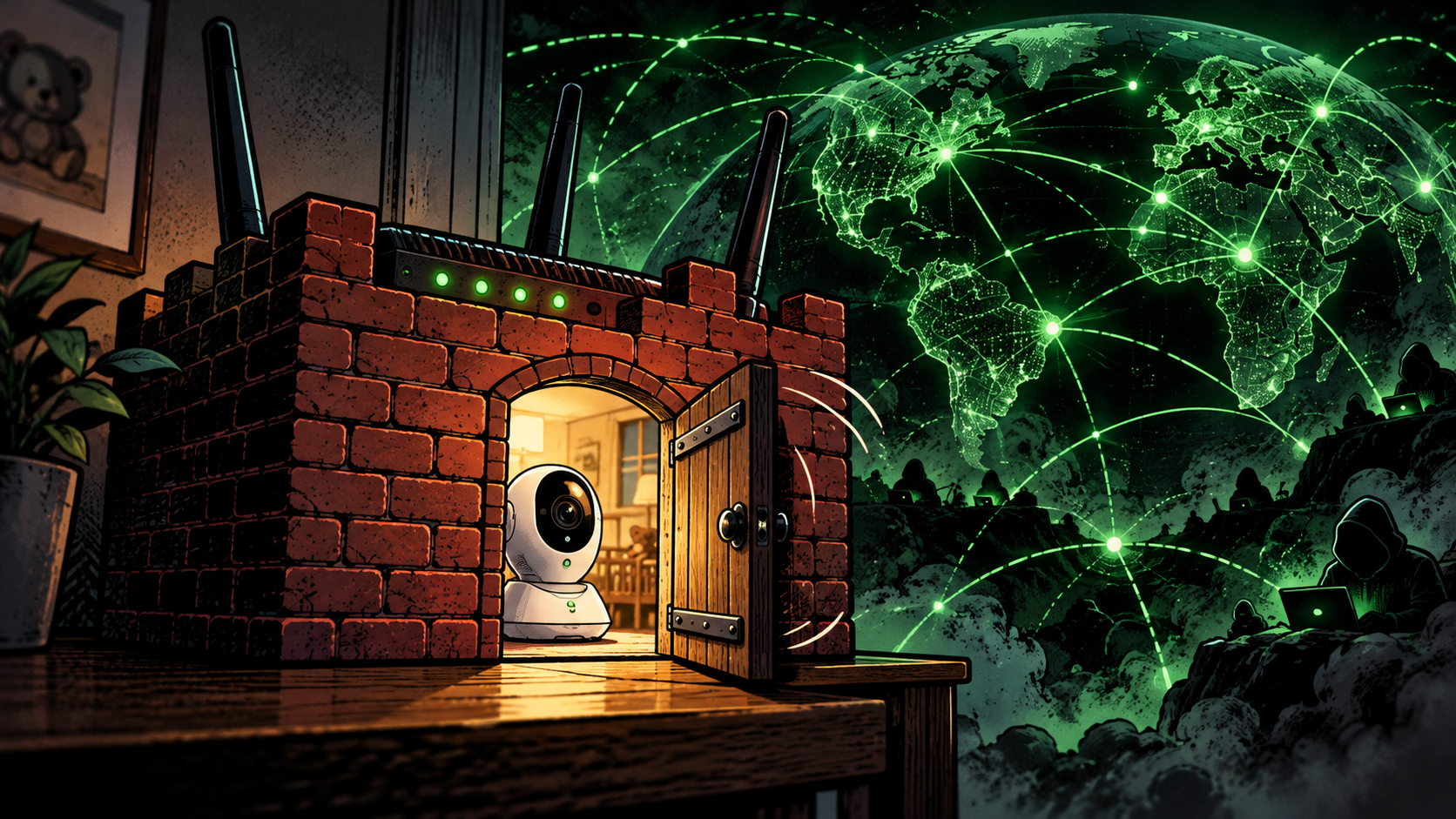
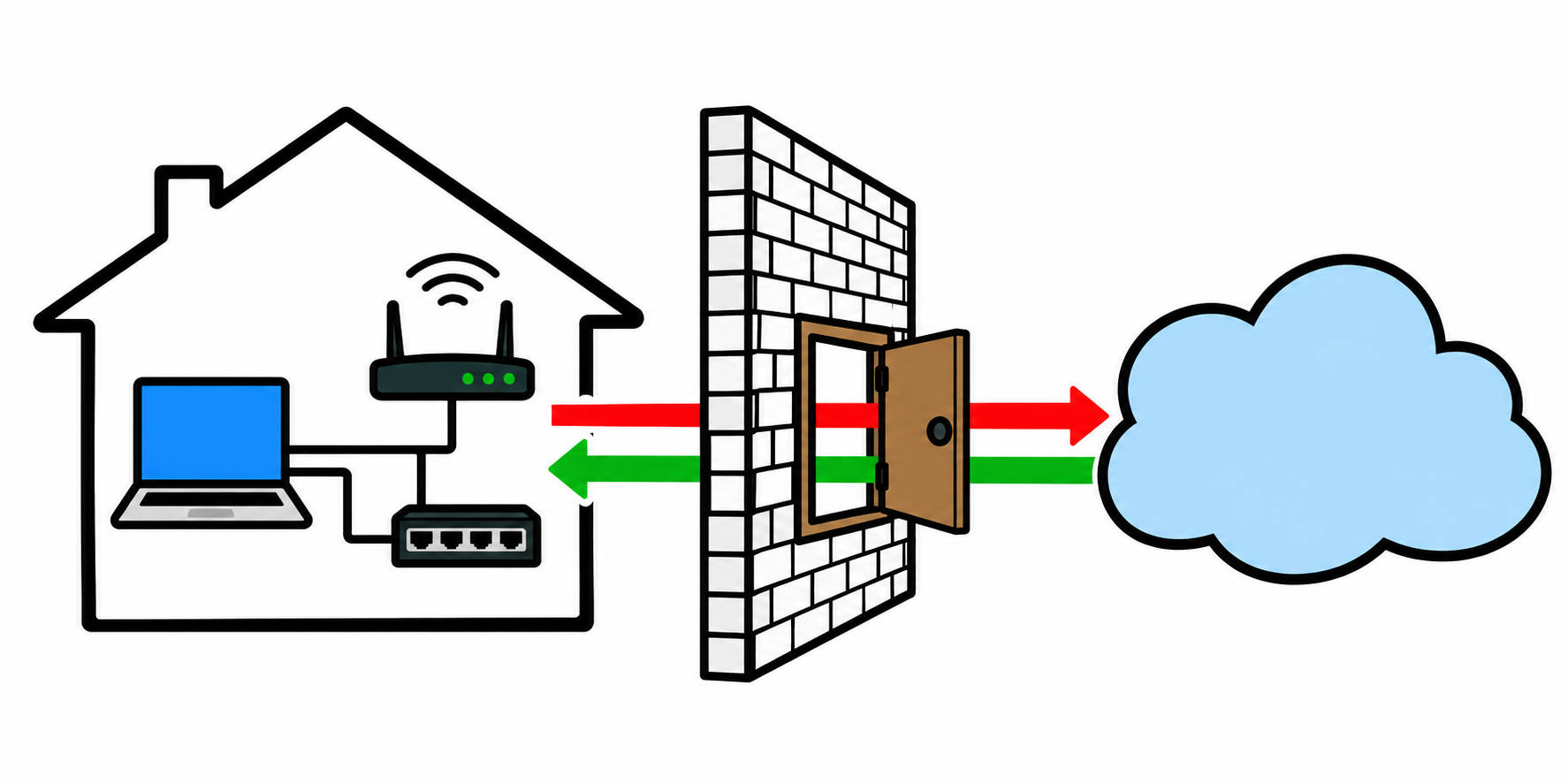
Your home router has a firewall, and it does one quiet, essential job: it lets your devices reach out to the internet while stopping the internet from reaching back in. That firewall is the single wall between the open internet and the camera, the printer, and the laptop on your network. The uncomfortable part is that most routers ship with a feature switched on that lets anything already inside your network ask the firewall to open a door to the outside, and the firewall just says yes. No password, nothing on your screen, it simply does it.
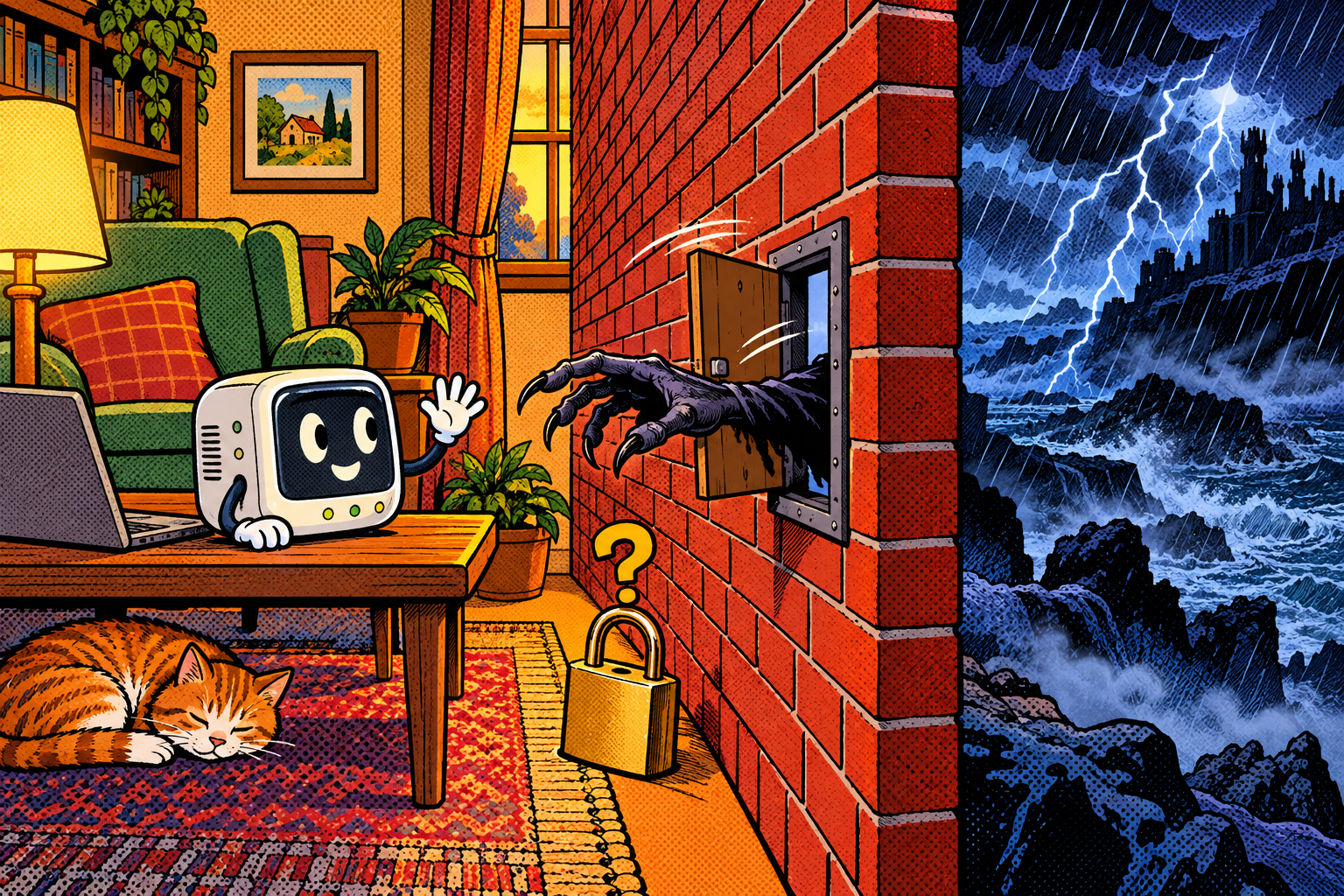
That feature is called UPnP, it exists so your games and gadgets « just work, » and it is one of the quietly dangerous settings in your house. I build the UPnP tools into the Evil-M5Project so you can ask your own router one simple question, what is open, and see the answer for yourself, because the shock is usually not a hypothetical attack but the list of doors already standing open that nobody remembers opening.
The one wall you trust
Most people never think about their home router at all, and when they do, they think of it as the box that makes the Wi-Fi work. But it is also doing something you are quietly betting your privacy on every minute of every day: it is the one wall standing between the open internet and every device in your home. The baby monitor, the network printer, the laptop with your tax returns on it, all of them sit behind that one wall, and all of them assume it stays shut to the outside.
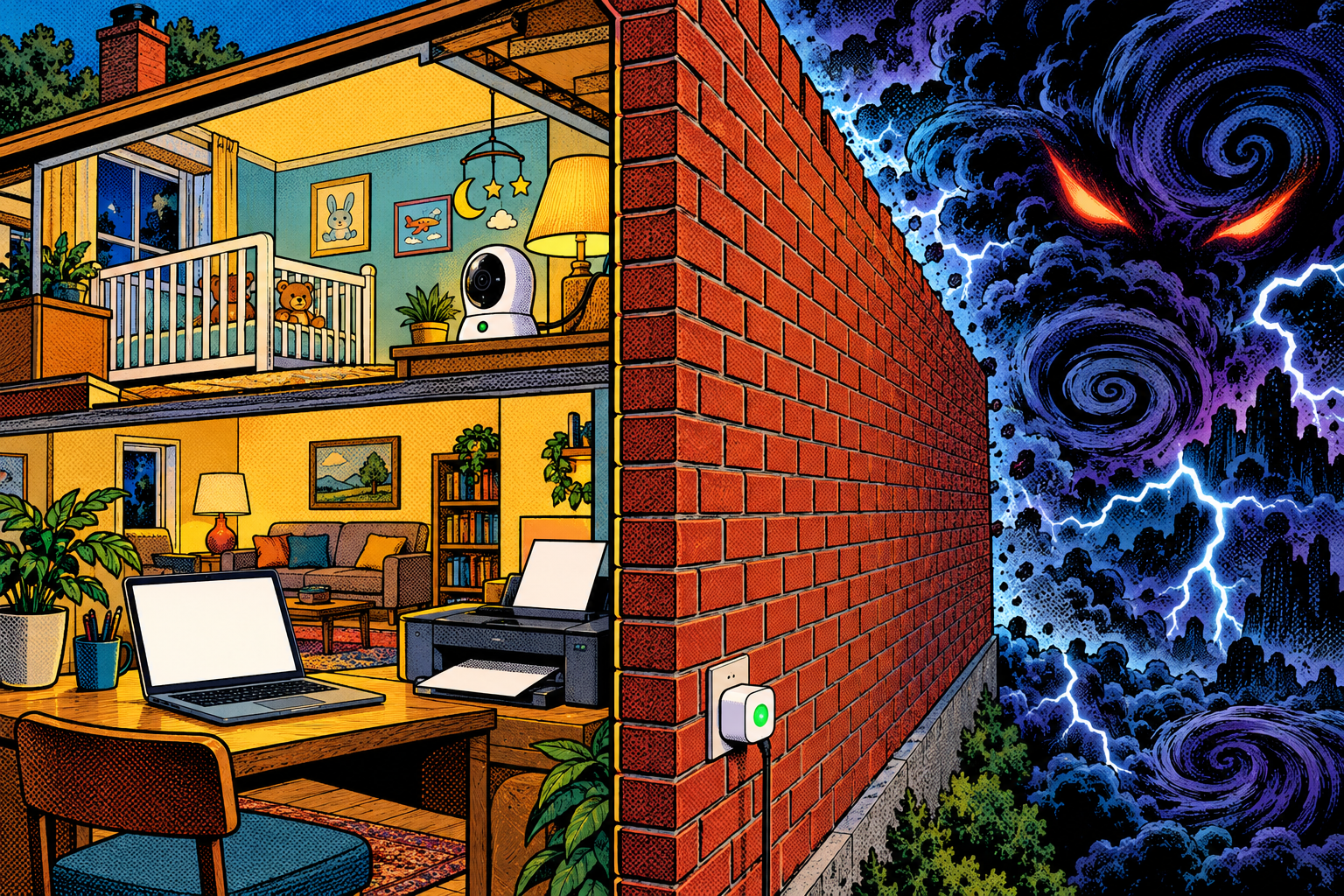
For traffic arriving from the internet, it does stay shut, and it does it well. The problem is not the wall. The problem is a small, helpful feature that hands out the keys to anything already standing on the inside, no questions asked. Let me show you how the wall works, how that feature quietly opens doors in it, and how to find out what is already open in your own house.
How your router keeps the internet out
When your laptop asks for a web page, the request goes out through the router and the reply comes back to that same conversation. The router is doing two jobs at once here. First, it rewrites addresses so that all your devices can share one public address, the part called NAT. Second, a built-in firewall keeps track of which conversations your devices actually started, and drops anything arriving from the internet that nobody inside asked for. That second job is the wall.
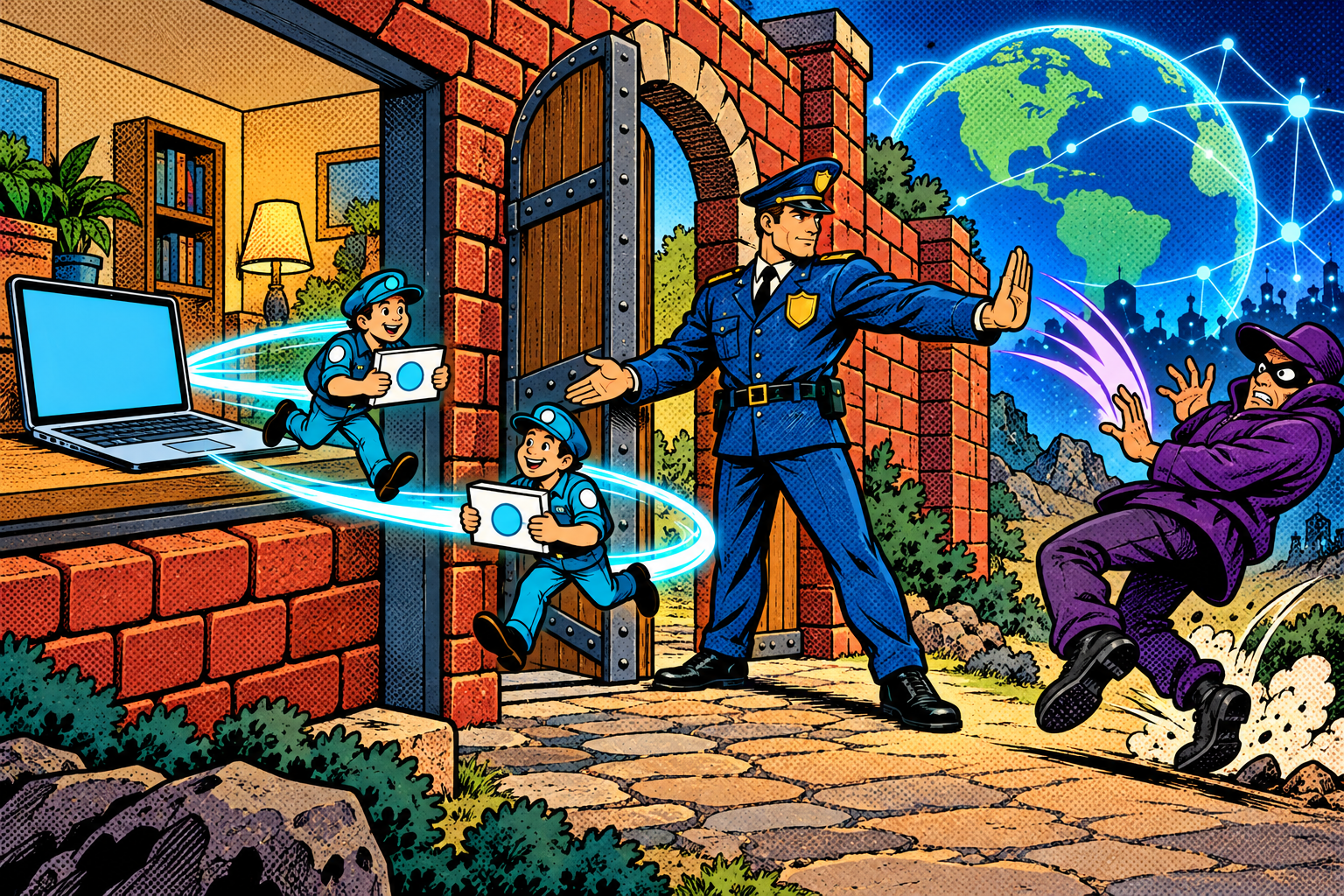
That is why a stranger on the internet cannot simply reach your home camera: there is no conversation it belongs to, and no open door for it to walk through. The usual, deliberate way an outsider gets an unsolicited connection in is a port forward, a specific door that someone opens on purpose and points at one device inside, where a port is just a numbered door on your connection. Normally you would have to log into the router and set that up yourself, which means someone made a conscious choice to open it. That deliberate step is exactly what the next feature quietly removes.
UPnP: the door that opens itself
UPnP (Universal Plug and Play) exists so that you do not have to open those doors by hand. When your games console wants other players to connect, or a video-call app wants a direct line, it gets the router to open the right door for it automatically, and from your side everything just works. It is genuinely convenient, which is most of why it is still everywhere.
There are two steps to it, and it is worth keeping them apart because the attack later splits along the exact same line. First, discovery: the device sends out a shout on the local network, using a protocol called SSDP, asking « is there a router here that does UPnP? », and the router answers with a link to its UPnP control service. Second, the request itself: the device contacts that service and asks it to open a specific port. And at no point in either step does anything ask for a password. The UPnP gateway standard never defined any way for a device on the network to prove who it is, so there is simply nothing to check. Any device on your network can ask, and the router will do it.
What that lets an attacker do
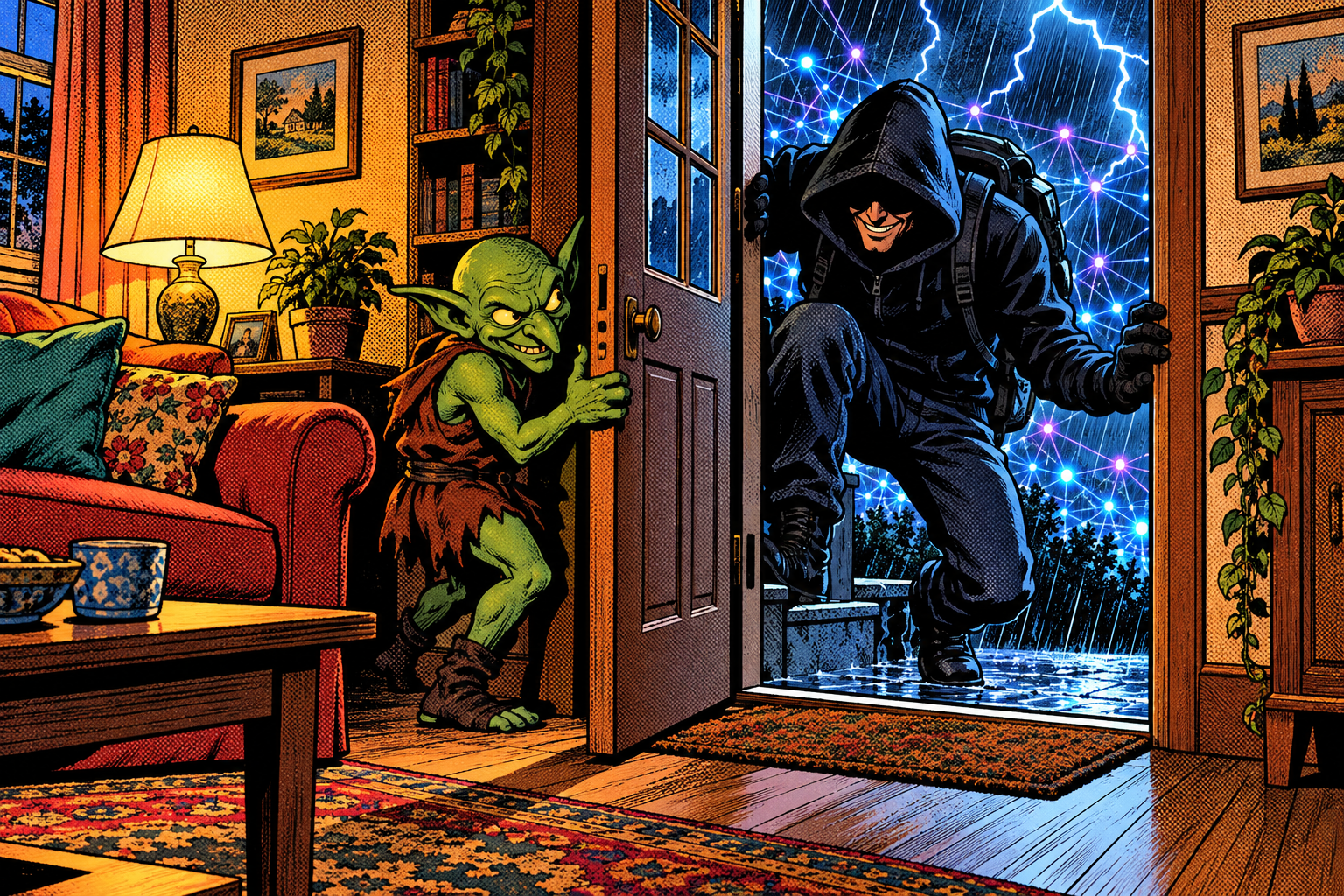
Put something hostile inside the network, a piece of malware on a laptop, a compromised smart-home gadget, a rogue device someone got onto the Wi-Fi, and that friendly assumption turns into a serious problem. The malware can quietly ask the router to open a door straight to itself, which hands an attacker out on the internet a way back in whenever they like, with nothing on your screen to show for it and no alert anywhere.
On many routers it does not even have to point the door at itself. It can open doors aimed at other devices too, dragging an internal camera or a file share into public view without touching those devices at all. The same politeness that lets your console host a game lets malware host a backdoor, and the firewall, which would have blocked that connection from the outside without a second thought, opened the door itself because something on the inside asked nicely.
What’s already open
There is a quieter shock waiting before any attacker shows up. A great many networks already have doors standing open that nobody remembers opening. Games consoles, smart TVs, and all sorts of apps request UPnP forwards as they go, and a lot of them never clean up after themselves when they are done. The doors just stay open, indefinitely, long after the thing that wanted them is gone.
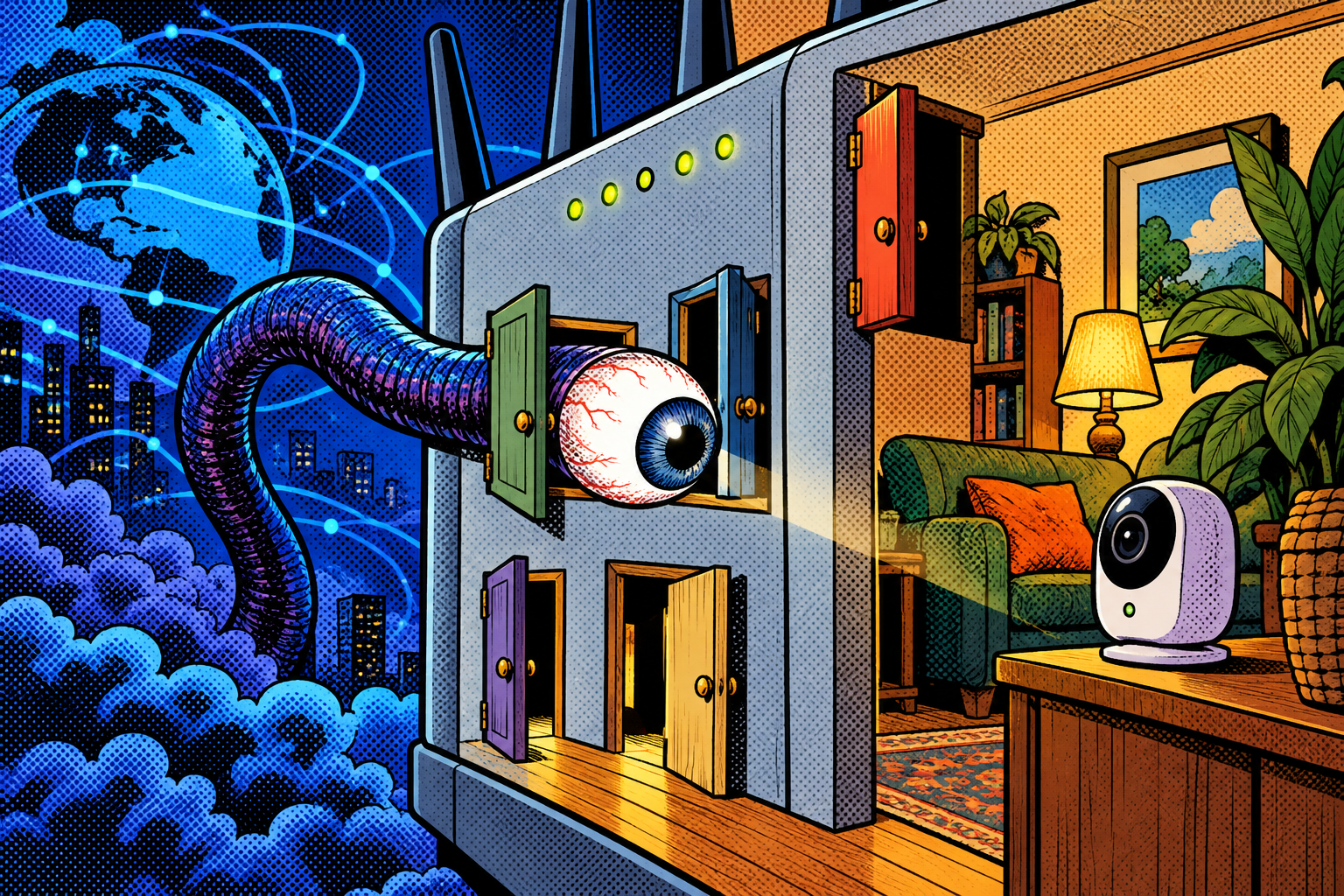
A tool that simply asks the router to list its current mappings tends to turn up a short and uncomfortable list of internal things reachable from the internet, on a network whose owner was certain nothing was exposed. This is not theoretical: internet-wide scanners like Shodan catalogue devices exposed this way all the time, which means a door you forgot about is a door that is already being knocked on. That read-only list is usually the single most persuasive thing you can show someone about their own network.
Technical deep dive: SSDP, UPnP IGD, and reflection
This is the part worth slowing down on, and you can skim it if you only want the defenses. The discovery step uses SSDP, which runs over UDP on port 1900 and works by multicast: a device sends an M-SEARCH message to a group address that everything on the local network hears, and any UPnP device answers. This is how your console finds the router with no configuration, and it is also why a single rogue device can answer discovery for the whole network, which is the basis of the poisoning trick later.
The second step is the UPnP Internet Gateway Device service. The device makes a request, an action called AddPortMapping, that tells the router « forward external port X to internal device Y on port Z. » The standard never included authentication for this, so the router carries out the request purely because it arrived from inside. On many older or sloppier routers it will even accept a mapping that points at a device other than the one asking, which is what lets malware expose a camera it does not control. The fix some routers ship, a stricter mode, only allows a device to open a port to itself, which closes that particular hole.
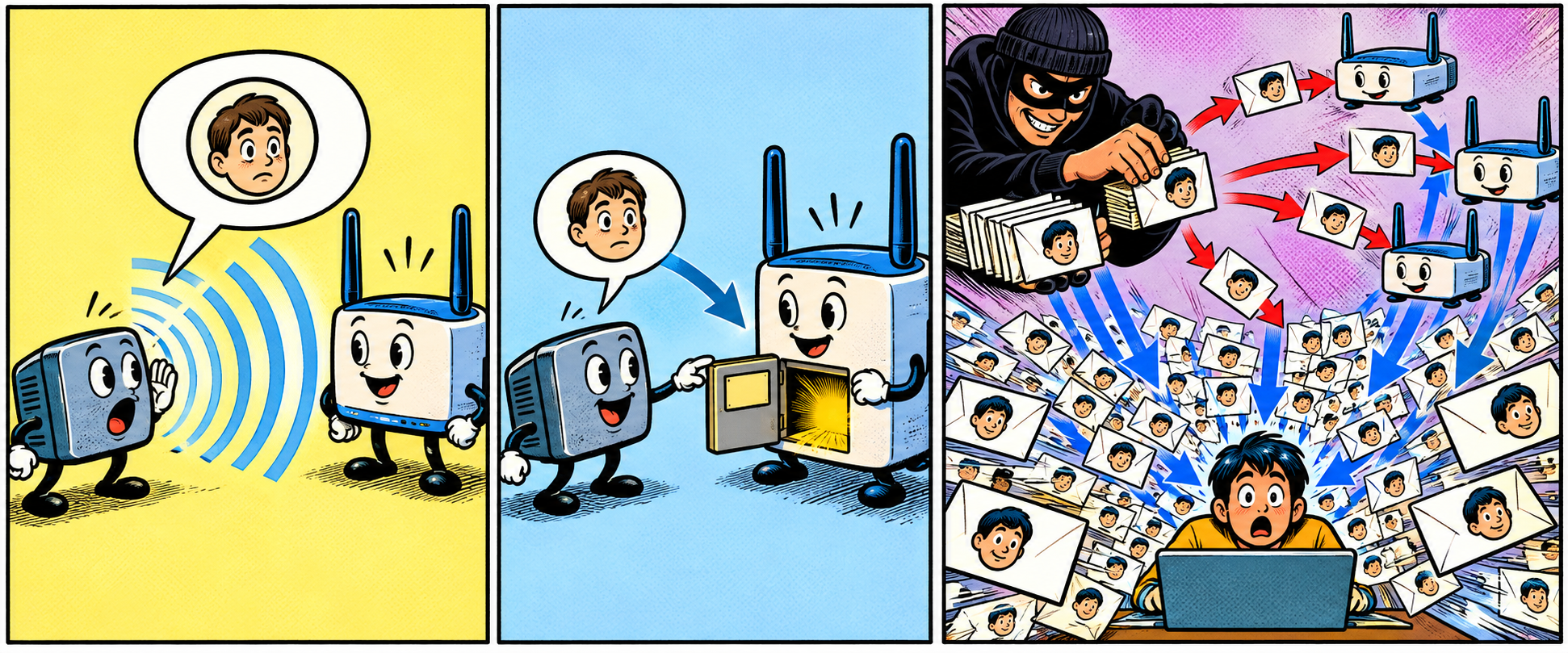
SSDP has a second, internet-facing dark side worth understanding separately: reflection and amplification. An attacker sends small SSDP queries to UPnP devices that are exposed to the internet, but forges the victim’s address as the sender, so each device fires its larger reply at the victim instead of back at the attacker. Many small requests become a flood of larger responses aimed at someone else, which is why an internet-exposed SSDP service can be conscripted as an unwitting weapon in a denial-of-service attack, and why blocking SSDP at the network boundary sits on every defender’s list. That reflection problem lives on the open internet and is separate from the LAN-side door-opening, but they share the same chatty, trusting protocol at the root.
The baby monitor that answered to everyone
Say you are Priya, and you set up a cheap Wi-Fi baby monitor so you can check on the nursery from your phone while you are out. You never touched your router settings, because you never had to; the camera quietly did the work for you, and the app reached it from anywhere, which felt like exactly the convenience you paid for. Some cameras pull this off by using UPnP to open an inbound door so the app can reach them from outside your home, and the trouble is that the same door is open to everyone else outside your home too.
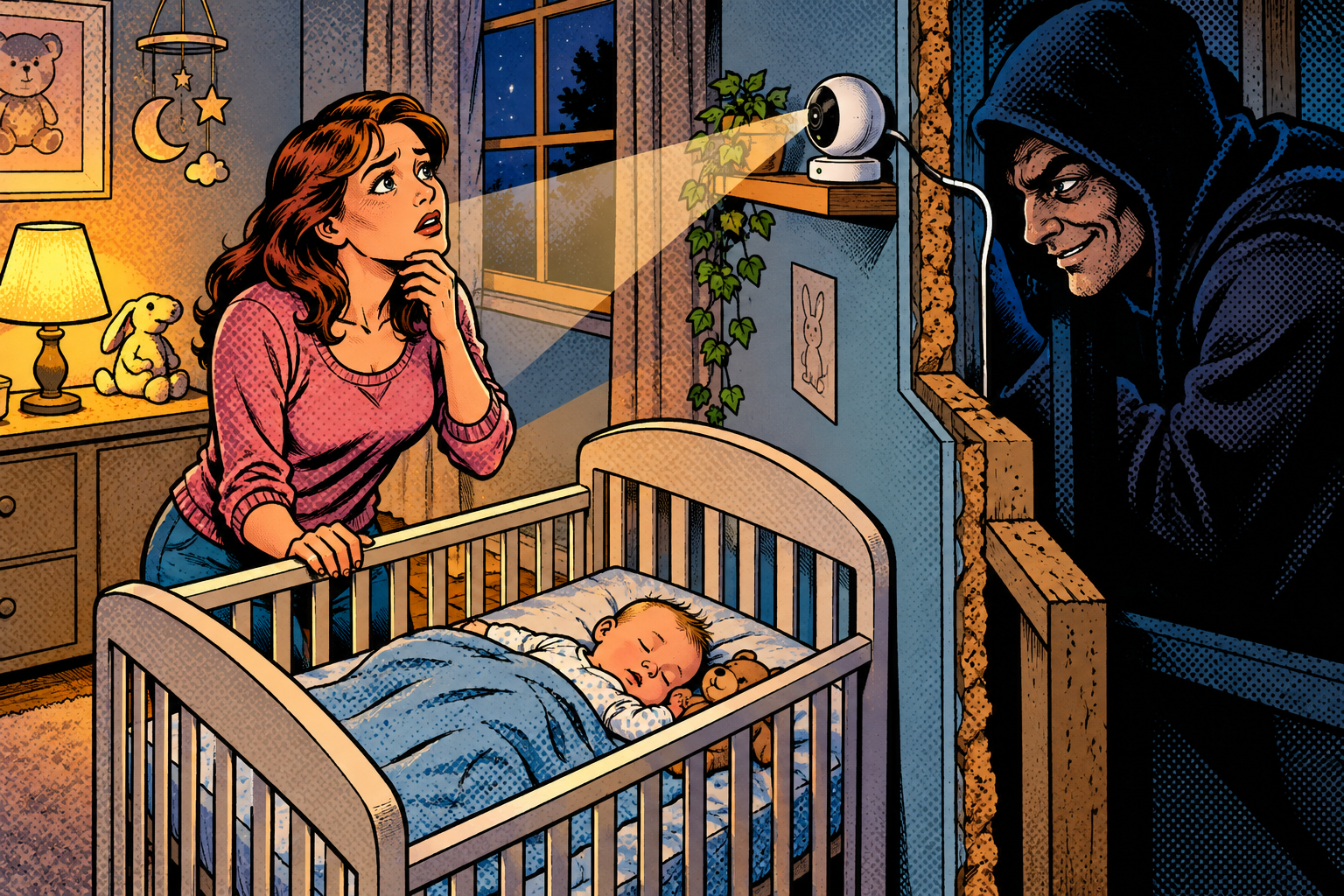
Months later you learn, from a stranger or a news story, that your camera’s feed has been turning up on one of those websites that index exposed cameras, found by an automated scanner that knocked on every open door on the internet and simply walked through yours. You never opened a port, you never changed a setting, you did nothing wrong by any ordinary measure. The camera opened the door for you, and the router, trusting anything on the inside, did not think to ask whether that was a good idea.
Why it works
UPnP does exactly what it was designed to do, which is the whole problem rather than a malfunction. It was built to make a home network effortless, in an era and a setting where everything on the network was assumed to be trusted and friendly, so it never learned how to say no to anything. The firewall, in turn, treats « inside » as friendly by default, because for most of its history inside really was friendly.

Stack those two assumptions together on a modern home network, full of cheap smart gadgets of wildly varying trustworthiness, and you get a wall that opens its own doors on request from anything standing behind it. UPnP is still switched on out of the box on plenty of routers, though more vendors now ship it off or restricted, and the convenience is real enough that most people would never think to turn it off even if they knew it was there. A genuinely helpful feature, left on and forgotten, quietly becomes a hole.
How to protect yourself
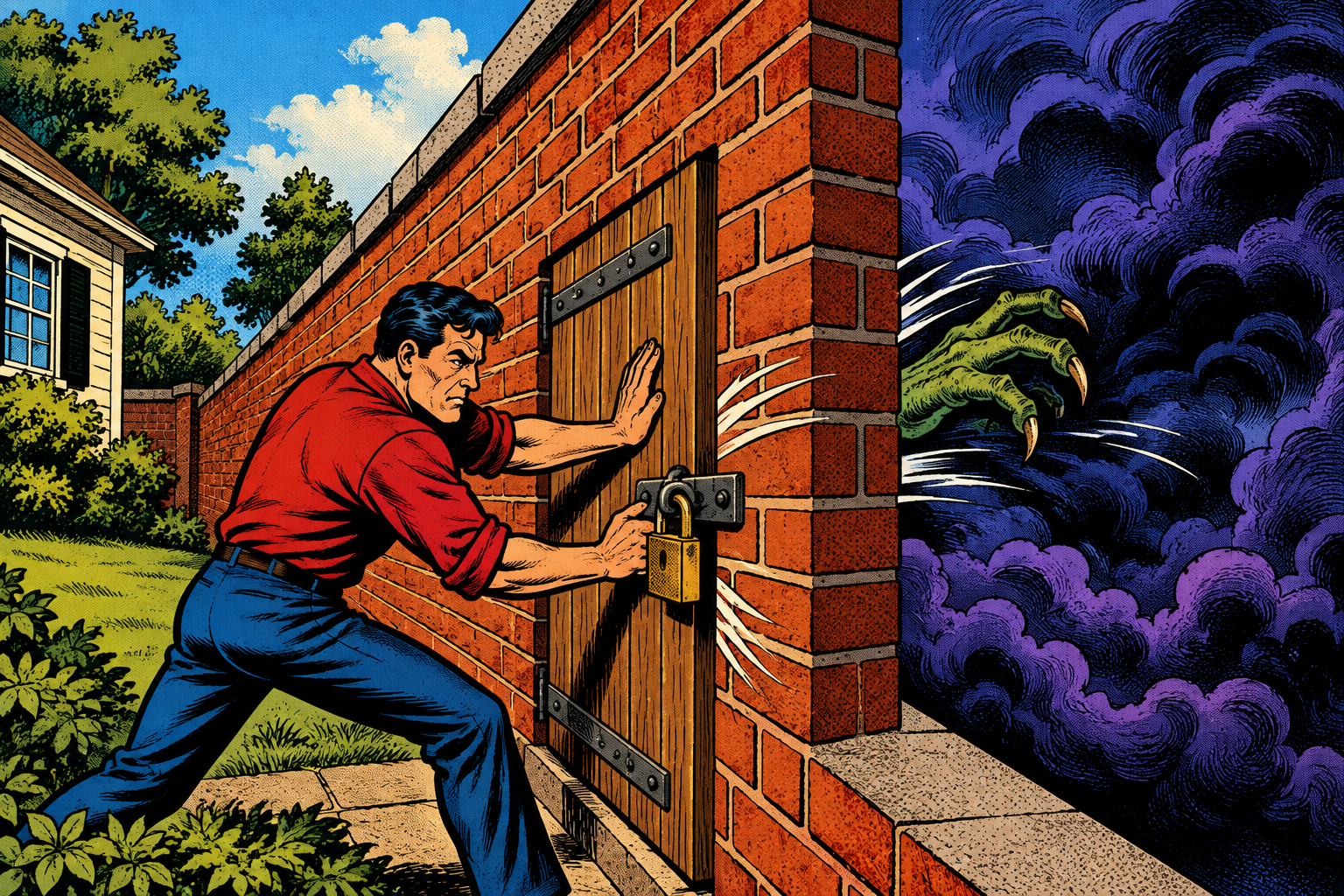
The fix here is almost insultingly simple, and the main reason it does not happen is that nobody knows the setting exists. Here is what actually closes it.
If it is your home network
- Turn UPnP off on your router unless you genuinely need it. Most people do not, and the handful of things that really want a forwarded port can be set up by hand, once, and then left alone. It is usually a single toggle buried in the router’s settings.
- Check what is already mapped. Your router’s UPnP or port-forwarding page lists the open doors, and you should close anything you do not recognise, because a forgotten mapping is the most common way a home ends up exposed.
- Keep your router’s firmware (its built-in software) updated, and replace routers too old to still get updates. UPnP bugs have been genuinely serious over the years, and new ones still turn up.
- Put smart-home gadgets, the cameras and the cheap plugs, on a separate guest network, so that a single compromised one cannot wander into the rest of your devices.
- Some routers offer a stricter UPnP mode that only lets a device open a port to itself, never one pointed at another machine. If yours has it, turn it on; if it does not, turning UPnP off entirely is the safe choice.
If you run a business network
- UPnP has no business on a corporate network at all. Disable it, and watch for SSDP and UPnP chatter on the LAN as a sign that something is trying to use it.
- Block SSDP at the network boundary, so that your own devices cannot be forged into the reflection attacks described earlier and turned into someone else’s weapon.
Doing it with the Evil-M5Project
Evil-M5Project, the firmware I build, has three ways to make this concrete on a network you control, and the first one is the one that changes minds.
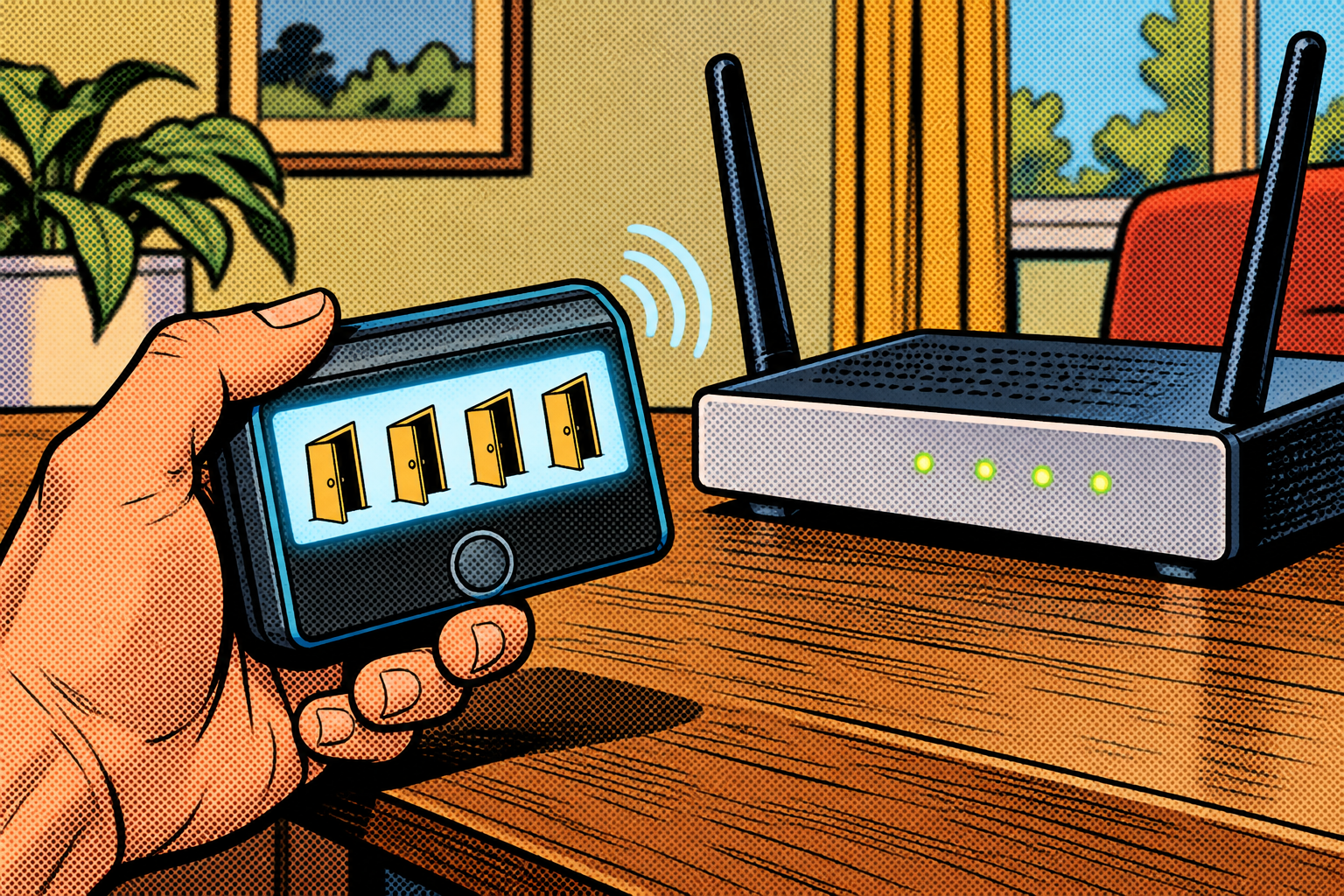
- UPnP Mapping asks your router to list its current port mappings and shows you the exposure surface: every door that is open, and what inside it points to. It is completely read-only, and it is usually the exact moment the lesson lands, because the list is almost never empty.
- UPnP NAT does the other half: it finds the router, opens a port on your own network, and shows you the public address and port it just exposed. It is precisely what malware does to let itself back in, except there is nothing bad waiting on the other end.
- SSDP Poisoning answers discovery with hundreds of fake devices, which pollutes what every machine on the network sees when it looks for devices, burying the real services among the fakes. This is local noise on your own network, a demonstration of the chatty discovery protocol, not the internet reflection attack from the deep dive.
The honest limits keep it grounded. You have to be on the network already, because all three of these are LAN-side; the internet-facing SSDP reflection attack is a separate problem these tools do not perform. The port-opening only works if the router has UPnP turned on, so a router with UPnP off, which is the fix, simply ignores the request and proves the point. And the fake-device flood is noisy and can disrupt the real devices around it, so it belongs in a lab, not on a network you share with other people.
Evil-M5Project is for ethical and educational use only. Only map, open, or flood UPnP and SSDP on networks you own or are explicitly authorized to test, and follow the laws where you are.
Firmware and docs: https://github.com/7h30th3r0n3/Evil-M5Project.
A door that opens itself
You lean on the home router’s firewall as the one wall between your things and the open internet, and against traffic coming from outside, it genuinely holds. The gap is that it was built to trust everything on the inside, and UPnP quietly hands that trust to any device that asks for it, including the ones that absolutely should not have it. It is the same shape as so much of this series: a system trusting where a request came from instead of checking whether it should be granted.
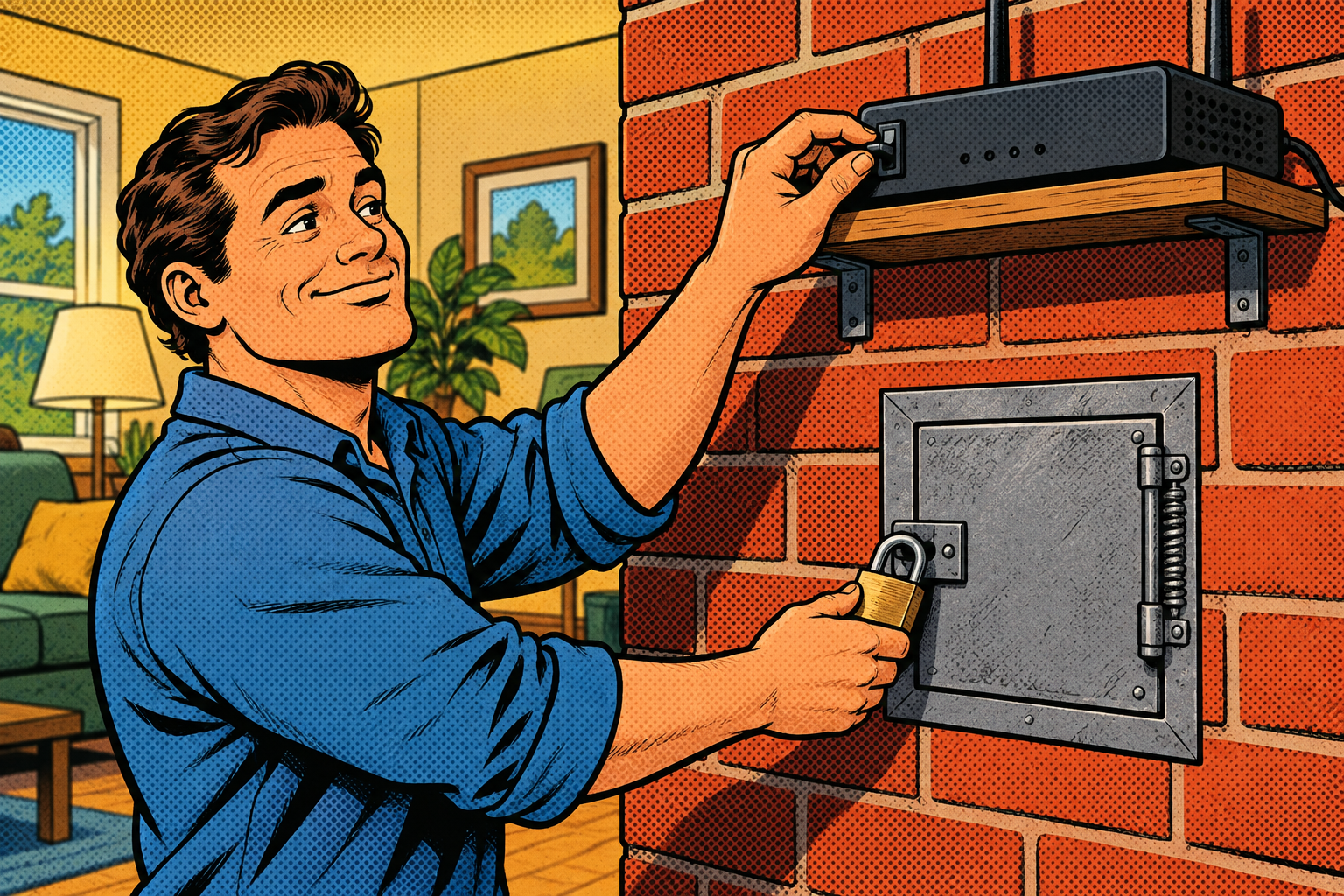
The fix is almost insultingly simple, and most people never do it because they never knew it was a thing: turn UPnP off, open the one or two doors you actually need by hand, and check now and then that nothing opened a door behind your back. I build the UPnP tools into Evil-M5Project so you can ask your own router that one question, what is open, and see the answer with your own eyes. The list is usually all the convincing anyone needs.
Laisser un commentaire
Vous devez vous connecter pour publier un commentaire.