TL;DR
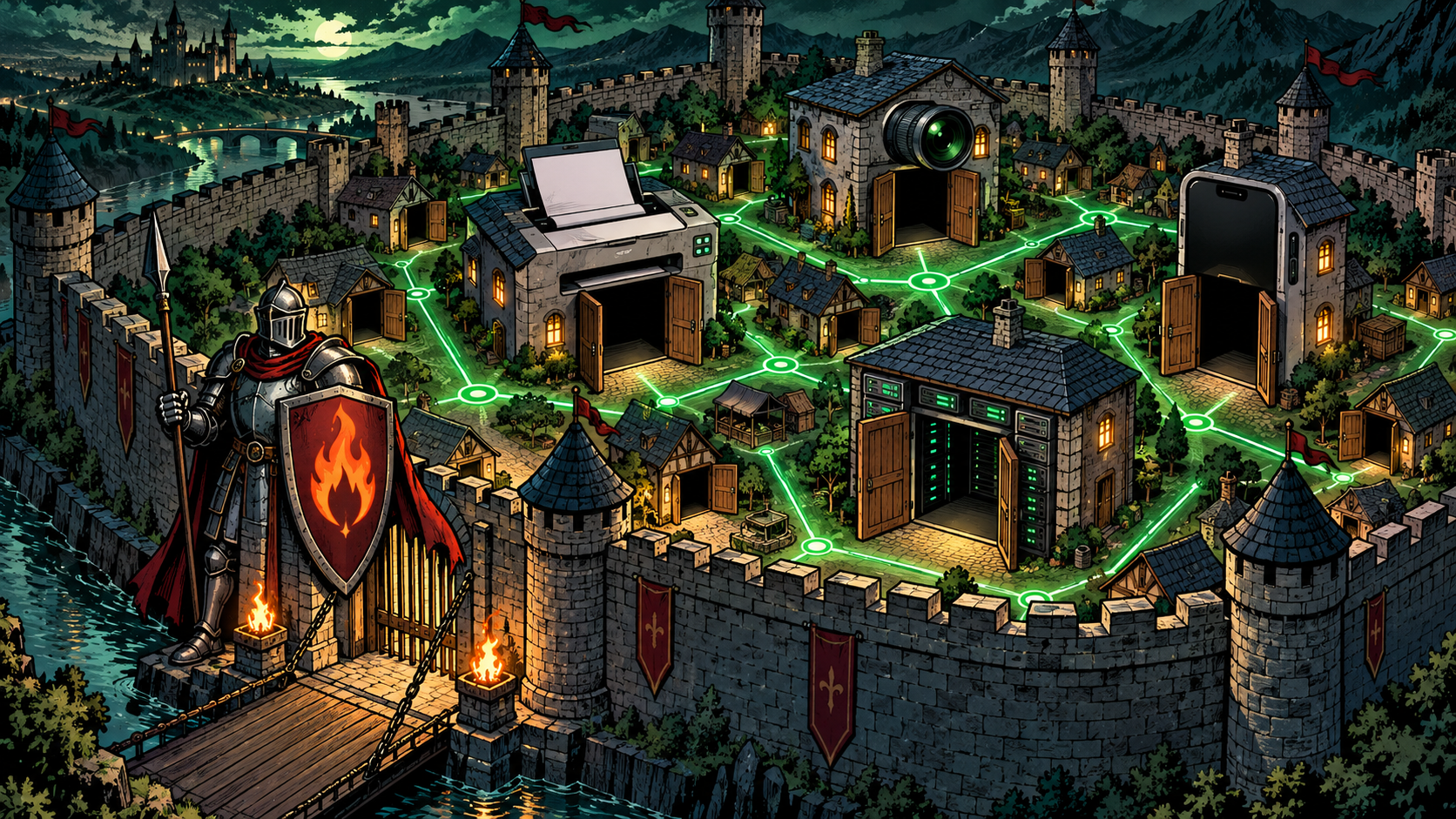
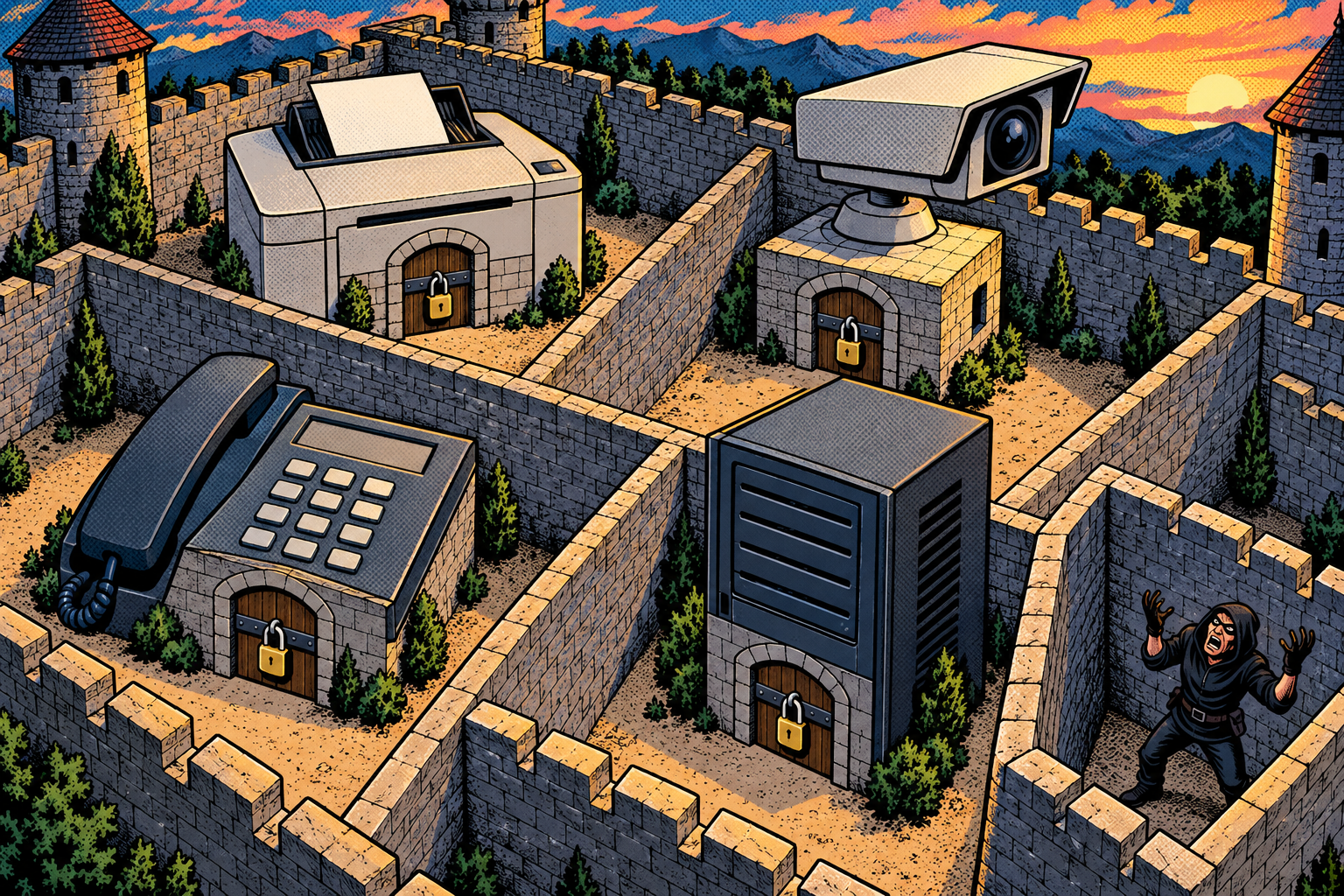
A company can spend a fortune on the firewall at the edge of its network, the wall that keeps the internet out, and most of them do. Step over that wall, though, onto the office Wi-Fi or a network socket in a meeting room, and you often find a completely different place. The printers, the cameras, the desk phones, and the directory listing every employee in the building are mostly just sitting there, answering to anyone who bothers to ask. A flat network is a walled town where the gate is guarded and not a single house has a lock.

The inside of a network is a surprisingly trusting place, and that is the whole weakness. I build these tools into the Evil-M5Project so an administrator can spend one hour watching their own network answer every question an intruder would ask, which tends to be the hour that gets the segmentation budget approved. What follows is that tour: what is quietly reachable in the first hour after someone gets a foothold, and what it costs to finally put locks on the houses.
The guarded gate and the unlocked houses
Network security has a shape most people picture correctly: a strong wall at the boundary, with the dangerous internet on the outside and your own trusted things on the inside. Enormous effort goes into that wall, and for keeping unsolicited traffic out, it genuinely works. The firewall at the edge is probably the best-defended thing the company owns.

The trouble is what that picture leaves out. Behind the guarded gate, the town itself is usually wide open, because everyone assumed the gate was the whole job. Get inside by any means, a visitor’s laptop, a rogue gadget in a meeting room, one compromised PC, and you are standing in a place where the printer, the camera, the phone system, and the directory of every employee will all happily talk to you, no questions asked. Let me walk you through that first hour inside, device by device, and then through what it takes to lock the houses.
Inside the wall, everyone’s a friend
Your firewall spends its whole life on one job: letting people inside reach out to the internet, and stopping the internet from reaching back in. It is very good at that, and it is where almost all the security attention goes. The trouble is what happens on the inside, where most networks are « flat »: every device can talk to every other device, and anything on the network is quietly assumed to be friendly simply because it is there.
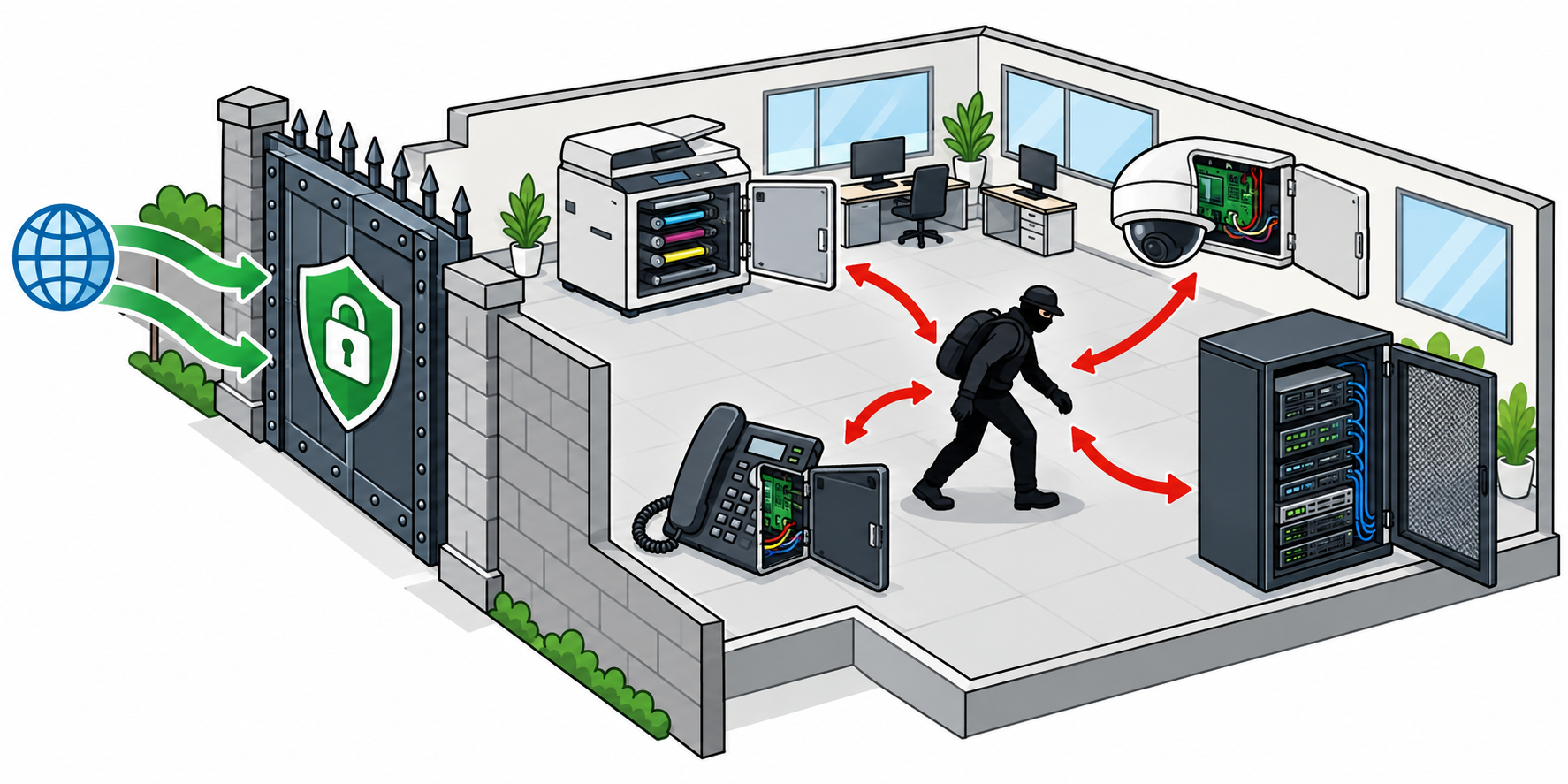
That assumption made perfect sense when a network was a single room of trusted machines that all belonged to the same company. On a modern office network, stretched across floors and buildings and full of guest Wi-Fi and contractor laptops and smart gadgets, it means something far more dangerous: once something is inside, whether that is a tester’s laptop, a rogue gadget on the Wi-Fi, or a single compromised PC, it can reach the printer, the camera, the phone system, the file shares, and a great deal more, with nothing at all standing in the way.
The printer nobody thinks about
A networked printer is a small computer that almost nobody ever thinks of as one, and that blind spot is exactly why it is so useful to an intruder. On a huge number of networks it is listening on a port (a numbered door a device answers on) called 9100, the one used for raw printing, and it will accept and print whatever you send it, from anyone, with no password at all. That alone is good for mischief, but it goes much deeper than printing a prank page.
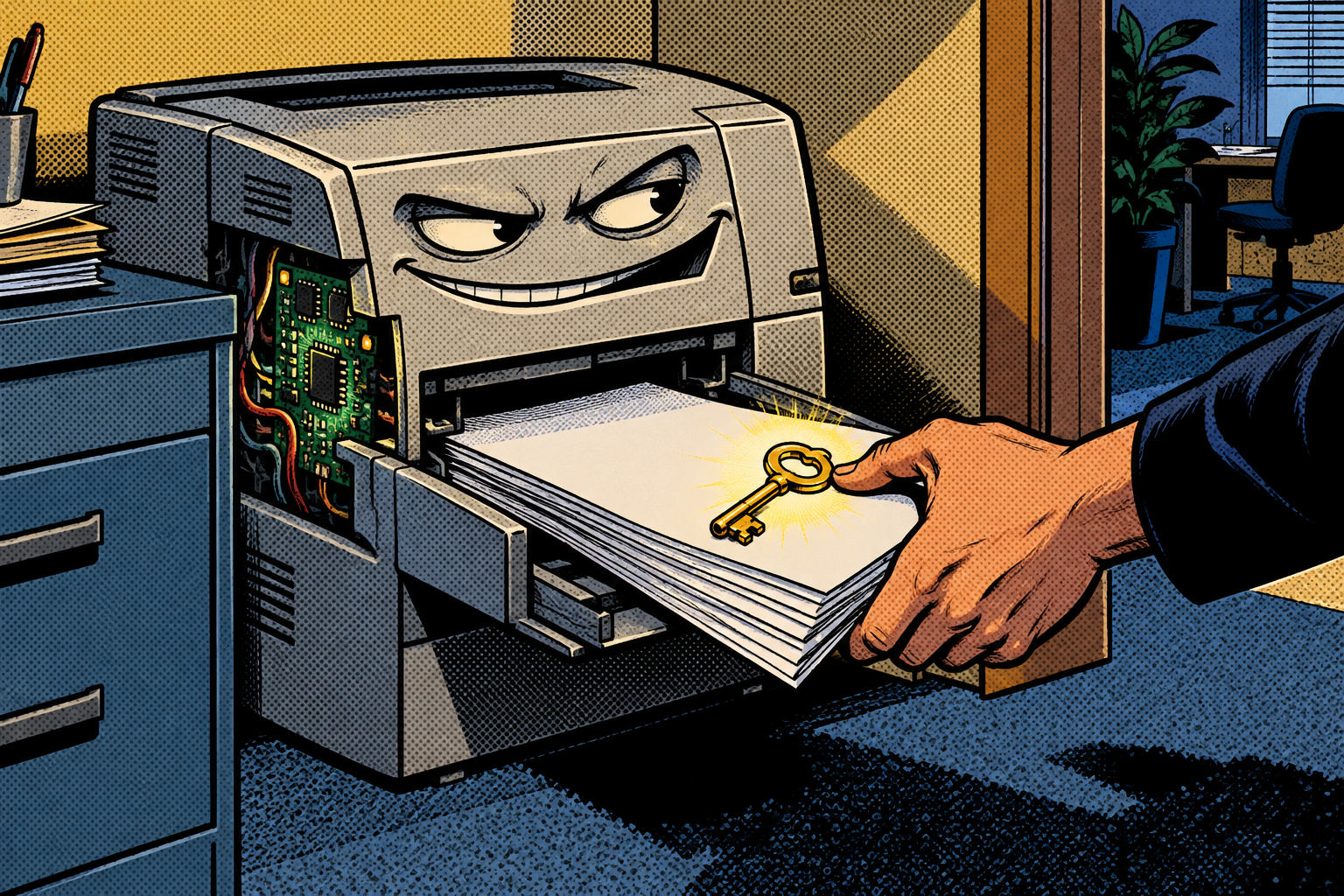
A quick SNMP query (SNMP is a protocol for reading, and sometimes changing, a device’s settings and status) reports the model, the toner levels, the error log, and a surprising amount about the network around it. Many printers quietly store copies of the documents they scan and print, and plenty are configured with the credentials to reach a file server or the company directory so that « scan to folder » works, credentials that can sometimes be read straight back out of the device. The humble printer in the corner is very often the softest computer in the entire building, and the one nobody is watching.
The camera watching the car park
IP cameras are the same story as the printer, only worse, because a camera is a sensor pointed at something you presumably cared enough to watch. They speak a handful of protocols (a web page over HTTP, a video stream over RTSP, and a standard for discovering and managing cameras called ONVIF), and an enormous number of them still sit on the exact password they shipped with, something like admin/admin that was never changed during installation.

Find the camera on the network, try the default login, and you may simply be watching the feed, live, from a meeting room or a reception desk you have never set foot in. Plenty of models have well-documented vulnerabilities stacked on top of that weak default. It is the inside-the-building version of the exposed cameras from the UPnP episode, the ones a router quietly opened to the internet, except here nobody had to open a door at all. The camera is reachable by anything that shares the same flat network, and that is the entire attack.
The phones you can make talk
Office phone systems usually run on SIP, the signalling protocol behind most business VoIP (voice calls carried over the network), on a well-known port, UDP 5060. On a flat network you can map out all the handsets and the PBX, the box that routes the calls, just by asking, and from there the trouble depends on how loosely the system was set up.

Depending on that configuration, you may be able to spoof the caller ID on a call so it looks like it came from someone it did not, which is a gift to anyone running a phone scam from inside a trusted number, or, where the attacker can reach the call’s audio and it is not encrypted, listen in on conversations. Proper segmentation (keeping different kinds of device in separate zones) and encrypted signalling shut most of this down cleanly. It is the flat, default, never-hardened setups that get caught, which is to say, a great many of them.
The whole company, by design
The biggest surprise in that first hour is not a device at all. Active Directory, the system that holds every user, group, computer, and administrator in a Windows network, is readable by any authenticated domain user by design. It has to be, in a sense, because the network uses it to function, but the consequence is severe. The moment an attacker has one ordinary employee’s account, the whole directory opens up to them.
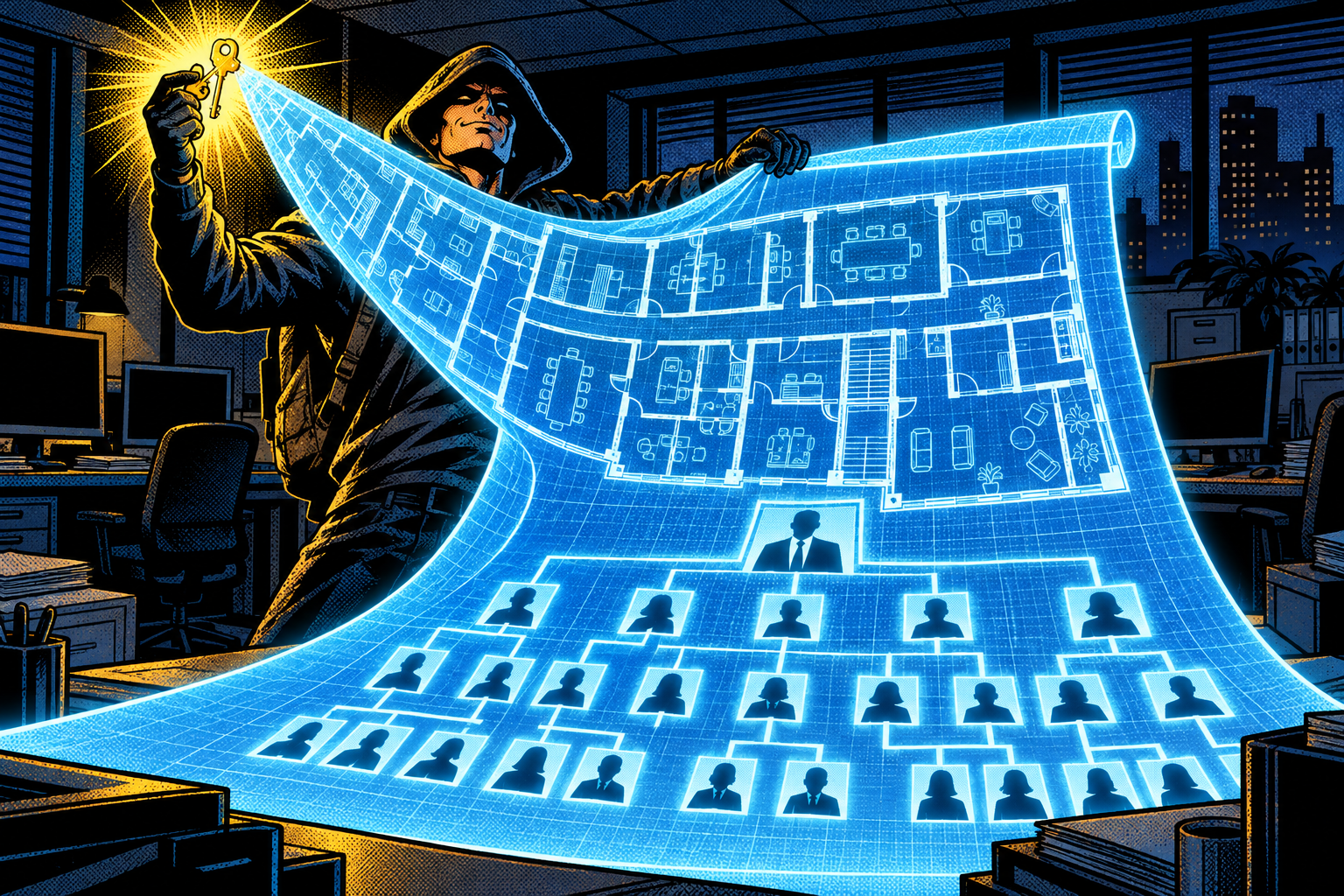
And getting one account is exactly what the Responder attack earlier in this series yields: it captures credential material an attacker then cracks or relays into a working login. With that single ordinary login, they can ask the directory, over a protocol called LDAP (port 389), for a complete map of the organisation: who the admins are, which machines matter, how the groups nest, where the valuable accounts live. No exploit, no special privilege, no alarm. One normal account turns into a detailed floor plan of the entire company, and an intruder reads that floor plan to decide exactly where to go next.
Technical deep dive: the ports, the protocols, and the directory
This is the part worth slowing down on, and you can skim it if you only want the defenses. The reason that first hour is so productive is that each of these systems answers on a well-known door with a well-known language, and on a flat network every door is reachable from every other. The printer answers raw print jobs on TCP 9100 and status queries over SNMP (UDP 161), often with the default « public » community string still readable. The camera answers a config page over HTTP, a video stream over RTSP (TCP 554), and management over ONVIF, very often behind a factory default password. The phone system answers SIP on UDP 5060, where it will happily describe itself to anyone who asks.
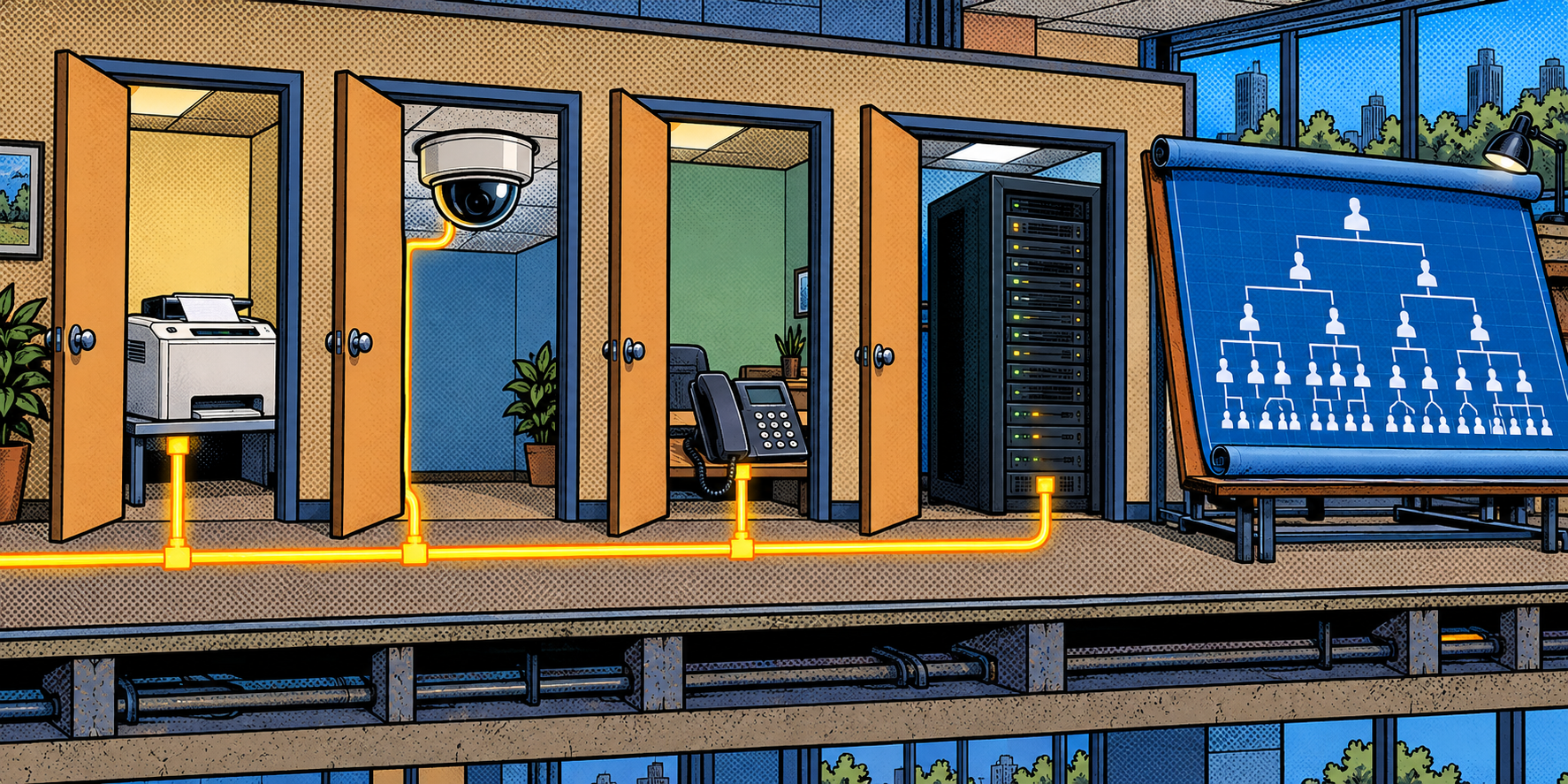
The crown jewel is LDAP on TCP 389, the query language for Active Directory. An authenticated enumeration walks the directory and pulls out users, groups, computers, the nesting of admin groups, service accounts with weak configurations, and the trust relationships between domains, all of it readable by design to any logged-in user. None of this is an exploit in the classic sense; it is the network answering legitimate questions to a party it should not trust. The single thing that changes the whole picture is segmentation: VLANs that put printers, cameras, phones, user machines, and servers in separate zones mean that standing on one of those doors no longer lets you knock on all the others, and most of this first hour simply stops working.
An hour in the meeting room
Say you are Sophie, and you run IT for a mid-sized firm with a tidy, modern firewall you are rightly proud of, the kind of boundary that keeps you off the worry list at night. One afternoon an auditor plugs a small device into a meeting-room network socket and simply leaves it there for an hour while everyone gets on with the meeting. Nobody gives it a second look, because it is just a little box by a wall.

In that hour it maps every device on the network, finds three cameras still on their factory password, a printer that will print anything sent to it, and a phone system that answers to anyone. Then, using a test account you set up months ago and forgot to disable, it pulls a full list of your staff, your groups, and your domain administrators into a neat, sortable report. Nothing was hacked in the dramatic sense anyone imagines. Everything simply answered the questions it was asked, because inside your wall, asking was allowed, and that quiet fact is the whole finding you take back to the budget meeting.
Why it works
Flat networks are built flat because it is easy, and because for years « the firewall keeps us safe » genuinely felt like enough. Inside the wall, trust comes from location rather than identity: you are on the network, so you must belong, and everything is configured to be helpful to you on that basis. The printers and cameras and phones ship insecure out of the box and rarely get hardened afterwards, because hardening them is nobody’s specific job, and the directory is readable on purpose because the network needs it to be.

None of it is a bug, and that is the uncomfortable part. It is a pile of individually reasonable decisions, convenience here, a default there, a budget saved somewhere else, that add up to a building where the only real lock is on the front gate. The attacker does not break anything. They walk the halls that were left open and write down what they see, which is why it works almost every time and why the fix is architectural rather than a patch.
How to protect yourself
This is largely an architecture job, which means the people who run the network hold almost all the levers, and the single biggest one is segmentation.
If you run the network
- Segment it. Put printers, cameras, phones, user machines, and servers in separate zones (VLANs) that can only reach what they actually need. A camera has no reason to talk to the finance server, and a guest has no reason to reach either, so do not let them.
- Change every default password, on the printers and cameras and phones as much as on the servers, and do not leave services wide open: a printer’s raw-printing port should be reachable only from the systems that actually print, and genuinely unused services (writable SNMP, camera protocols you do not use) should be switched off.
- Patch the quiet devices. Printer and camera firmware (the software baked into the device) carries real vulnerabilities, and nobody updates it unless it is explicitly someone’s job, so make it someone’s job.
- Treat Active Directory as readable the moment anyone has one account. You cannot fully stop a logged-in user reading the directory, so assume one stolen credential maps the whole organisation: tier your admin accounts, trim what is exposed, and watch for the bulk LDAP queries that signal someone enumerating it.
- Watch the traffic between devices, not just at the edge. A camera suddenly scanning the network, or a laptop pulling the entire directory, is exactly the signal you want to catch, and it is invisible if you only watch the boundary.
If you are a user
- This one really is an architecture job, not something you can fix from your desk. The genuinely useful thing you can do is report the odd: an unknown device plugged into a wall socket, a camera or printer you do not recognise, a desk phone behaving strangely. That report is sometimes the only early warning anyone gets.
Doing it with the Evil-M5Project
Evil-M5Project, the firmware I build, carries a set of tools for exactly this internal look-around, meant for a network you are authorised to assess, because the fastest way to convince anyone of all of the above is to show it to them on their own network.
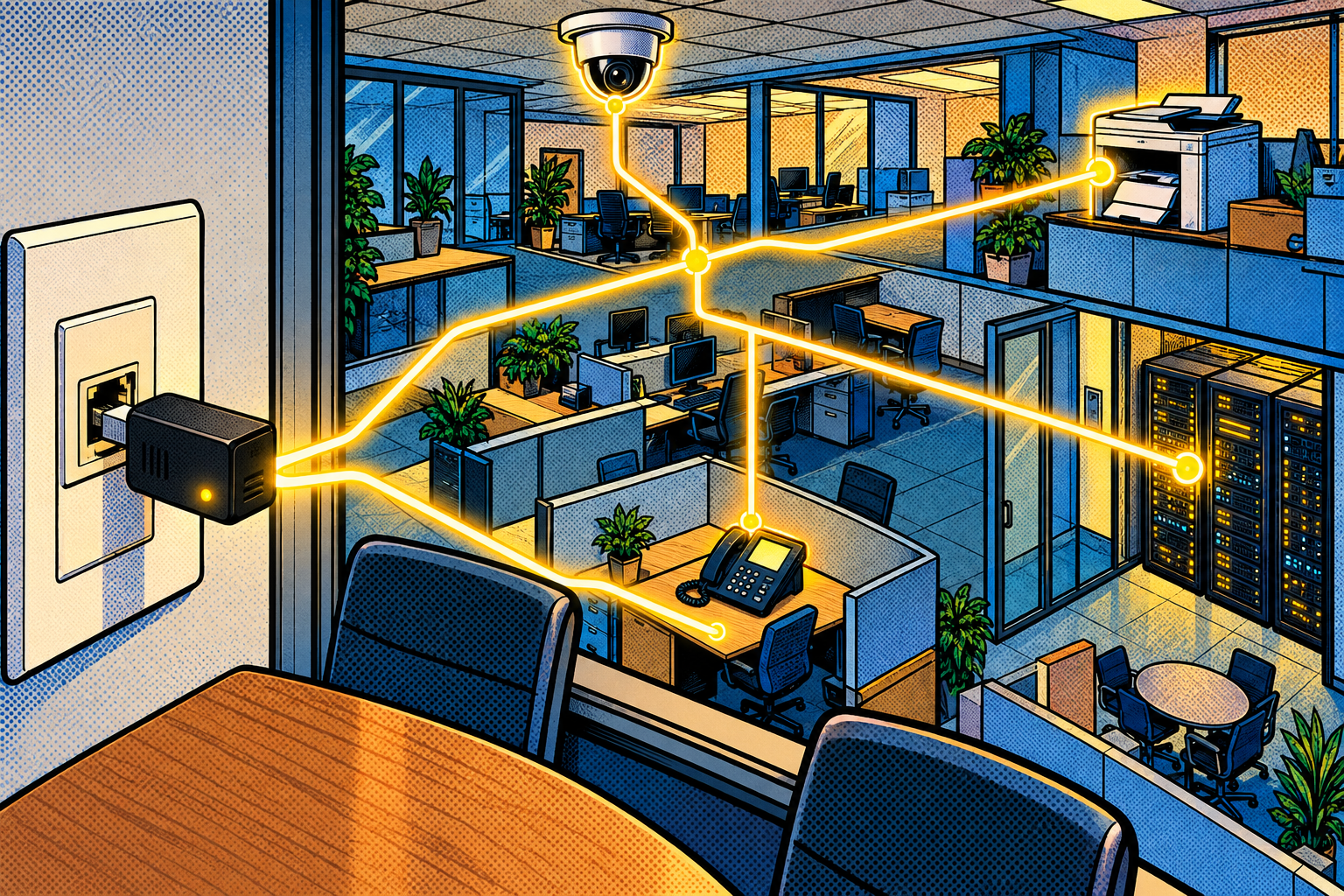
- Full Network Scan maps the devices, open ports, and services on the network, the starting picture of what is reachable from where you are standing.
- The Printer Attack module finds printers listening on port 9100 and reads their status over SNMP, which is usually enough to make the point about how open they are.
- The CCTV Toolkit discovers and fingerprints IP cameras, identifies the brand, and checks the common default logins, so you can see which cameras are still wide open at a glance.
- The SIP Toolkit maps the VoIP phones and the PBX on the network and gauges how exposed they are, and LDAPDump, given a valid domain account you are allowed to use, enumerates Active Directory and writes it into a sortable HTML report, which is the single most sobering thing you can hand an administrator.
The honest limits keep it grounded. All of this needs you on the network already, and most of it needs a flat, poorly-segmented one, so proper VLANs, encrypted signalling, and hardened devices quietly take most of it off the table. LDAPDump needs a real account to start with: it reads the directory, it does not break into it. And this is reconnaissance and assessment, mapping what is exposed, not a magic exploit. The entire point is to show a defender the surface so that they can shrink it.
Evil-M5Project is for ethical and educational use only. Only scan, probe, or enumerate networks and directories you own or have explicit written authorization to test, and follow the laws where you are.
Firmware and docs: https://github.com/7h30th3r0n3/Evil-M5Project.
Locks on the houses
We have spent twenty years making the gate into a network strong, and far less time thinking about what happens to anyone who is already inside it. On a flat network the answer is « quite a lot, » because the printer, the camera, the phone, and the directory were every one of them built to trust whoever is on the inside, back when inside was safe. It is the same quiet shape as the rest of this series: a system trusting location instead of verifying identity.
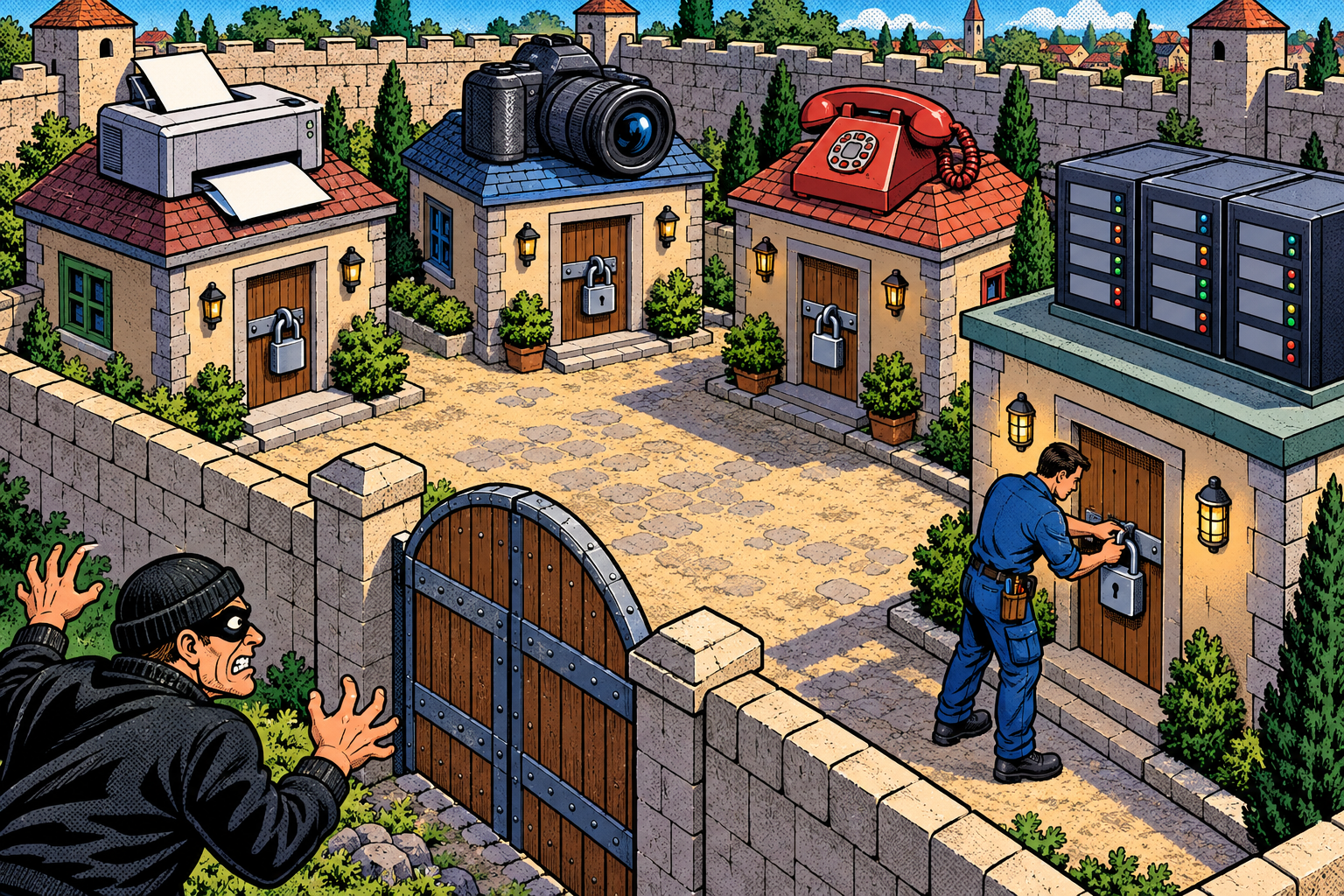
The fix is not a cleverer firewall, it is locks on the houses: segment the network, change the defaults, patch the forgotten devices, and assume one stolen login can read the whole map. I build these tools into Evil-M5Project so that an administrator can spend one hour seeing their own network the way an intruder would, and in my experience that hour, watching their own printers and cameras and directory answer a stranger, is the one that finally gets the locks fitted.
Laisser un commentaire
Vous devez vous connecter pour publier un commentaire.