TL;DR
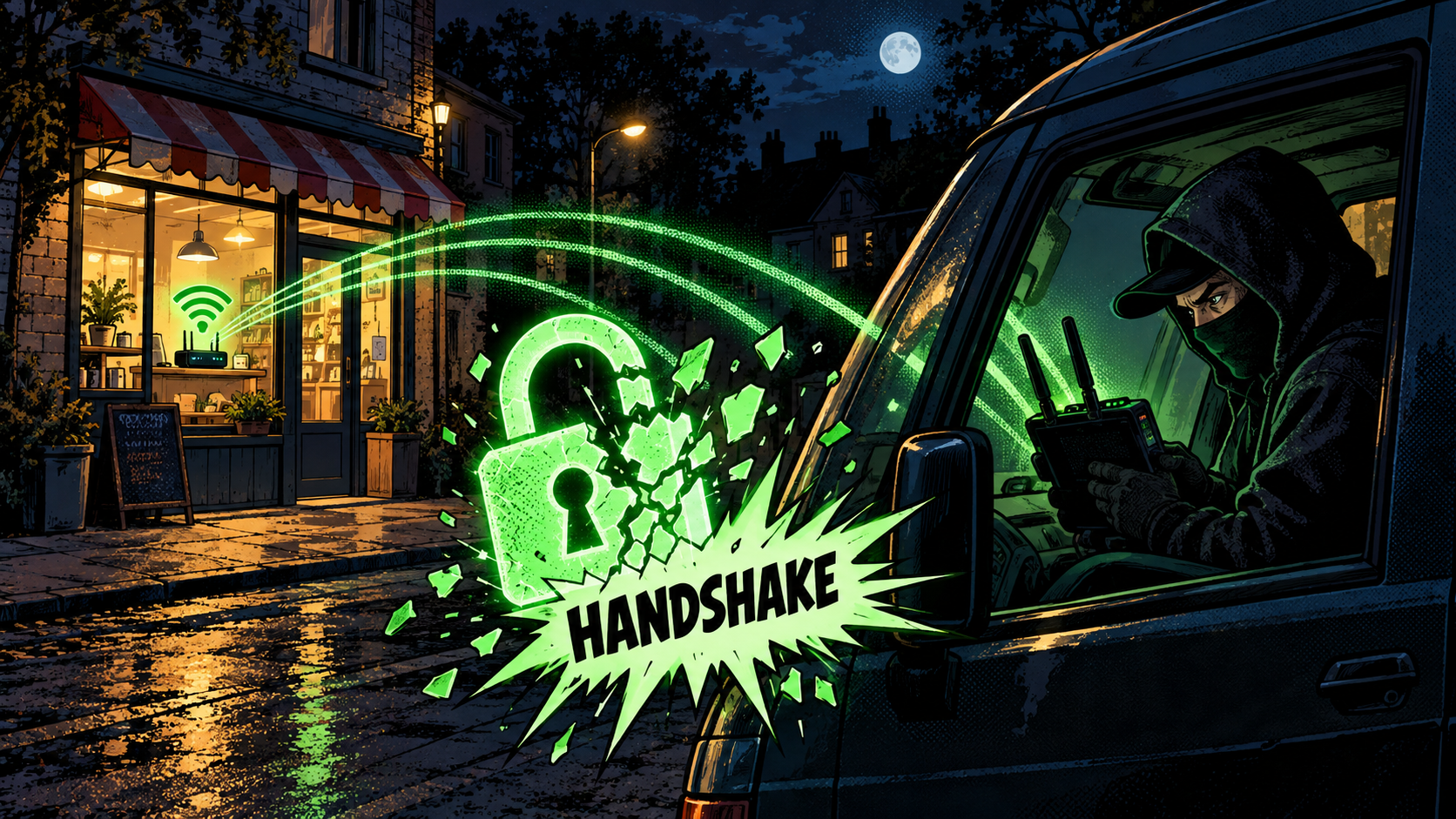
Here is the uncomfortable truth about your Wi-Fi: an attacker does not need your password, and they do not break the encryption either. They stand outside with a cheap gadget, knock one of your devices off the network for a split second, catch the automatic reconnection, and leave with a sealed mathematical proof of your password. Then they take that proof home and guess passwords against it offline, as fast as their hardware allows, with no router in the loop to slow them down or lock them out. On a weak password the whole thing is over in minutes.
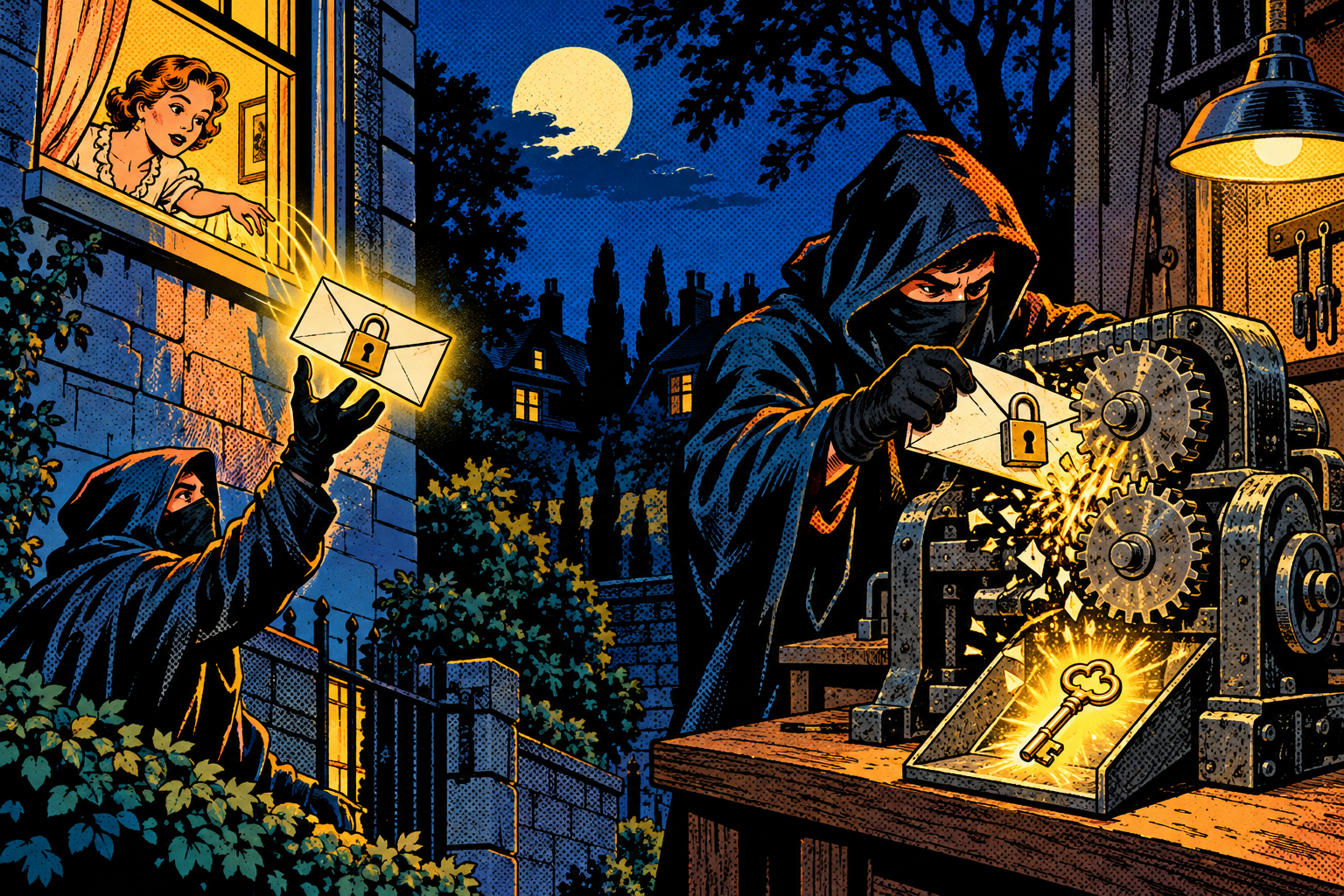
That is the deauth-and-handshake attack, and it is about as basic as Wi-Fi hacking gets. I put it in the Evil-M5Project because watching a bad password crack in an afternoon is the fastest way to make someone understand that the password they picked is not a formality, it is the only thing standing between a stranger and their network. The length of that password does almost all the work, and by the end of this you will see exactly why.
Your password feels safe. Here is why it is not quite.
Your home Wi-Fi has a password, so it feels safe, and mostly it is. The mistake almost everyone makes is in how they picture the attack. People assume someone has to either stand at the door and guess the password against the router, where it is slow and gets locked out after a few tries, or somehow break the encryption itself, which is genuinely hard and not what happens here. Both of those doors are shut. The problem is that there is a third door, off to the side, that nobody thinks to guard, and it is the one every real attacker walks through.
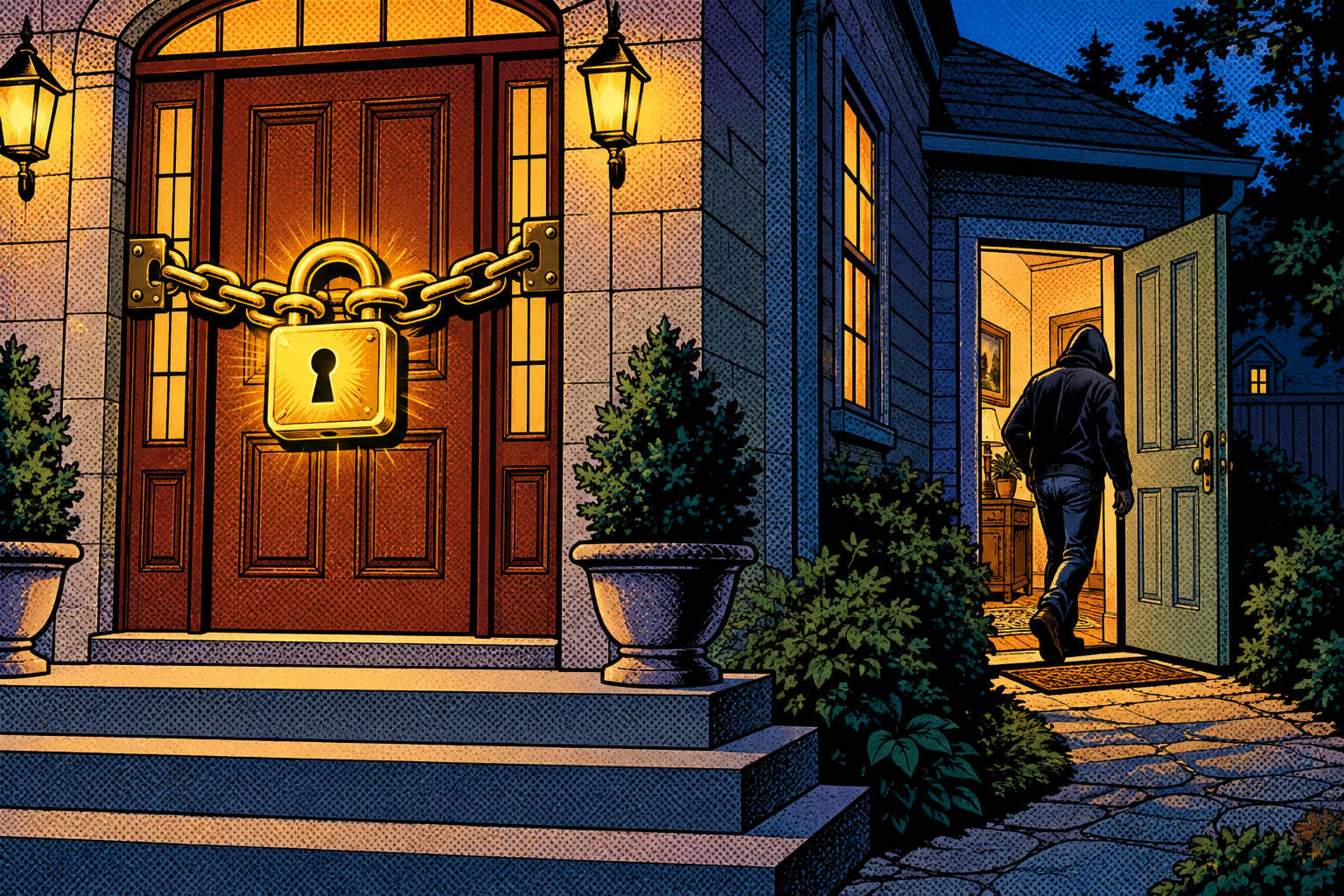
That third door is the handshake. Your password never travels over the air, but a by-product of it does, and that by-product can be attacked somewhere the router cannot help you: on the attacker’s own computer, days later, with unlimited attempts. Let me walk you through how a password you never typed in public still leaks, step by step, because once you see the shape of it the defense becomes obvious and the length of your passphrase stops being a nag and starts being the whole game.
How the handshake actually protects you
When you join a WPA2 network, which is still the security most home Wi-Fi runs, your device and the router perform a short four-step exchange called the 4-way handshake. The clever part, and it really is clever, is that your password never crosses the air, not even in scrambled form. Instead both sides take the password, mix it with a few public details that anyone could see, and each independently computes a proof that it knows the password. They then show each other those proofs. If the proofs line up, you are let in, and anyone sitting nearby with a radio has heard nothing they can turn back into your password. That is the design working exactly as intended, and for a long time people assumed that was the end of the story.
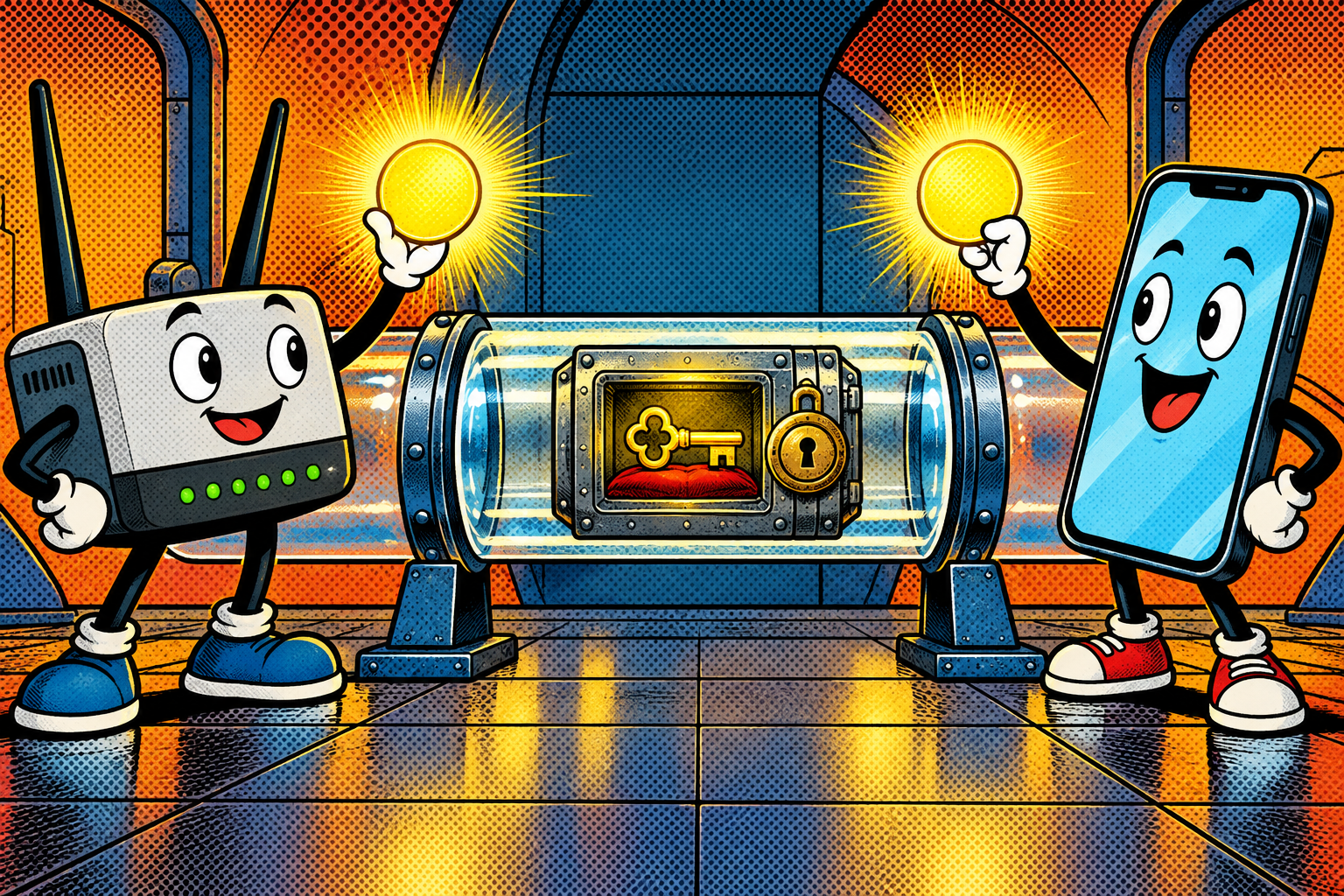
The catch is that the handshake is not actually worthless to someone listening. It carries a value built from your password blended with those public details, and one of the details baked in is the network’s own name. So an eavesdropper who records the handshake can go home and play a guessing game offline: take a candidate password, run it through the very same math the router and your phone used, and check whether the result matches the value they captured. There is no router involved in that game, no rate limit, no lockout after three wrong tries, nothing but raw guessing speed against a file sitting on their disk. The one small mercy is that because the network name is mixed in, a captured handshake only ever cracks that one network. There is no universal table that pops every Wi-Fi at once, which is exactly why attackers cannot pre-compute their way past a well-named network.
The deauth trick
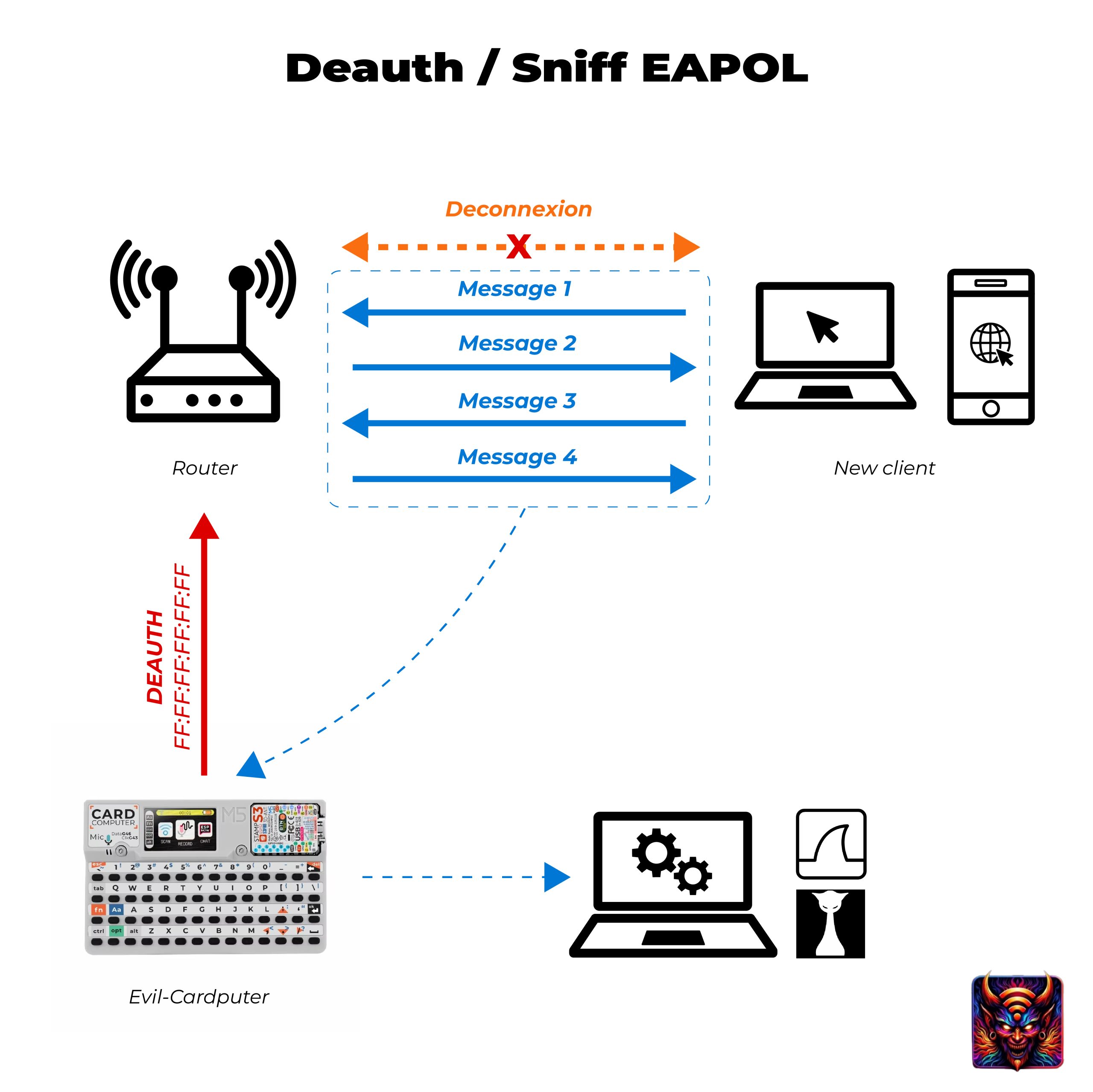
To record a handshake, the attacker needs you to actually perform one, and a handshake only happens when a device joins the network. If you are already connected they can simply wait for you to reconnect, but waiting is boring, so they hurry you along with a deauthentication frame. A deauth frame is a tiny Wi-Fi management message whose entire meaning is « you have been disconnected. » It was designed for legitimate housekeeping, a router telling a device to drop off cleanly, and that good intention is the hole.
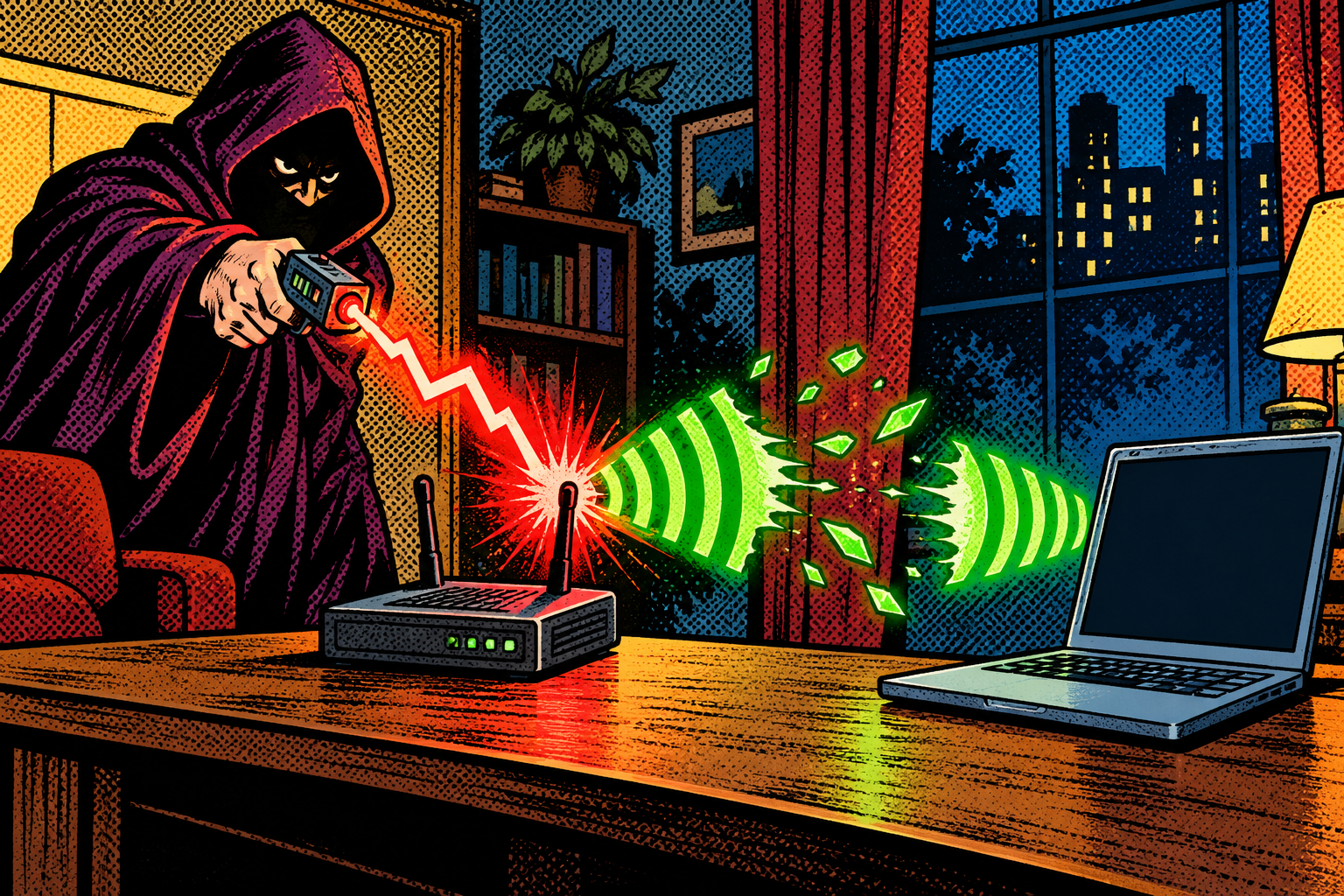
On most networks nothing in that message proves who sent it. There is no signature, no secret, nothing to check, so anyone nearby can forge one and aim it at your device or at the router itself. The moment your device is kicked, it does the natural, helpful thing and reconnects, and that reconnection runs a fresh 4-way handshake while the attacker quietly records it on the same channel, the slice of airwaves the network is using. Two seconds of disruption, a flicker you probably read as the Wi-Fi being flaky, and they have exactly what they came for.
There is a quieter variant I like to point out, because it skips you entirely. Some routers hand out a password-derived value called a PMKID in their very first reply to any device that asks to associate. An attacker can simply walk up to the router, start to associate, grab the PMKID out of that first response, and leave, with no deauth and no waiting for any of your devices to do anything. On the routers that do this, the attack needs no victim present at all.
Technical deep dive: inside the handshake
This is the one part that gets properly technical. If you only want the practical upshot, skip to the next section. If you want to see exactly what the attacker walks away with, and why length beats everything, stay with me for the four messages, because once you can picture them the rest of the attack is obvious.
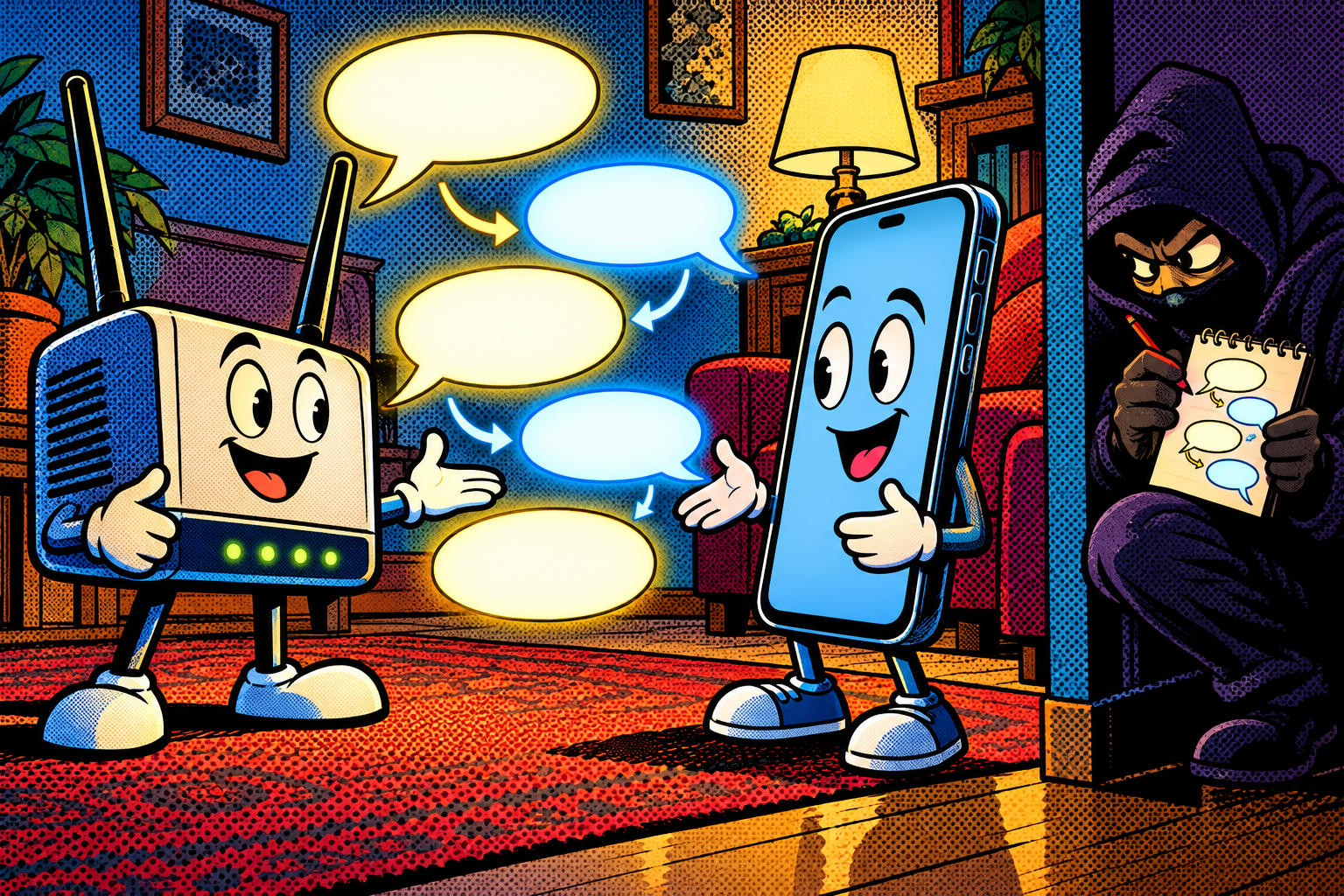
Those four messages are called EAPOL-Key frames. EAPOL is the technical name for the handshake traffic, and on the wire it rides under EtherType 0x888E, which is just the label that marks a packet as part of this exchange so your network card knows how to treat it. Here is the exchange stripped down to what matters:
- The router speaks first. It sends a random number called the ANonce. Nothing secret about it, just a fresh random value minted for this one session so that no two handshakes are ever identical.
- Your device answers. It has already taken your password and the network name and stretched them into a key called the PMK. Now it mixes that PMK with the router’s ANonce, its own random number (the SNonce), and both devices’ MAC addresses (the hardware IDs of the two radios) to build the real session key, the PTK. It sends back its SNonce along with a small signature called a MIC, which proves it holds the key without ever revealing it.
- The router runs the exact same mixing on its side, arrives at the same PTK, checks that the MIC matches, and if it does, sends its own signed message back.
- Your device confirms, the keys are installed, and you are on the network.
Now look at what an eavesdropper parked nearby has actually captured off the air: both random numbers, both MAC addresses, and that MIC signature. They are holding every single ingredient that went into the session key except the one secret one, your password. So offline, at their own pace, they run this loop: guess a password, stretch it into a candidate PMK the same way your phone did, mix in the nonces and MACs to build a candidate PTK, compute what the MIC should be, and compare it to the MIC they recorded. A match means the guess was right and your network is open to them. No match, next guess.
The PMKID shortcut I mentioned is the same idea with less waiting: that value is computed from the PMK plus both MAC addresses, so a single frame from the router hands the attacker something they can grind passwords against without any client ever reconnecting. And the deauth frame that kicks the whole thing off is simply an 802.11 management frame, subtype 0x0C, which on a normal network carries no proof of its sender, which is the entire reason a stranger can forge one and force the reconnection.
One more detail, and it is the one that actually saves you. Stretching the password into the PMK is not a quick hash. WPA deliberately runs it through a slow calculation, PBKDF2 with 4096 rounds of hashing, so that every single guess costs real time and real electricity. That is why cracking speed is measured in guesses per second rather than instantly, and why each extra character you add multiplies the attacker’s total workload by the whole size of the alphabet. The slowness is not a bug, it is the defense, and your password length is the dial that turns that slowness into a wall nobody will ever climb.
What they actually do with the capture
Once a handshake or a PMKID is sitting on disk, it stops being a Wi-Fi problem and becomes a pure cracking job, the kind of thing people picture when they imagine hacking: a screen full of guesses scrolling past. Tools like hashcat, which runs on a graphics card, and aircrack-ng, which runs on a normal processor, grind through candidate passwords, anywhere from a few thousand per second on a tired laptop to a few hundred thousand or low millions on a serious multi-GPU rig. That sounds slow, and it is slow on purpose, because of the PBKDF2 calculation I just described.

But slow stops mattering the moment the password is guessable. Against a dictionary word, a street name, a pet’s name, a birth year, or something that feels clever like « Summer2024! », even a few thousand guesses a second chews through the possibilities in minutes, because those candidates sit near the top of every wordlist on earth. Whether the attack succeeds comes down almost entirely to the password: a short or common one falls fast, while a long random passphrase can outlast the attacker, their patience, and arguably their hardware’s useful life, because each extra character multiplies that slow math by the size of the alphabet. The first time I watched something weak fall in seconds on a mid-range card, it stopped being theoretical for me.
Where this shows up in the real world
This is a staple on both sides of the fence, criminal and professional. A thief who wants onto your network, to snoop on your traffic, to reach the other devices in your house, or just to sit behind your connection for free and anonymous cover while they do something worse elsewhere, grabs a handshake from the pavement outside and cracks it later at home. Nothing about it looks dramatic from the street, which is exactly why it is popular.
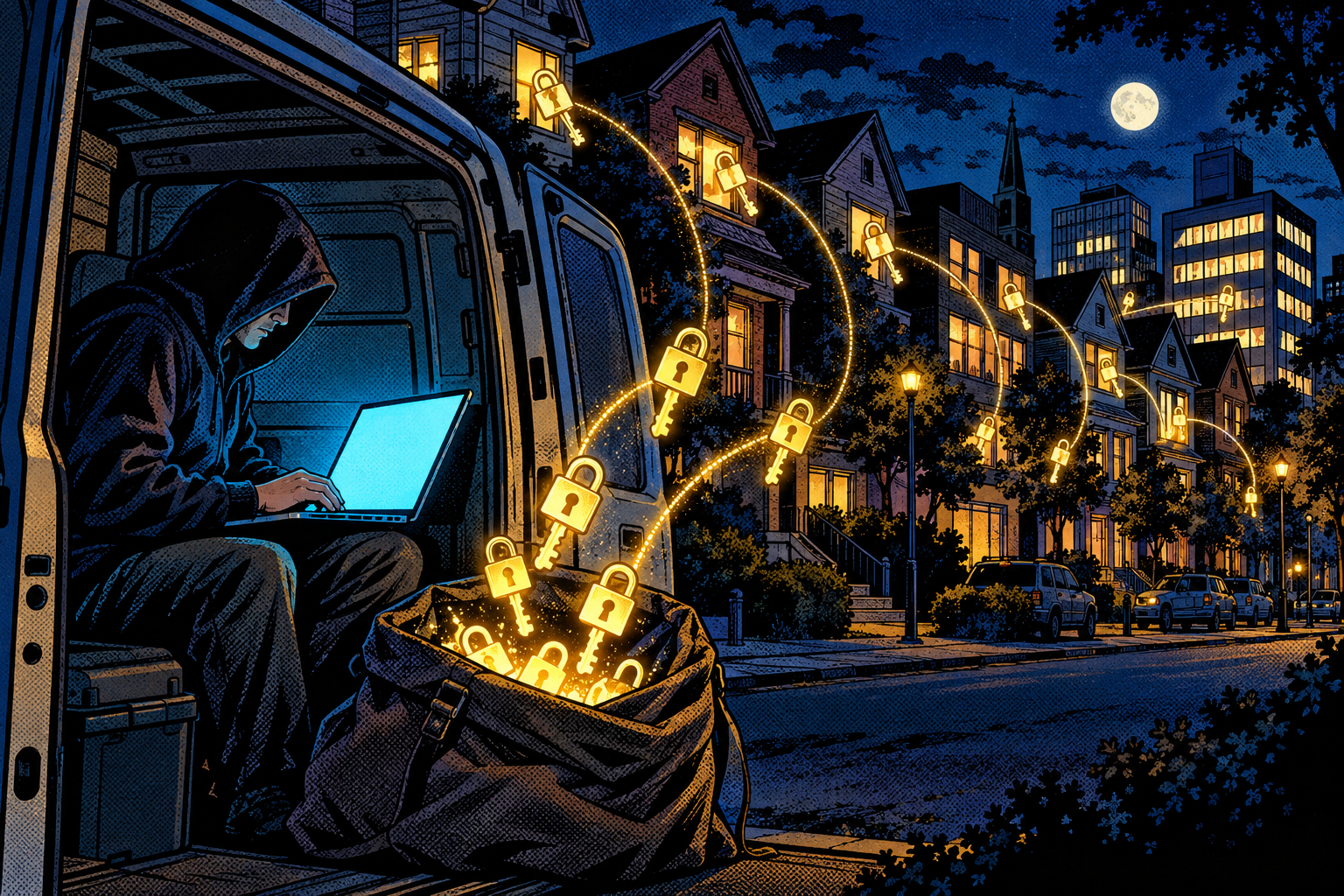
In an authorized penetration test it is often step one against a client’s wireless. A tester walks or drives the perimeter of a building, collects handshakes from every access point in range, leaves the weak ones cracking on a rig overnight, and comes back the next morning already holding Wi-Fi passwords, ready to walk onto the internal network as if they belonged there. It is patient, it is quiet, it leaves the target fully online the entire time so nothing seems wrong, and the only evidence is a brief burst of disconnects that almost nobody is watching for.
An afternoon at Maria’s shop
Say you are Maria, and you run a small shop with Wi-Fi named ShopFloor, protected with the password you picked the day the router was installed and never thought about again: shopfloor2019. One ordinary afternoon someone sits in a parked car across the street with a Cardputer in their pocket, doing nothing that would make you look twice. Your card reader blinks offline for a second and reconnects, and you do not give it a moment’s thought, because card readers do that sometimes.
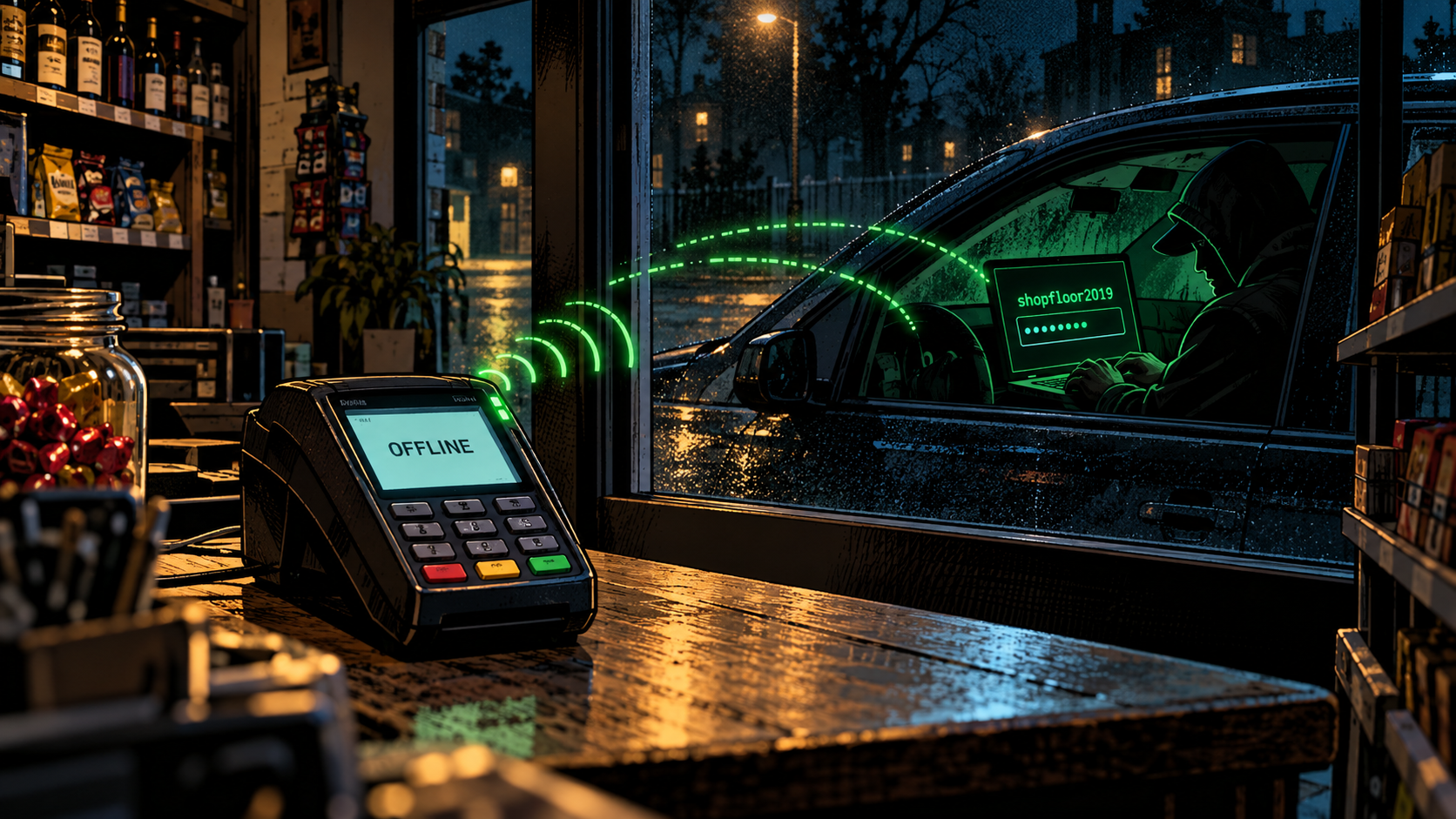
What actually happened is that a forged disconnect message pushed the reader off the network, and its automatic reconnection handed over the handshake to the car outside. That evening a laptop runs your captured handshake against a wordlist, and shopfloor2019, a dictionary word with a year stuck on the end, turns up in the first few thousand guesses, well before the coffee goes cold. By the next morning a stranger is quietly on your network, able to watch the traffic from your till and reach whatever else is plugged in, and nothing on your end ever looked wrong for even a second. That gap, between how normal it felt and how completely it failed, is the whole lesson.
Why it works
Two old facts combine to do all the damage, and neither of them is exotic. The first is that those disconnect messages are not authenticated on most networks, so anyone within radio range can trigger a reconnection whenever they feel like it, as often as they like, without ever touching the password. The second is that once the handshake is captured it is attacked offline, in a place the router cannot reach, where there is no limit on attempts and no alarm when the ten-thousandth guess goes wrong.

Put those two together and something uncomfortable falls out: the router, the encryption, the whole apparatus of Wi-Fi security, none of it is really what is protecting you at that point. The only thing standing between a stranger and your network is how hard your password is to guess on a machine running flat out. Everything else in this attack is just plumbing to get that guessing game started.
How to protect yourself
The good news is that the fix is squarely in your hands, and it is mostly one decision made well. Here is what actually moves the needle, split by whether you own the network or are just using someone else’s.

If you own the network
- Use a long, random passphrase. This is the one that matters most, by a wide margin, and it is worth doing properly. Even if someone grabs the handshake, 16 or more random characters, or four or five random words strung together into something you can actually remember, turns cracking into a waste of their life and their electricity bill. Drop « Summer2024! » and anything built from your address, a family name, a birthday, or the shop’s name, because those are the first things any wordlist tries.
- Move to WPA3 if your gear supports it, and switch off the WPA2 compatibility (« transition ») mode once all your devices can handle it. WPA3’s handshake, called SAE, is built so that a captured exchange cannot be ground down offline the old way at all. The catch is that in a mixed WPA2/WPA3 network an attacker can still nudge a device back onto the old crackable handshake, so the real win only lands when that fallback is finally turned off.
- Turn on Protected Management Frames (802.11w). It signs those disconnect messages so that forged deauths get ignored, which makes forcing a reconnection much harder and removes the attacker’s convenient way to make a handshake happen on demand. WPA3 includes it by default.
- For a company, use WPA2 or WPA3-Enterprise with 802.1X, where every user authenticates individually. There is no single shared password sitting in the air waiting to be captured and cracked, which takes this entire attack off the table.
- Do not lean on hiding your network name or on MAC filtering. Neither stops a handshake capture, both are trivial to work around, and they mostly just give a false sense of having done something.
- Watch for the attack itself. A sudden burst of deauthentication frames, or your own devices dropping and reconnecting for no reason, is a genuine red flag. A wireless monitor, or the detection mode I describe below, can count those frames and raise the alarm before anyone finishes cracking anything.
If you are just a user on someone else’s Wi-Fi
- Use a VPN, an app that wraps your traffic in a sealed tunnel, so that even if someone does crack their way onto the network there is very little of yours worth reading once they are in.
- If a Wi-Fi you rely on keeps dropping and reconnecting for no obvious reason, treat it as a possible sign rather than just an annoyance, and hold off on anything sensitive until you can ask whoever runs it.
Doing it with the Evil-M5Project
Evil-M5Project, the firmware I build, runs this whole attack on an M5Cardputer, a little ESP32 pocket computer that fits in a palm. In a demo I reach for one of a few modules depending on the room, always against a test router I own, because the point is to show the mechanism, not to raid a stranger.
- The Deauther module targets either an access point, meaning every device on it, or one specific device. It sends deauth frames and listens at the same time, saving any captured handshake to
/evil/handshakes/<BSSID>.pcapon the SD card. A .pcap is just the file format a capture lands in, and the BSSID is the router’s unique hardware ID, so each network’s handshake ends up in its own clearly named file. - Auto Deauther does it hands-free: it hops across channels 1 to 13, finds access points on its own, and keeps a short memory so it does not keep hammering the same one twice.
- Handshake Master scales it up. Several cheap ESP32 boards act as sniffing helpers, each parked on one channel, so the Cardputer can watch every Wi-Fi channel at once instead of hopping between them and missing the handshake that happens on the channel it was not looking at. An ESP32-C5 even reaches the 5 GHz band.
- Client Sniff and Deauth is a continuous, hands-off mode that roams and collects on its own. Full credit to evilsocket’s pwnagotchi, the little gadget that made roaming handshake collection popular, which inspired it.
The captured file then moves to a real computer, where hashcat or aircrack-ng does the actual cracking, since the Cardputer’s job ends at capture. A small utility script converts the .pcap into hashcat’s format first. And the whole thing flips around for defense, too: the EAPOL/Deauth detection mode, inspired by G4lile0’s Wi-Fi Hash Monster, watches for exactly this behaviour. It counts deauth frames, flags a likely attack in progress, and even spots nearby pwnagotchis, so the same little device that demonstrates the attack can also sit on your own network and tell you when someone is trying it.
The honest limits, because it is not magic:
- Capturing the handshake is the easy part. Cracking a strong passphrase is the wall, and against a genuinely long random one you simply do not get over it, no matter how patient you are.
- For the classic capture a device actually has to reconnect, which is not instant or guaranteed, and the PMKID shortcut only works on the subset of routers that hand that value out.
- WPA3 with its management-frame protection, and WPA2 fallback switched off, largely shuts the forced-reconnect step down, which is the whole lesson rather than a footnote.
- A single ESP32 listens on one channel at a time, so one device covers a small area, which is exactly why Handshake Master spreads the job across several boards.
Evil-M5Project is for ethical and educational use only. Only deauth, capture, or crack on networks you own or are explicitly authorized to test, and follow the laws where you are.
Firmware and docs: https://github.com/7h30th3r0n3/Evil-M5Project.
It is the password, not the lock
Wi-Fi security is not really about the lock on the door, it is about the password you chose for it. The capture is fast and quiet and you will almost certainly never notice it happen, which is unsettling, but it is also beside the point, because capturing a handshake is only ever the first half. The second half is a guessing machine running against a file, and a long, random passphrase, plus WPA3 if you can get it, means the file they walked off with is just noise they will never turn back into your password, no matter how long they leave the rig running.
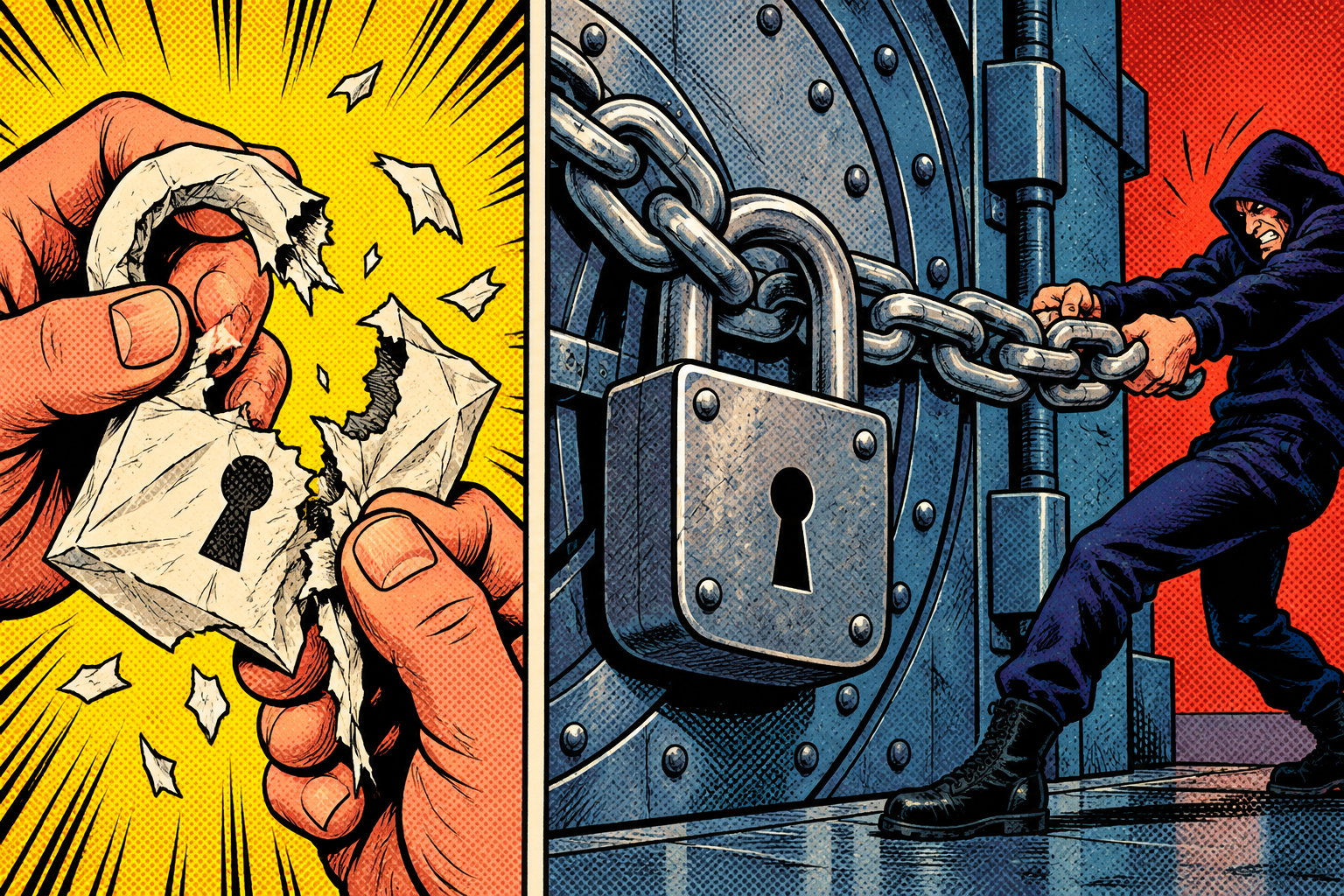
Once you have watched something like shopfloor2019 fall in an afternoon, you never pick a password that way again, and you never quite look at a « the Wi-Fi hiccuped » moment the same way either. That small shift, from treating the password as a formality to treating it as the actual wall, is the entire takeaway, and it is why I keep building this.
Laisser un commentaire
Vous devez vous connecter pour publier un commentaire.