
TL;DR
You borrow a charging cable at a conference, or pick up a USB stick someone dropped in the car park, and you plug it in. In the first few seconds, just after your computer finishes recognising it, that little device can start typing on its own: a stream of keystrokes your machine obeys without question, because it genuinely cannot tell the difference between you typing and a chip pretending to be you. In those seconds it can open a hidden window, fetch a payload off the internet, and run it with your access.

That is BadUSB, and there is no virus file to scan and no exploit to patch, at least not at first. It just types, fast, with nothing on the device for antivirus to point at. I build this into the Evil-M5Project because I have watched it land more times than I would like, and watching a « USB stick » type commands into someone’s own laptop is the fastest way to make them stop picking up the ones they find. The defenses are dull and physical, and they work.
The cable you borrowed
Most of the dangerous things you plug into a computer do not look dangerous at all. They look like a charging cable a colleague lent you, a promotional USB stick from a conference goodie bag, or a thumb drive you found on the ground with something curious written on it. Nothing about them signals a threat, because the threat is not in how they look, it is in what they quietly claim to be the instant they touch the port.
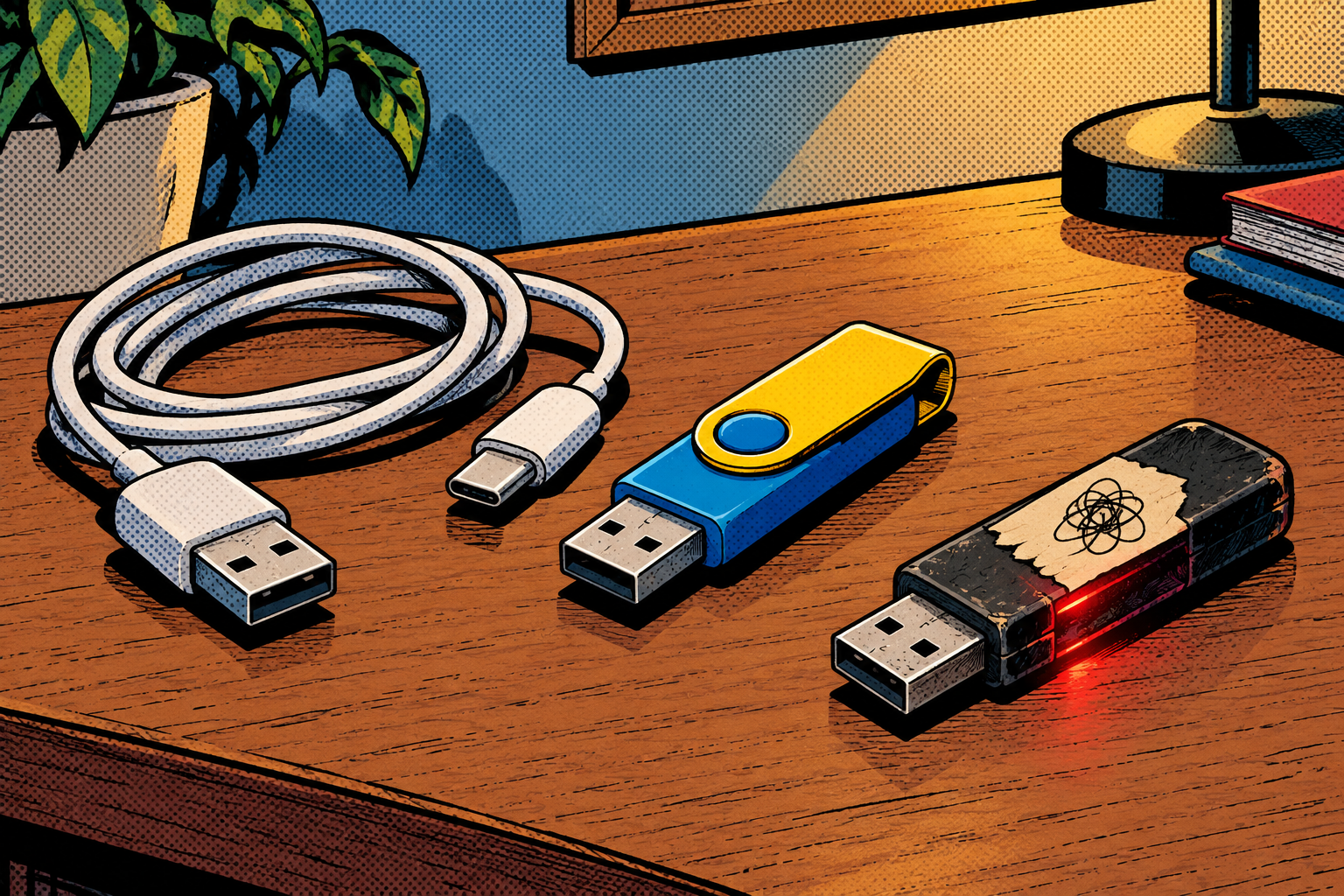
This attack sounds like a movie prop until you watch it work, and then it is unsettling precisely because it is so ordinary. There is no dramatic exploit, no flashing screen, often no visible sign at all. So let me show you why a computer trusts a chip that simply says « I am a keyboard, » what that trust lets an attacker do in a few seconds, and how to stop one typing on yours.
Why your computer trusts whatever you plug in
When you connect a USB device, the very first thing it does is announce what it is: « I am a keyboard, » « I am a mouse, » « I am a storage drive. » The computer takes that announcement at face value, every single time, because USB has no mechanism for a device to prove what it is. There is no identity check to pass and no certificate to present. The machine simply believes the label, whether you are logged in or not, and a keyboard in particular has to work before you log in, so you could not hide it behind a password even if you wanted to.
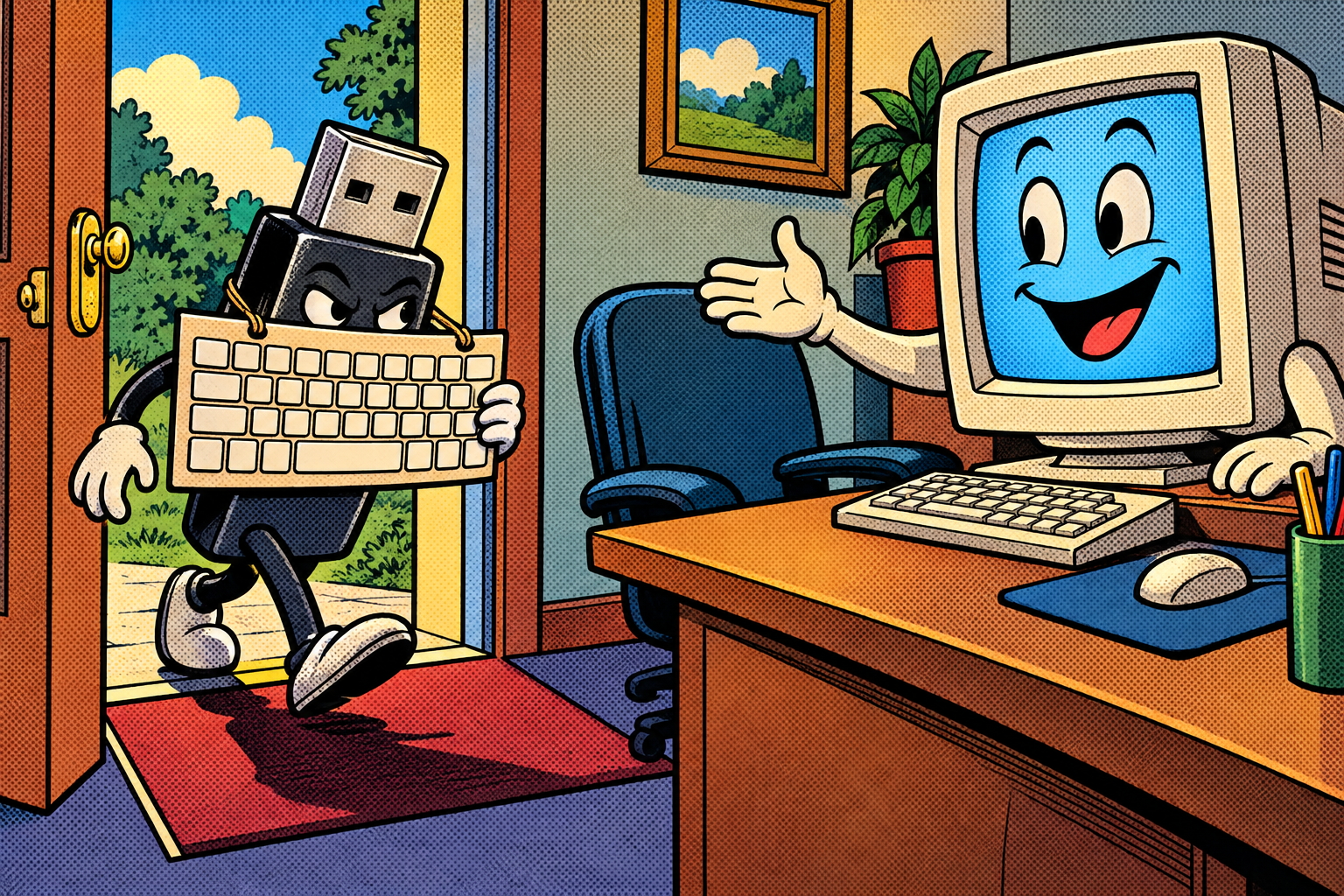
The result is a permanent blind spot built into the way computers have worked for decades. Anything that claims to be a keyboard is trusted to type, and keystrokes coming from a chip look exactly, byte for byte, like keystrokes coming from your fingers. This whole class of device is called HID, for human interface device, and the quiet joke at the centre of the attack is that nothing, anywhere, ever checks the « human » part of that name.
The attack: a keyboard with a script
A BadUSB device is a tiny computer that announces itself as a keyboard and then types out a prepared script far faster than you could ever react. The classic opening move is to pop up the system’s run box, the little « type a command here » dialog, or a terminal window, and enter a line or two that quietly reaches out to the internet, fetches something, and runs it. The crucial subtlety is that the typing itself does not carry the malware. It just goes and gets it.
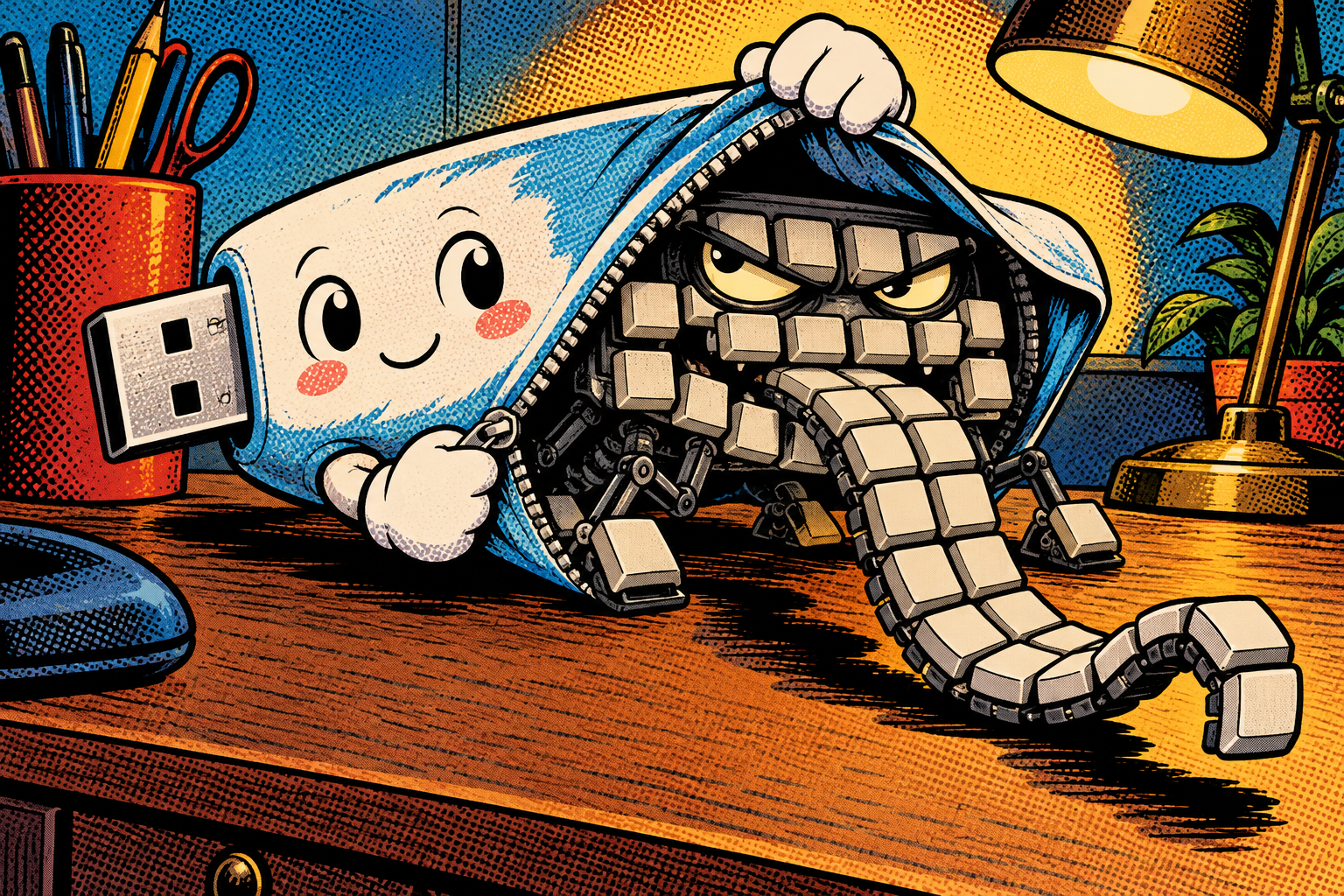
That is why there is nothing on the device for antivirus to catch when you plug it in: the real payload, the actual malicious cargo, only arrives in that second step, pulled from a server after the keystrokes have done their work. The scripts themselves are written in a small, readable format called DuckyScript, a command set of around fifty instructions for typing text, pressing key combinations, and inserting the carefully timed pauses the attack needs. And the device wearing all this can be disguised as absolutely anything: a normal-looking USB stick, a charging cable, a conference freebie, or, in my case, a little pocket computer.
Technical deep dive: USB enumeration, HID, and DuckyScript
This is the part worth slowing down on, and you can skim it if you only want the defenses. When any USB device is plugged in, it goes through a process called enumeration: it tells the host what it is by presenting a set of descriptors, small data structures that declare its device class, its vendor and product, and what it can do. A keyboard presents an HID descriptor saying, in effect, « I send key presses. » The host reads that, loads the generic keyboard driver it already trusts, and from that moment forward treats anything the device sends as genuine key events. There is no step in this handshake where the host asks the device to prove it is a real keyboard, because the standard never imagined it would need to.
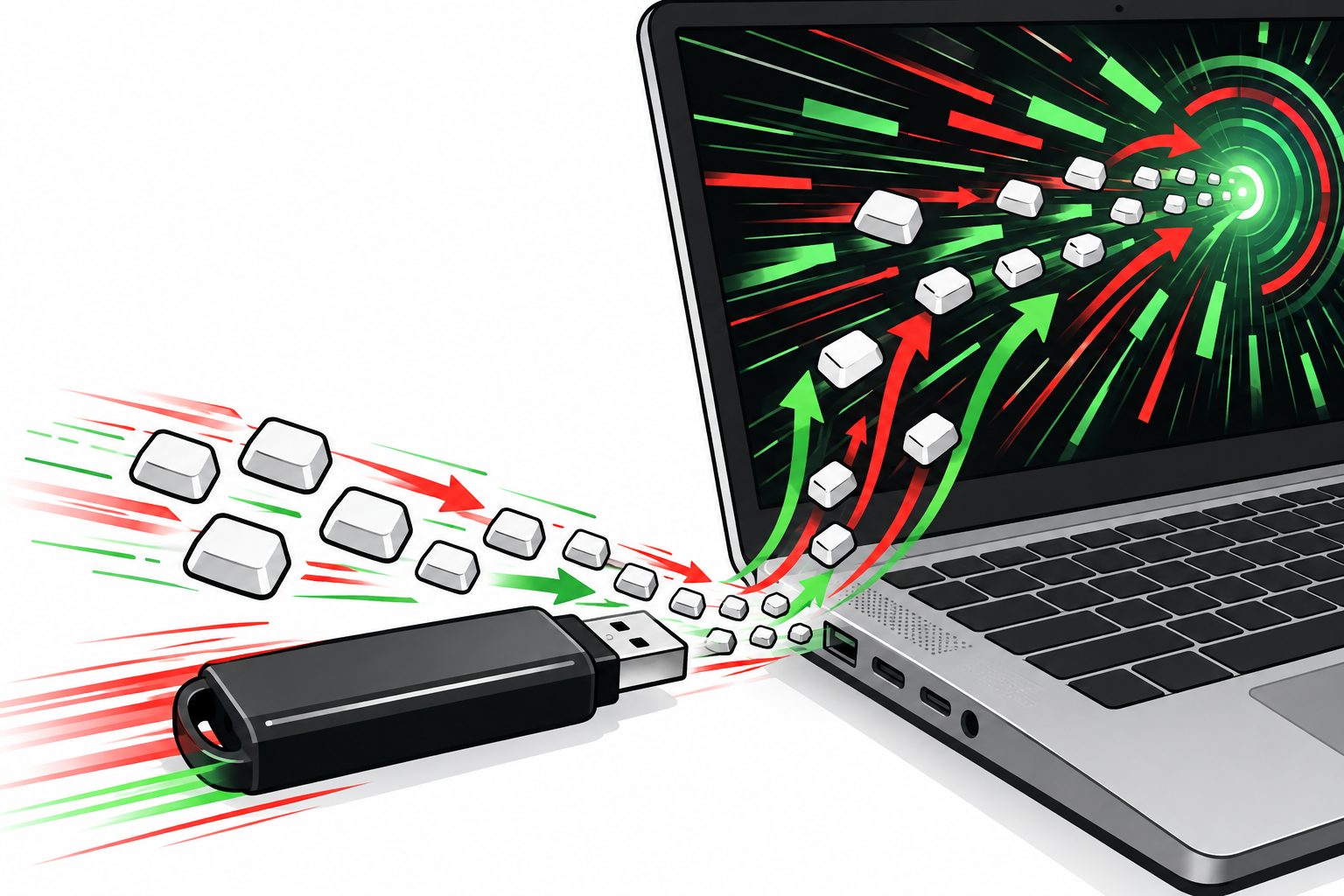
That is why the attack needs a deliberate pause at the start of every script. A freshly plugged device has to be enumerated before the host will accept its keystrokes, which takes a moment, so a BadUSB script opens by waiting, then injects its keys. What it injects is usually a short command run through a scripting tool the machine already trusts, like PowerShell on Windows, which is why this is often called a living-off-the-land technique: it does not drop a new program for an allowlist to block, it drives a program that is already approved. The keystrokes open a hidden window, pull the payload from a server, execute it, and tidy up, all in a couple of seconds. The device types blind the entire time, with no idea what is actually on screen, which is both its main limitation and the reason a stray popup or a slow machine can throw the timing off and make the whole thing fizzle.
What they get out of it
A BadUSB runs as whoever is logged in, which means it can do anything that person can do, just faster and without asking permission. In a few seconds a script can open a hidden window, pull a payload off a server and run it, then clean up the obvious traces behind it. From there it is an ordinary compromise, the same as if the attacker had been sitting at the keyboard themselves: remote access, copied files, a quietly created new account, whatever they set the payload up to do.
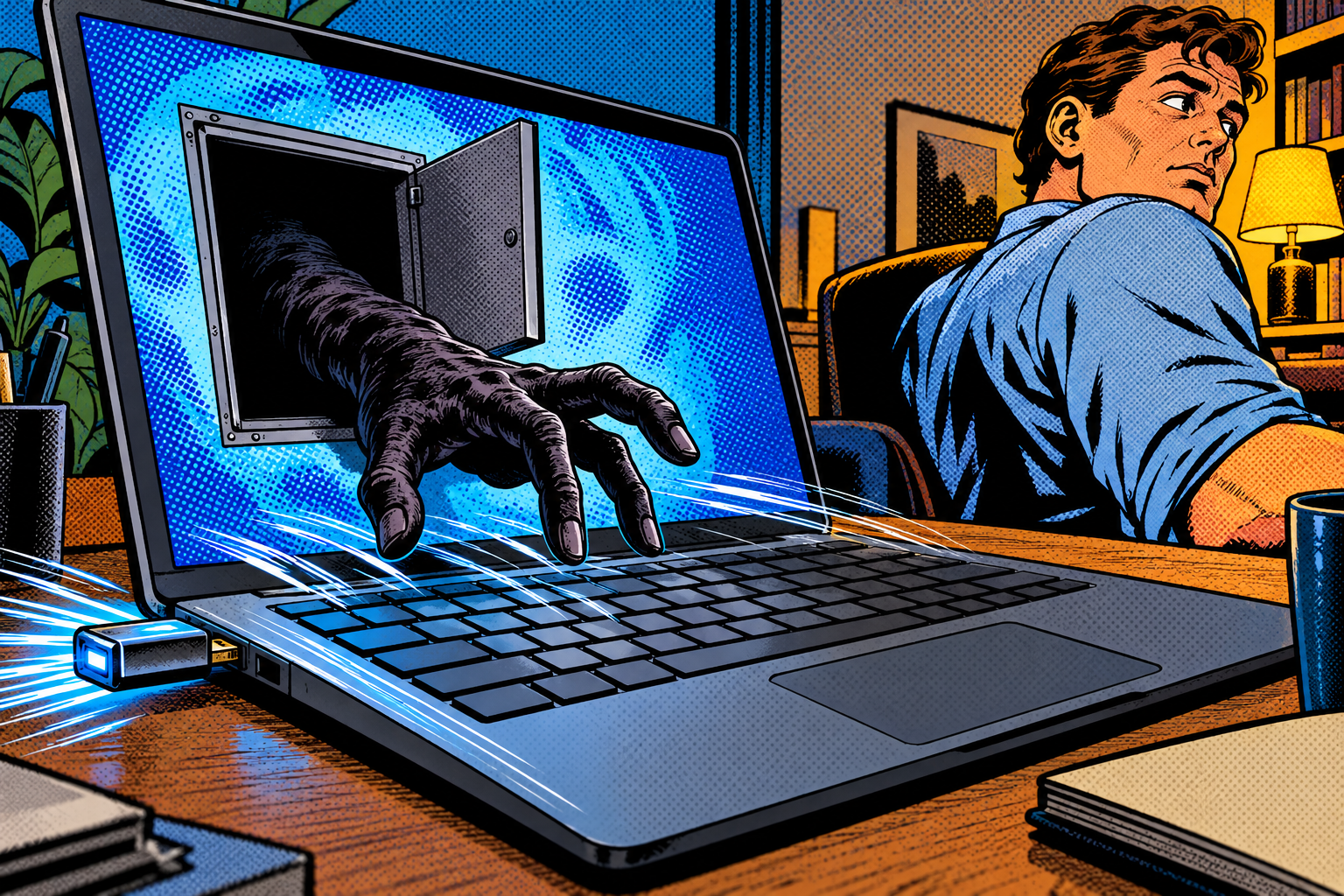
The unsettling part is the speed and the deniability. The device might be back in a pocket seconds after it went into the port, while you turned to answer a question or glanced at your phone, and the running program it left behind looks like something your own account started, because in every technical sense it was. There is no smoking gun on the device itself, because the device was only ever a keyboard that typed too fast for you to read.
Where it shows up
The classic version is the dropped USB stick. Leave a few in a company car park with a tempting label, and a now-famous university experiment found that roughly half of dropped sticks get plugged into a machine by curious, helpful people who only wanted to find the owner. There are charging cables that look identical to the real thing but hide a keyboard inside, « free » USB gifts handed out at events, and the insider, cleaner, or repair tech with ten seconds at a desk that someone left unlocked.

Red teams reach for BadUSB constantly, and the reason is simple: it turns physical access, even a few seconds of it, into running code without touching a single software vulnerability. There is no patch to wait for, no exploit that gets burned, nothing that a software update makes obsolete. As long as computers trust keyboards and people pick things up off the ground, the technique keeps working exactly as well as it did a decade ago.
The stick by the door
Say you are Dan, and on your way into the office you spot a USB stick on the ground near the entrance, « Payroll Q3 » written on it in marker. Curiosity being exactly what it is, you take it to your desk to see whose it is, maybe to do the decent thing and return it, and you plug it in. Nothing opens. Maybe it is broken, you think. You pull it out and forget about it within the minute, because there is genuinely nothing to see.
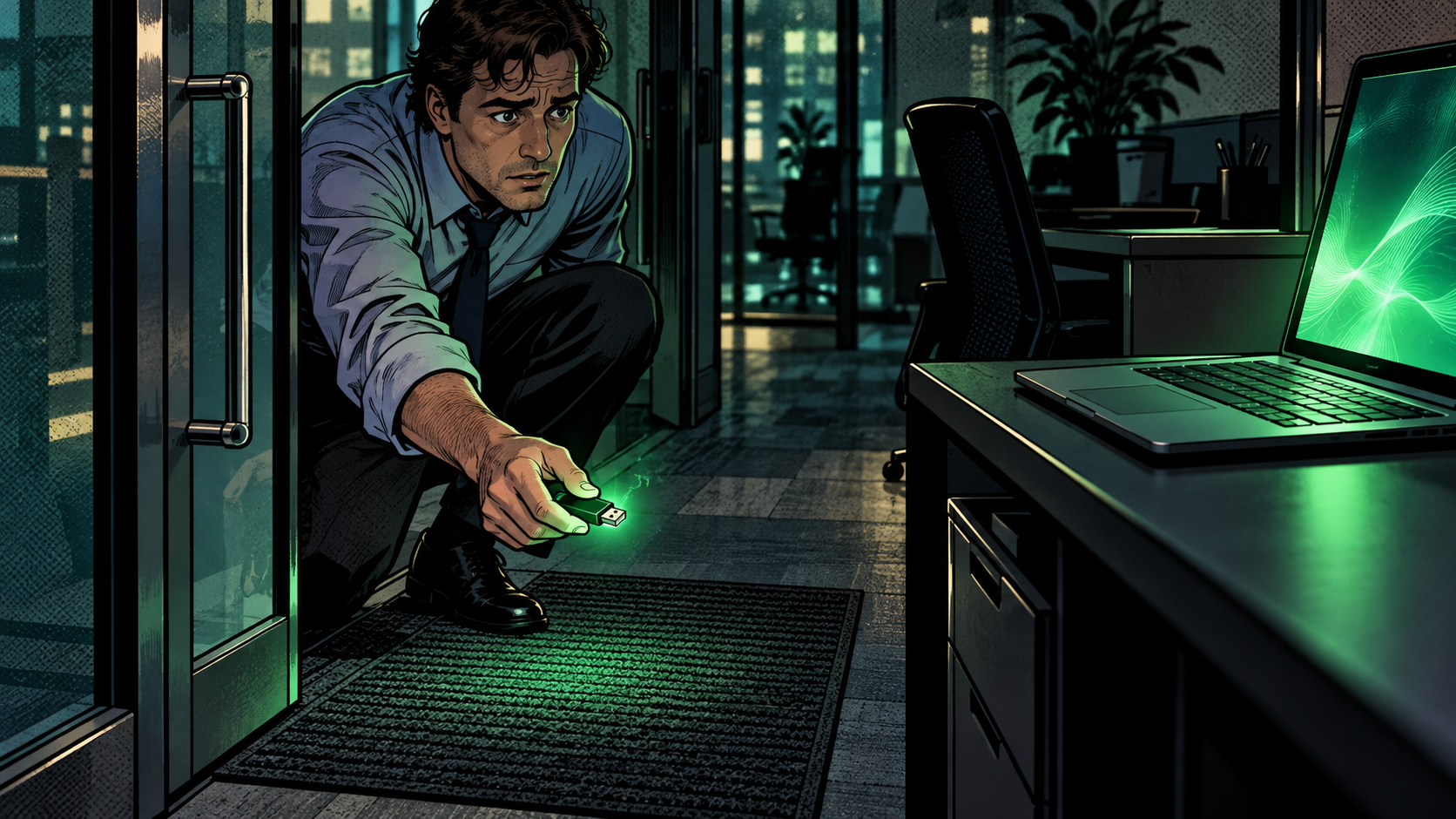
What actually happened is that in the moment it was connected, it told your laptop it was a keyboard, opened a run box too quickly for you to catch, typed a short command, and pressed Enter. By the time you had decided it was a dud and moved on, a program was already running quietly in the background with your access, phoning home to someone who scattered five of those sticks by the door and only ever needed one helpful person to pick one up. You did not click anything suspicious. You did not run a file. You returned a lost USB stick, which is a nice thing to do, and that was the entire attack.
Why it works
The design flaw and the human one feed each other, and that pairing is what makes the attack so durable. A computer cannot ask a keyboard to prove it is real, a chip can type faster than you can possibly notice, and people plug in sticks they find on the ground because helping a stranger find their lost drive feels like a small kindness, not a risk. Each of those facts is individually reasonable. Together they are a door with no lock.

None of it has meaningfully changed in years, which is precisely why no antivirus update ever really touched it. There is no malicious file to signature when the device is nothing but a keyboard, and there is no patch for « the user was curious. » The defense had to move out of the software and into habits and hardware policy, which is a slower, duller place for it to live, and that is a large part of why the attack is still with us.
How to protect yourself
Because the attack lives half in the hardware and half in human behaviour, the defenses do too, and the good news is that the cheapest ones are also the most effective.

If you run the machines
- Control what is allowed to plug in. USB device control, built into most endpoint-protection tools (the security software IT puts on company machines), can permit only approved devices and flag a new keyboard that appears out of nowhere. On Linux, USBGuard does the same job.
- Make the lock screen a habit and enforce short timeouts. A device plugged into a locked machine mostly types into a login box and gets nowhere. The catch is that it can sit there and fire the instant the screen is unlocked, so unplug anything you do not recognise rather than just relocking.
- Use application allowlisting, and make sure it also covers the script tools your machine already trusts. The classic BadUSB opener usually runs through programs like PowerShell that are already approved rather than dropping a new file, so an allowlist that only blocks unknown apps will not catch it. Locking down which of those tools can run, and how, is what actually closes it.
- Disable autorun on removable media. That shuts a separate, older trick where a plugged-in drive auto-runs a file. The keystroke attack is handled by the controls above, but it is worth closing both doors.
- Train people, genuinely. Half of this attack is human, so not plugging in found sticks, unknown cables, or « free » USB gadgets is a habit worth building and worth reinforcing with a live demo.
If it is your own device
- Never plug in a USB stick you found or were handed by someone you do not trust, and be just as wary of borrowed cables and « free » USB gadgets.
- Lock your screen whenever you step away, even for a minute. It is the single cheapest defense here.
- To charge from a public or borrowed port, use a data blocker (a « USB condom ») that passes power but not data, so nothing on that port can pose as a keyboard while you charge. It only helps while you are drawing power, and it is a separate matter from a cable or stick you plug into your own machine.
Doing it with the Evil-M5Project
Evil-M5Project, the firmware I build, can act as a USB keyboard, which makes it a clean way to show people how little a plugged-in device actually needs in order to take over. The point of the demo is that moment of recognition on someone’s face when a « stick » starts typing into their own laptop.

- The BadUSB module types out scripts written in DuckyScript, the dialect the well-known Hak5 Rubber Ducky made popular. Scripts are plain .txt files on the SD card, and one can drive Windows, macOS, or Linux as long as it is written for that system.
- You can trigger a script from the device itself, from the Admin web interface with a single click, or even from the captive portal, which ties it neatly back to the Wi-Fi attacks earlier in this series.
- There is also a Mouse Jiggler that just nudges the pointer to stop a screen locking. It is harmless, but it makes the same point: the computer trusts that movement as a real person exactly the way it trusts the fake keystrokes. And a Bluetooth Keyboard mode does the HID trick wirelessly, with no cable at all.
It is not magic, and the limits are worth being straight about. It needs physical access, a plugged-in moment or a Bluetooth pairing, so this is not a remote attack. A freshly plugged device has to be recognised before it can type, which is why scripts open with a deliberate pause rather than firing the instant they touch the port. A locked screen stops almost all of it, and so does USB device control that refuses an unexpected keyboard. It types blind, with no idea what is on screen, so a stray popup or a slow machine throws the timing off and the whole thing fizzles. And the keystrokes are only the first move: what follows still has to get past endpoint protection and application allowlisting.
Evil-M5Project is for ethical and educational use only. Only run BadUSB scripts against machines you own or are explicitly authorized to test, and follow the laws where you are.
Firmware and docs: https://github.com/7h30th3r0n3/Evil-M5Project.
A keyboard you did not bring
BadUSB is a good reminder that one of your computer’s oldest assumptions, that a keyboard is a person, is also one of its least defended. A device the size of a thumbnail can walk straight through that assumption in a few seconds, and all it needs from you is a moment of curiosity and an open USB port. There is no clever exploit to admire here, just a trust that was reasonable in 1996 and quietly never got revisited.

The fixes are dull and physical, which is exactly why they work: lock your screen, do not plug in things you do not trust, and let IT decide which hardware is allowed on the machines that matter. Every single time I have shown someone a « stick » type commands into their own laptop, I have never once had to tell them twice to stop picking up the ones they find on the ground. That is the whole reason I keep the module in the firmware.
Laisser un commentaire
Vous devez vous connecter pour publier un commentaire.