TL;DR
Every time you join a network, your device spends its first half-second asking the room a few basic questions: what is my address, who is my router, and who do I ask to turn a website name into a number? It then trusts the very first answer it receives, with no check at all on who sent it. A rogue DHCP attack is simply someone on the network answering those questions faster than the real server does, and from that moment your way out to the internet runs through a stranger.

There is no password cracking here and no fake Wi-Fi, just winning a race. I build this into the Evil-M5Project to show how little it takes to become the middle of a network once you are standing inside it. Modern web security (HTTPS and HSTS) blunts a lot of the damage, so the realistic prize is a convincing fake login page, but the underlying lesson is bigger: a network trusts its own plumbing by default, and the fixes all live on the network side.
The first half-second after you connect
You plug into the office network, or you join the Wi-Fi you have used a hundred times, and everything just works. You never think about the first fraction of a second after you connect, when your device quietly turns to the network and asks a few questions it genuinely does not know the answer to: what is my address here, which box leads out to the internet, and who do I ask when I type a website name? It is a completely ordinary exchange, and it happens before you have opened a single app.
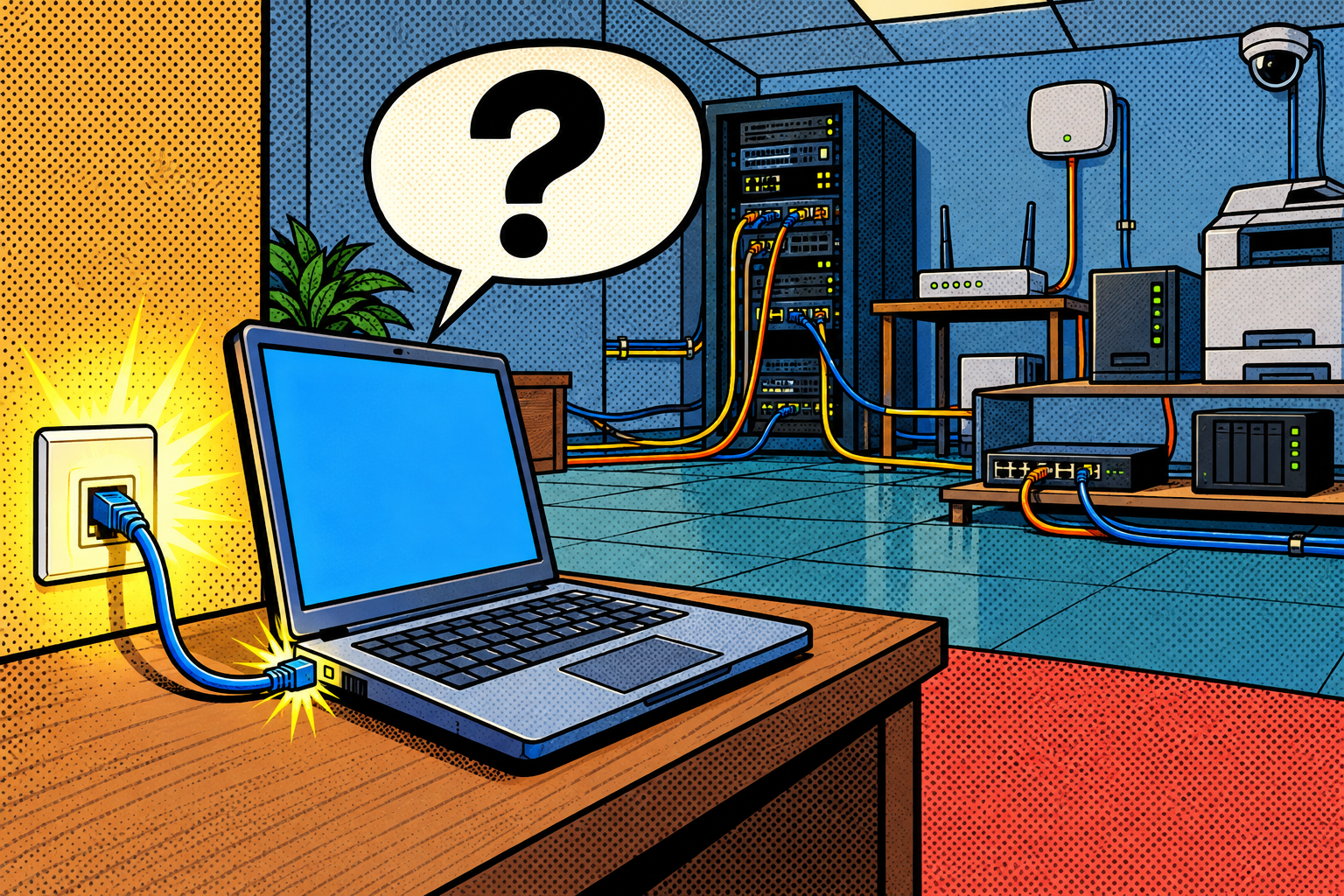
Usually the real network answers, and you are none the wiser. But nothing in that exchange decides who gets to answer, only who answers first. If someone else on the network replies a hair sooner than the real server, your device will believe them completely, and every site you visit after that can be quietly routed through a machine that is not supposed to be in the path. That is a rogue DHCP attack, one of the cleanest ways to drop yourself into the middle of a network you do not own, and it is worth understanding exactly because it needs no exploit at all.
How your device actually joins a network
When you join a network, wired or wireless, your device starts out knowing almost nothing: no address of its own, no idea which box leads out to the internet, no idea who to ask when you type a website name. So it does the only thing it can and shouts a question to the whole network, something like « I just arrived, can someone set me up? » That exchange is called DHCP, the Dynamic Host Configuration Protocol, and the reply it is waiting for carries three things that matter.

- An IP address for your device, its own number on the network so other machines can reach it.
- The gateway, the router that is your door out to the internet, where your device sends anything bound for the wider world.
- The DNS server, the address book that turns google.com into an actual numeric address your device can connect to.
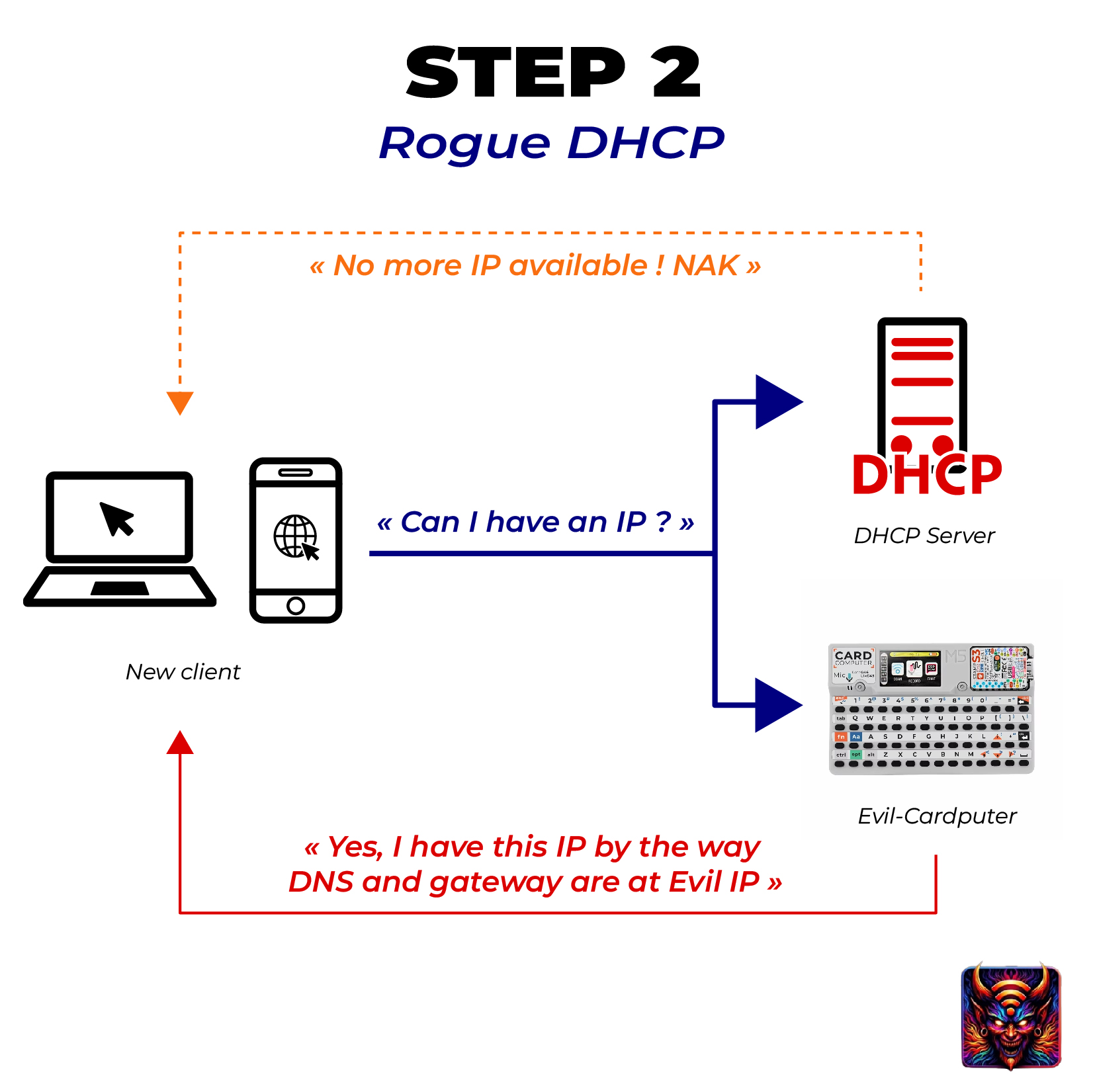
Here is the catch that makes the whole attack possible: nothing in this exchange proves who is answering. Your device takes the first valid reply it receives and trusts it completely, top to bottom. On a normal network that first reply comes from the real DHCP server, often the home router itself, though in a company it is usually a dedicated box that hands out the router’s address. But nothing in the design stops a second machine on the same network from answering too, and answering faster.
The attack: answer first, or knock out the real one
A rogue DHCP server is just a device on the network that replies to those « set me up » requests before the real one can, handing out a configuration that quietly points the gateway and the DNS at the attacker instead of the router. From then on your traffic goes to them first. A full man-in-the-middle setup would forward it on to the real internet so that you notice nothing at all, while a small demo device more often just answers as your DNS and serves its own pages, which means normal sites may simply break, and that broken browsing is itself a clue that something is off.

Winning the race is not guaranteed, though, so attackers often stack a second move called DHCP starvation. They flood the real server with hundreds of requests, each one wearing a different fake hardware address, until it runs out of addresses to give and goes quiet. With the real server drained, the rogue one is the only thing left answering, and any device that joins afterwards has no other option but to take the attacker’s configuration. It is a noisy, aggressive move, and on a properly managed switch port security will catch it, but on a flat unmanaged network it works fine. Once the attacker is your DNS, they can lie about addresses: ask for your-bank.com and get sent somewhere else, or get bounced to a captive portal, the sign-in page that cafes and hotels show you, which an attacker can fake to grab a password.
Technical deep dive: the four messages, the race, and DNS
This is the part worth slowing down on, and you can skim it if you only want the defenses. DHCP is really four messages, often shortened to DORA, and watching them makes the race obvious. Your device broadcasts a DISCOVER (« anyone out there who can set me up? »), servers reply with an OFFER (« here, take this address and these settings »), your device picks one and broadcasts a REQUEST (« I will take that one »), and the chosen server sends an ACK to confirm. The vulnerability is in the second step: your device acts on the first OFFER that reaches it, and a rogue server sitting closer, or simply quicker, gets its OFFER in first.
DHCP starvation attacks the first step instead. Each fake DISCOVER carries a different spoofed MAC address, the hardware ID a switch and server use to tell devices apart, so the real server believes hundreds of new machines just arrived and leases out its entire pool of addresses until it has nothing left to offer. Drained, it stops answering, and the rogue server inherits every new client by default. This is also exactly why port security, a cap on how many distinct MAC addresses a single switch port will accept, chokes the attack: the flood needs many fake identities on one port, and the switch refuses to play along.
The DNS half is where the payoff lives, and it is worth being precise about its limits. As your DNS the attacker can answer any lookup with an address of their choosing, sending you to a look-alike site or a captive portal. But HTTPS, the encrypted connection with the padlock, still protects the content of what you send, and faking a site trips a certificate warning because the clone cannot present the genuine site’s digital ID. HSTS, a rule many large sites set that tells your browser to only ever talk to them over HTTPS, blocks the old downgrade trick of quietly bumping you to plain unencrypted HTTP. Its one gap is timing: HSTS only applies after your browser has visited that site securely at least once, or if the site ships on the browser’s built-in preload list, so a brand-new device’s very first visit to a smaller internal site can still be pushed down to HTTP. And there is an IPv6 twist worth knowing: even a perfectly snooped IPv4 network can be hijacked through rogue IPv6 Router Advertisements, the same « I am your router » lie played on the newer addressing system that runs quietly alongside the old one.
What they get, and what still stops them
Being the gateway and the DNS means the attacker sees your traffic pass by and can try to steer it, but modern web security draws a firmer line than most people expect. They can read anything sent over plain HTTP, redirect unprotected sites, serve a convincing captive portal to phish a password, and push fake « update » downloads. What they cannot do, against a properly secured site, is read inside an encrypted session or impersonate it without setting off a certificate warning. They can still see which sites you reach, because as your gateway they read the destination address and the site name that travels in the open while an HTTPS connection is being set up, even when your actual DNS lookups are hidden.
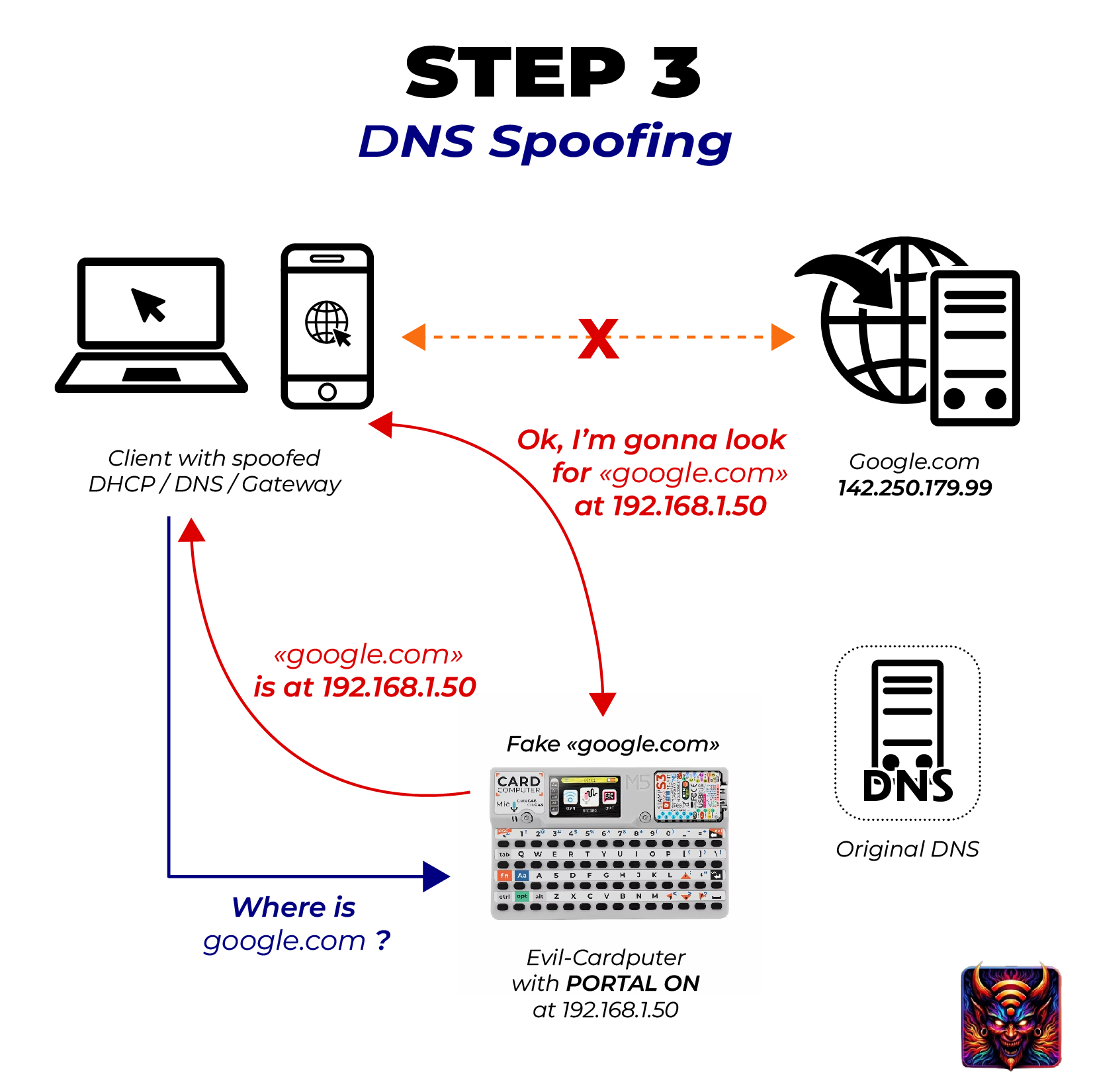
So the realistic wins are serious but narrower than the movie version: reading plain HTTP, redirecting unprotected or first-visit sites, and above all standing up a captive portal to harvest a password that the victim types in willingly. It rarely amounts to silently reading someone’s whole encrypted session. That gap between what it can grab and what people imagine it grabs is worth holding onto, because it is also what tells you which defenses actually matter.
Who actually pulls this off
This is not a « from the parking lot » attack, and that constraint is the whole point. The attacker has to already be on the network, which in a surprising number of real situations is not much of a barrier. A thief on a cafe’s open Wi-Fi can stand up a rogue server and funnel everyone onto a captive portal that harvests logins. A guest or contractor on your office Wi-Fi, a quietly compromised printer, or a laptop plugged into a meeting-room network jack can do exactly the same thing from the inside, with nobody the wiser.

In penetration tests it is a favourite first move the moment the tester gets a foothold on the local network: become the DHCP server, become the DNS, and simply watch where everyone’s traffic tries to go. It needs no credentials and no software vulnerability, and on a flat network with none of the protections turned on, it almost always works on the first try. That reliability, not sophistication, is why it stays in every tester’s kit.
One couch away
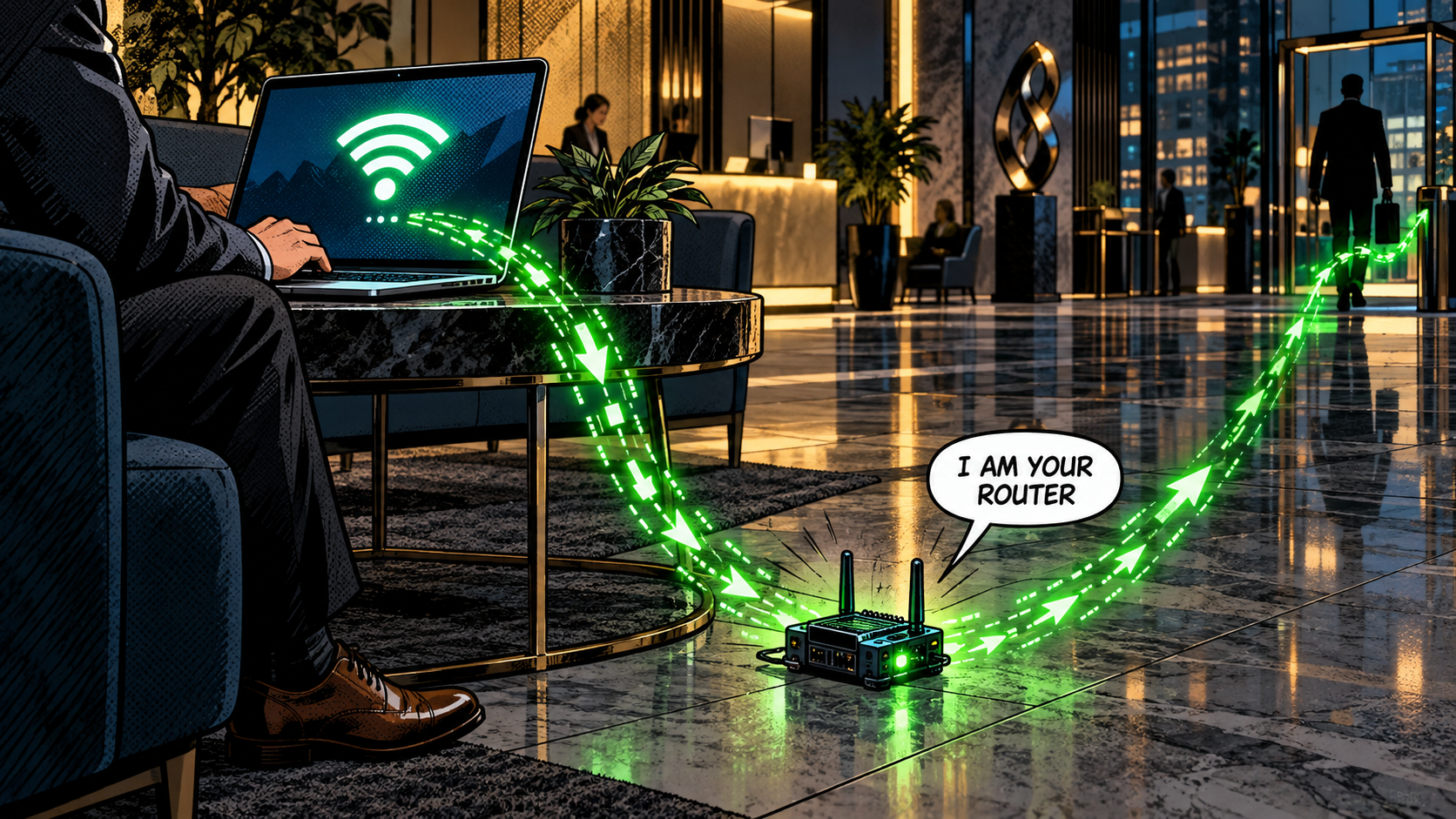
Say you are Leila, starting a new contract, and you join the open guest Wi-Fi in the lobby while you wait for someone to come down and collect you. Someone else sitting in that lobby has a Cardputer running a rogue DHCP server. When your laptop asks the network to set it up, their device answers a hair faster than the real one and quietly makes itself your gateway and your DNS. Most of your apps just feel slow and glitchy, which you put down to the usual bad lobby Wi-Fi and stop thinking about.

Then you open the HR portal to sign your paperwork. It is one of those internal company sites nobody ever bothered to set HSTS on, so when the attacker’s DNS sends you to a look-alike page, your browser only shows a « your connection is not private » warning rather than refusing outright. You are in a hurry, the page looks right, you click through the warning to save ten seconds, and you type your brand-new username and password into it. Those credentials never reached HR. They stopped one couch away, in a file on a stranger’s little gadget, and you went back to waiting without a single sign that anything had gone wrong.
Why it works
DHCP comes from a friendlier era, when a network meant a room full of trusted machines that all belonged to the same organisation. It was never given any way to prove that an answer came from the real server, because at the time the question simply did not come up, and that original assumption was never fixed so much as papered over with defenses bolted on afterwards. The protocol still trusts the first voice that answers.

Put that trust-by-default onto a modern flat network, where every device can talk to every other one and guests, contractors, and random gadgets share the same wire, and a single rogue box can reroute the entire room. The attack is not clever, it is just standing in a spot the designers assumed would always be safe, which is the same quiet shape behind a lot of the attacks in this series: a system trusting where a message came from instead of checking who actually sent it.
How to shut it down
The good news is that the fixes are well understood and they live almost entirely on the network side, which means the people who run the network can close this off cleanly for everyone on it.
If you run the network
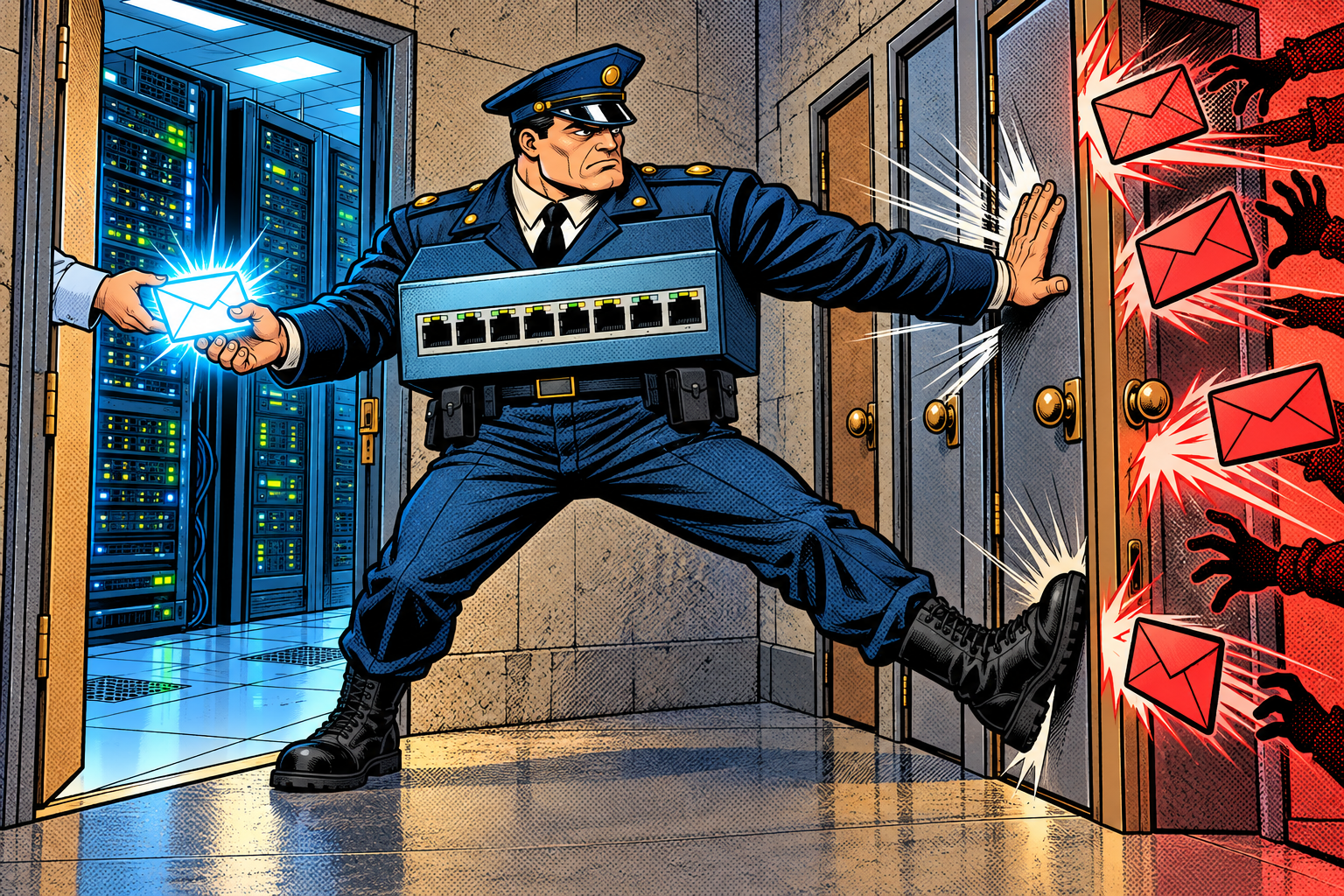
- Turn on DHCP snooping. This is the real fix. On a managed switch (the kind a company’s IT team configures), it only believes DHCP replies coming from the one port where the real server actually lives, and silently drops rogue replies from everywhere else, which ends the race before it starts.
- Pair it with Dynamic ARP Inspection and port security. Dynamic ARP Inspection blocks the closely related trick of ARP spoofing, where a device claims to be the gateway by a different route, and port security (a cap on how many devices a single switch port will accept) chokes off the fake-address flood that DHCP starvation relies on.
- Control who gets onto the network at all. 802.1X, a port-based login standard and the usual backbone of network access control, makes a device authenticate before it can send a single packet, so an unknown gadget never gets to play in the first place.
- Put guests and untrusted devices on their own separate segment (a VLAN), so that even a rogue server there cannot reach your real users.
- Watch for it. More than one DHCP server answering is a red flag. You can probe for it on purpose (tools like dhcping, or nmap’s broadcast-dhcp-discover), or simply read your switch’s DHCP-snooping logs.
- Remember the IPv6 twist. DHCP snooping only guards the old IPv4 addressing system, and modern networks usually run IPv6 right alongside it, where an attacker can play the same « I am your router » trick with rogue Router Advertisements even with snooping set up perfectly. The matching defense is RA Guard, so turn that on too.
If you are just a user
- Treat any network you do not control as hostile, and open guest Wi-Fi most of all. Keep a VPN on, because once it is up your traffic rides a sealed tunnel to the VPN server and being your gateway earns the attacker a lot less.
- Never click through a certificate warning, and do not type a password into a page that popped up or looked even slightly off. That warning is very often the only sign the DNS underneath you is quietly lying.
- Turn on encrypted DNS (it hides which sites you look up) and set it to strict mode if your browser or phone offers it, which tells your device to refuse rather than fall back when that protection gets blocked. Look for « Secure DNS » in the settings.
Doing it with the Evil-M5Project
The point of the demo is to show how little it takes once you are on a network, always using a lab network you control. Evil-M5Project, the firmware I build, runs the whole chain on an M5Cardputer, with step-by-step prompts so you can narrate each stage while someone watches it happen.
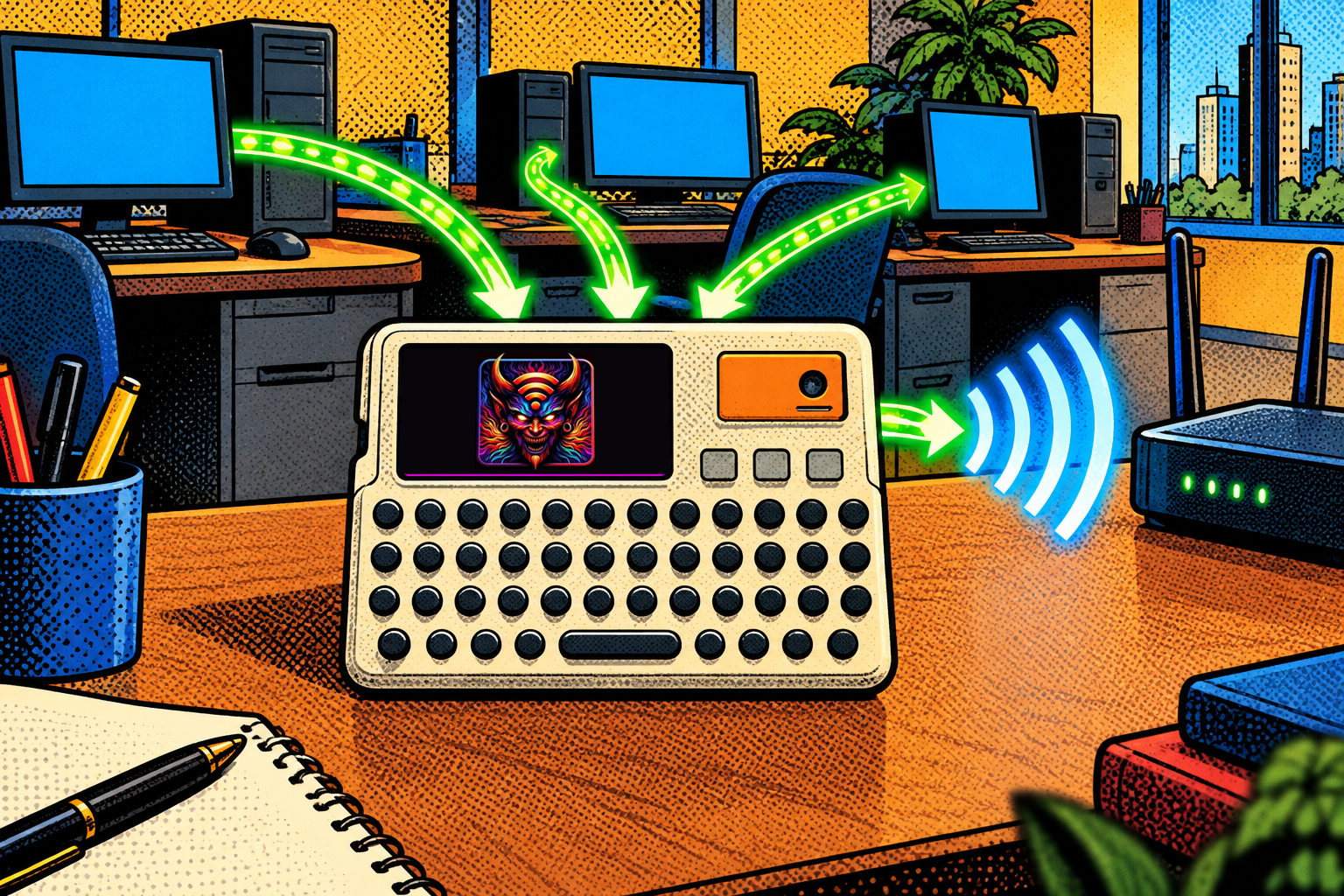
- DHCP Starvation floods the real DHCP server with fake requests to drain its pool of addresses, so the real server runs dry and goes quiet.
- Rogue DHCP Server then answers the setup requests itself, handing out a configuration that makes the Cardputer the gateway and the DNS. It can skip starvation entirely and simply beat the real server to the reply when that one is slow.
- Switch DNS turns on DNS spoofing so that name lookups on the connected network resolve to the Cardputer, landing anyone on its captive portal. Any plain HTTP request without HSTS ends up there.
- Network Hijacking is the one-button version: it runs starvation, rogue DHCP, the portal, and DNS spoofing in order, with prompts at each stage so you can explain what is happening as it happens.
The honest limits are the whole lesson. You have to be on the network already, because this is not a remote attack, it is what someone does once they are inside. A managed switch with DHCP snooping, plus RA Guard for IPv6, shuts it down flat. HTTPS and HSTS cap what the DNS spoofing can achieve, so the reliable payoff is the captive portal rather than silently reading encrypted traffic, and pointing DNS at a tiny device tends to break normal browsing rather than quietly proxy it. It is one small gadget, suited to a demo or an authorized test, not something that quietly runs a large production network.
Evil-M5Project is for ethical and educational use only. Only run rogue DHCP, starvation, or DNS spoofing against networks you own or are explicitly authorized to test, and follow the laws where you are.
Firmware and docs: https://github.com/7h30th3r0n3/Evil-M5Project.
Nobody checks the plumbing
A rogue DHCP attack is a clean reminder that a network trusts its own plumbing by default. Nobody checks who answered the « set me up » question, so whoever answers first can quietly become your way out to the internet, and nothing about it looks like an attack while it is happening. The fixes are well understood and they live on the network side: DHCP snooping, RA Guard, segmented guests, and controlling who gets on in the first place.

As a user, I treat any network I do not run as something that might be lying to me. I keep a VPN up, and I have never once talked myself into clicking past a certificate warning to save ten seconds, because that warning is the network trying to tell me the truth while something else tries to hide it. Neither should you.
Laisser un commentaire
Vous devez vous connecter pour publier un commentaire.