TL;DR
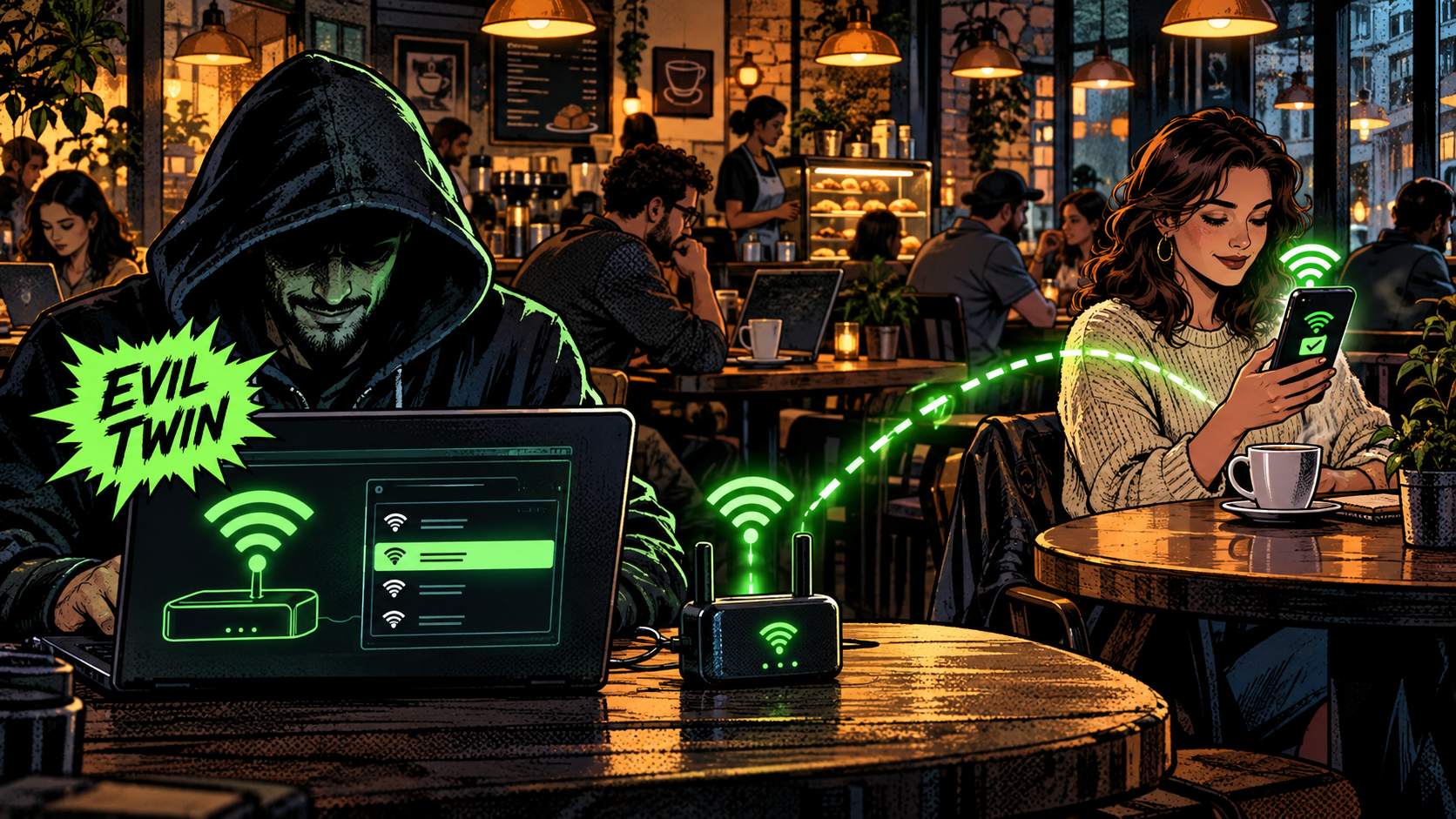
You trust a Wi-Fi network for essentially one reason: its name looks familiar. Airport_Free_WiFi at the airport, DailyGrind_Guest at the cafe, your own network name at home. That single habit, trusting a name, is the entire weakness an Evil Twin exploits. An attacker stands up a second access point broadcasting the exact same name as a network you trust, gives your device a small shove off the real one, and your phone reconnects to the clone all by itself, usually because the clone is sitting closer with a stronger signal.
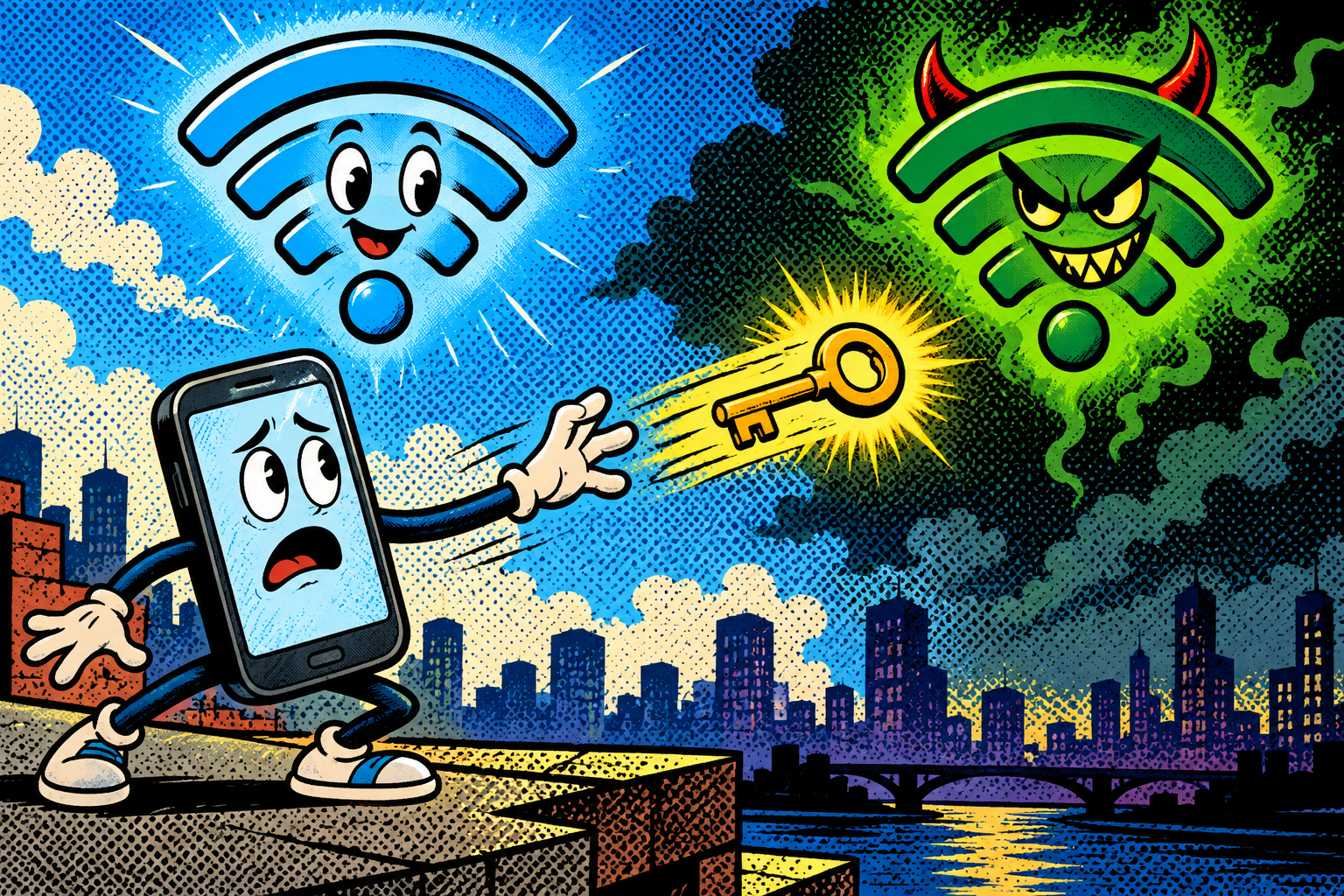
Once you are on the twin, the attacker sits between you and the internet, and the login page that pops up asking for your email and password is theirs, not the venue’s. Properly encrypted sites still hold, so the real prize is whatever you type into that fake page. I build this into the Evil-M5Project to show, on someone’s own phone in a controlled room, how little it actually takes. The fix is almost insultingly low-tech, and I will get to it, but the short version is this: do not trust open Wi-Fi, and never hand a real password to a page that popped up asking for one.
The free Wi-Fi that was never the airport’s
You land somewhere after a long flight, tired, and all you want is Wi-Fi. You open the network list and there it is, Airport_Free_WiFi, strong signal, no password needed. You tap it, a login page appears asking for your email to get online, you type it in, and you are connected. Simple, familiar, the same little dance you have done in a hundred airports before.
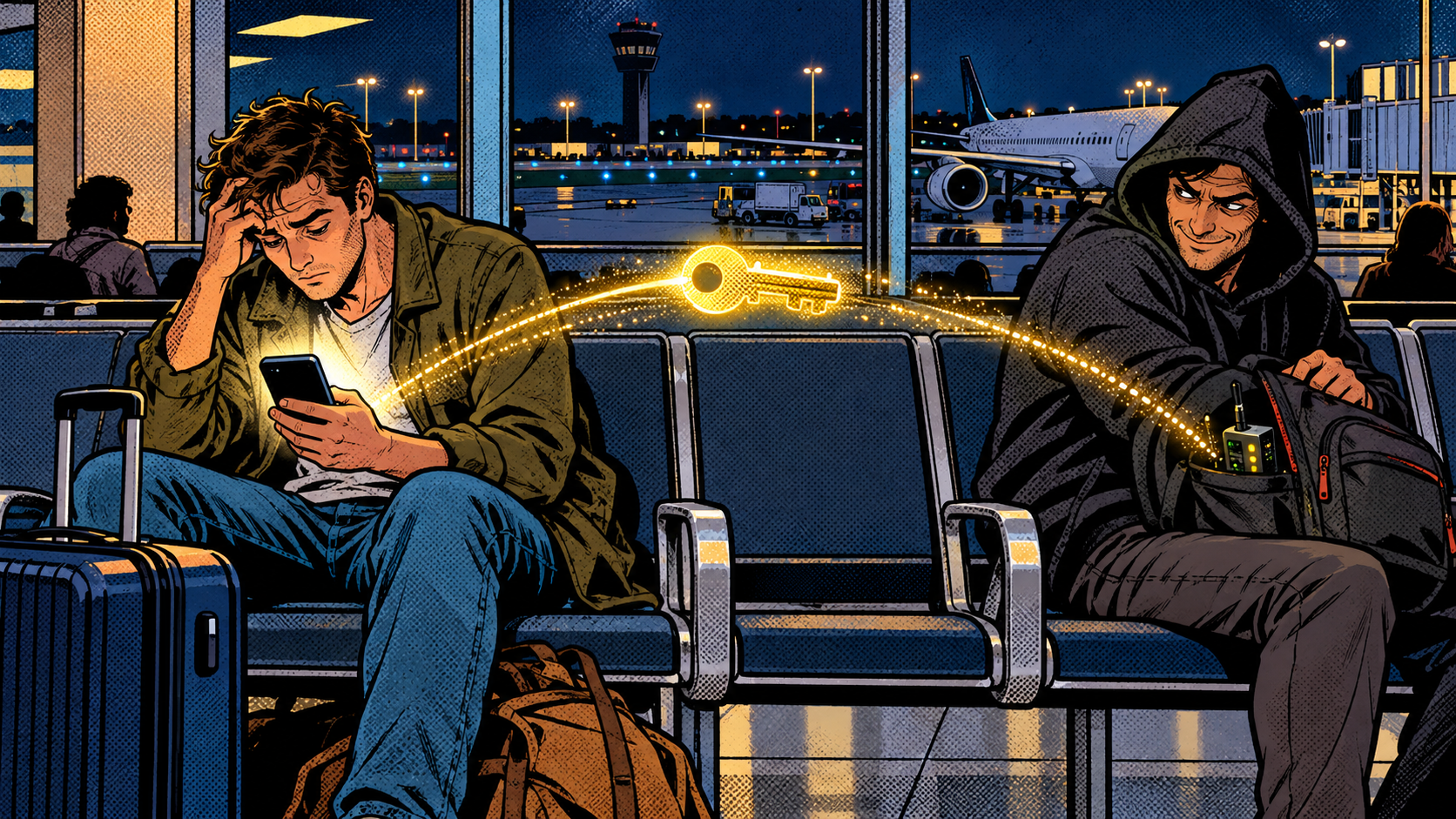
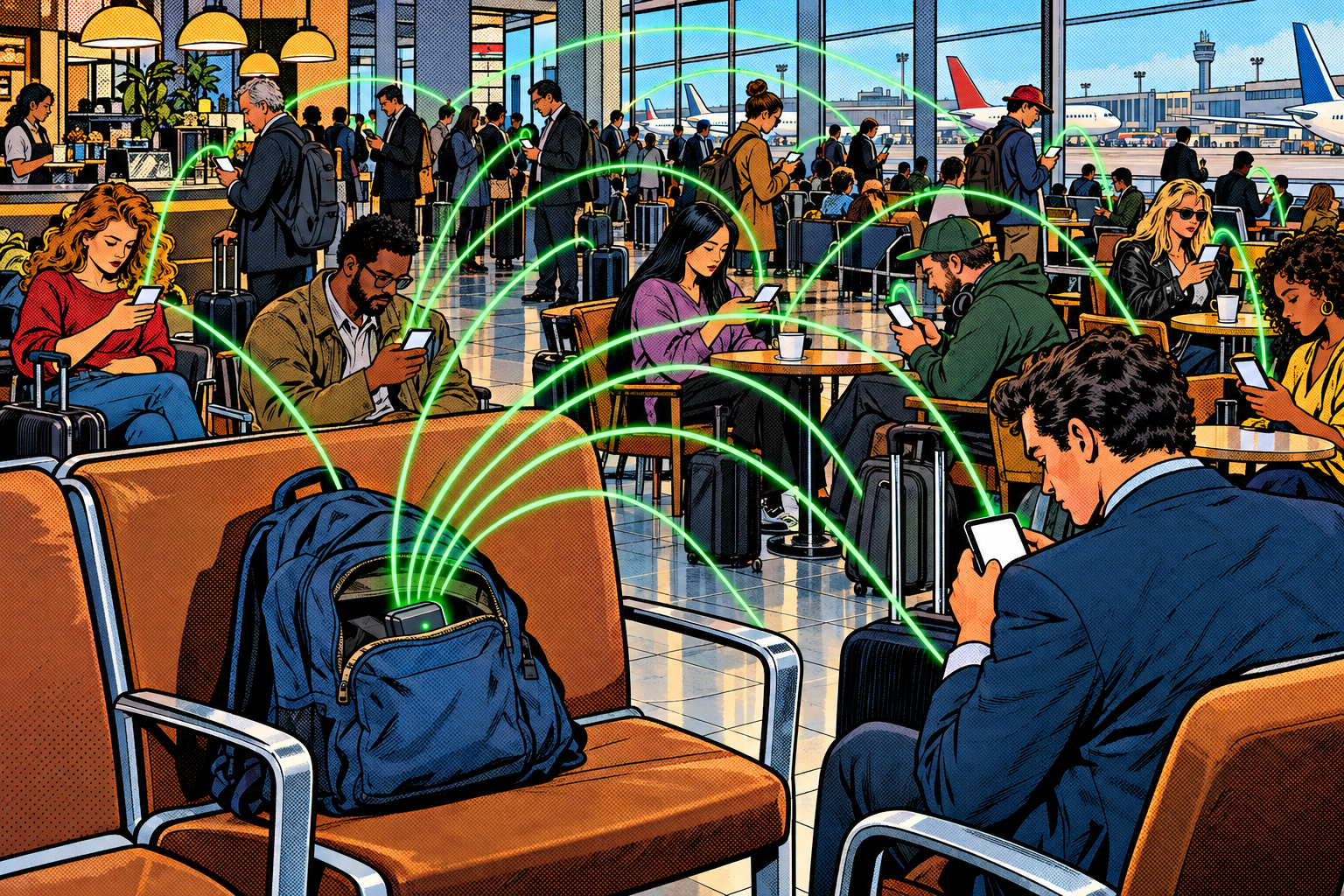
Except that network was never the airport’s. It was a small device sitting in a backpack two seats down, and the login page you just filled in handed your details straight to a stranger. That is an Evil Twin attack, one of the oldest tricks in wireless hacking, and it still works in 2026 for a simple reason: it does not attack the Wi-Fi at all. It attacks the assumption you made the instant you saw a name you recognised. Let me take the whole thing apart, from the mechanism underneath to how it feels from the victim’s chair, how I demo it on an Evil-M5Project, and how to keep it off your own devices.
How your phone decides to trust a Wi-Fi network
Start with the uncomfortable foundation. A Wi-Fi network is identified mostly by its name, the SSID, and that name is very nearly all your phone gives you to judge it on. You see a word and a signal bar. Nothing in that list actually proves that Airport_Free_WiFi belongs to the airport, or that DailyGrind_Guest belongs to the cafe. The name is a label anyone can print, not a credential anyone had to earn, and your device has no way to ask for proof.

Open networks make this worse, because with no password there is nothing at all to prove, so anyone within radio range can stand up a network with that exact name and your device cannot object. A password-protected network is genuinely harder to fake than it looks: when your device joins one, both sides have to prove they know the password, and a clone that does not have it cannot finish the connection. That is why open public Wi-Fi, with no secret to check, is the easy target, and it is also why a password taped to the cafe wall or printed on your receipt buys you almost nothing, because the attacker simply reads it off the wall and reuses it. The protection lasts exactly as long as the password stays secret. Strip all of that away and an Evil Twin is really just one quiet assumption turned against you: that a familiar name means a safe network.
What an Evil Twin actually is
The attack itself is blunt. The attacker copies the name of a network you trust and starts their own access point broadcasting it. An access point is just the box that puts a Wi-Fi network on the air, so now there are two networks shouting the identical name, and one of them is the attacker’s. That clone is the twin, and from your phone’s point of view it is indistinguishable from the original.
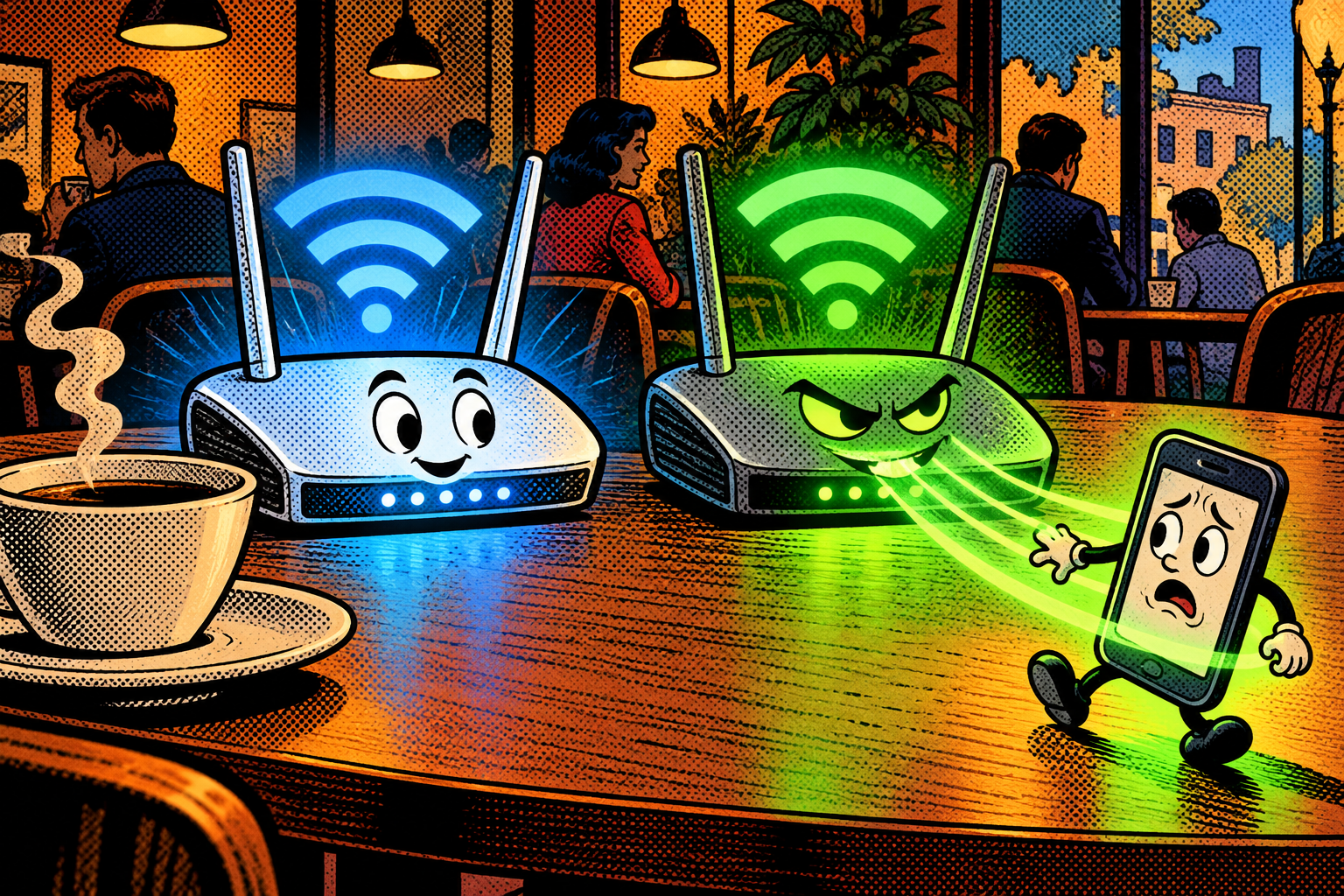
To make your device actually pick the twin rather than the real one, they usually add a second move: they fire deauthentication frames at the real access point. A deauth frame is that same tiny management message meaning « you have been disconnected, » and because most networks do nothing to prove who sent it, anyone nearby can forge one aimed at your device or at the router. Kicked off the real network, your device immediately goes hunting for the same name again and latches onto the attacker’s clone, which is sitting right beside you with a nice strong signal. From your side it looks like the Wi-Fi dropped for a second and came back. From the attacker’s side, you just walked into their living room, and the door locked behind you.
Technical deep dive: the shove, the channel, and the fake login
Here is the machinery, for anyone who wants to understand it rather than just avoid it. You can skim this section and still be perfectly safe, but it is worth seeing once, because three pieces have to line up for a clean Evil Twin: the shove, the channel, and the portal.
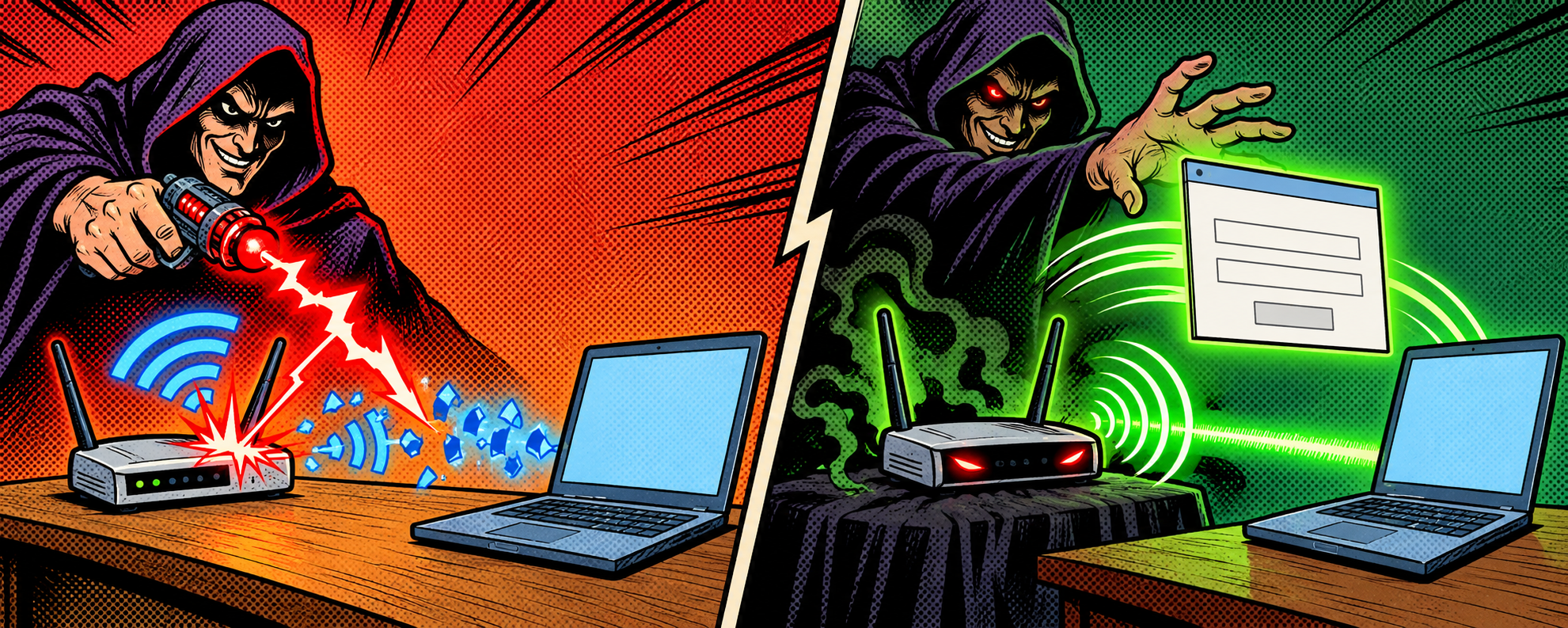
The shove is the deauth, an 802.11 management frame, subtype 0x0C, sent either to your specific device or broadcast to everyone on the real access point. Nothing in it is signed or verified, so forging it is trivial, and that single technical fact is what the whole attack rests on. The channel matters because a Wi-Fi radio can only listen on one channel at a time, so the attacker parks their clone on the same channel as the real network. It has to be there both to land its deauth frames and to catch your device when it comes looking, and that constraint is also why a single cheap radio covers only a small area and a handful of victims at once rather than a whole building.
The portal is the clever bit. Once you are on the twin, the attacker runs the gateway, the doorway all your traffic passes through, and the DNS, the address book that turns your-bank.com into a number, so they get to decide where your requests actually go. Properly encrypted HTTPS sites still hold up: the attacker cannot read what you send, and faking one trips a certificate warning in your browser because the clone cannot produce the genuine site’s digital ID card. What they can do instead is exploit a small behaviour built into your phone. When your device joins any network it quietly loads a known test page in the background, something like captive.apple.com on an iPhone, purely to check whether the internet is really reachable. On the twin, the attacker’s DNS answers that check with their own page, and your phone helpfully presents it to you as the « Wi-Fi login. » Real captive portals work the exact same way, which is precisely why the fake one does not feel off. You are not being fooled by a clumsy forgery, you are being shown the real mechanism pointed at the wrong server.
What the attacker gets out of it
Sitting in the middle with that fake portal in hand, the attacker’s options are grimly practical. They can read or change anything you send without encryption, which on older or sloppily built sites is still more than it should be. They can show you a login or captive portal and simply keep whatever you type into it. They can quietly redirect you to look-alike pages, or push a fake « update required » prompt that is really malware wearing the costume of routine housekeeping.
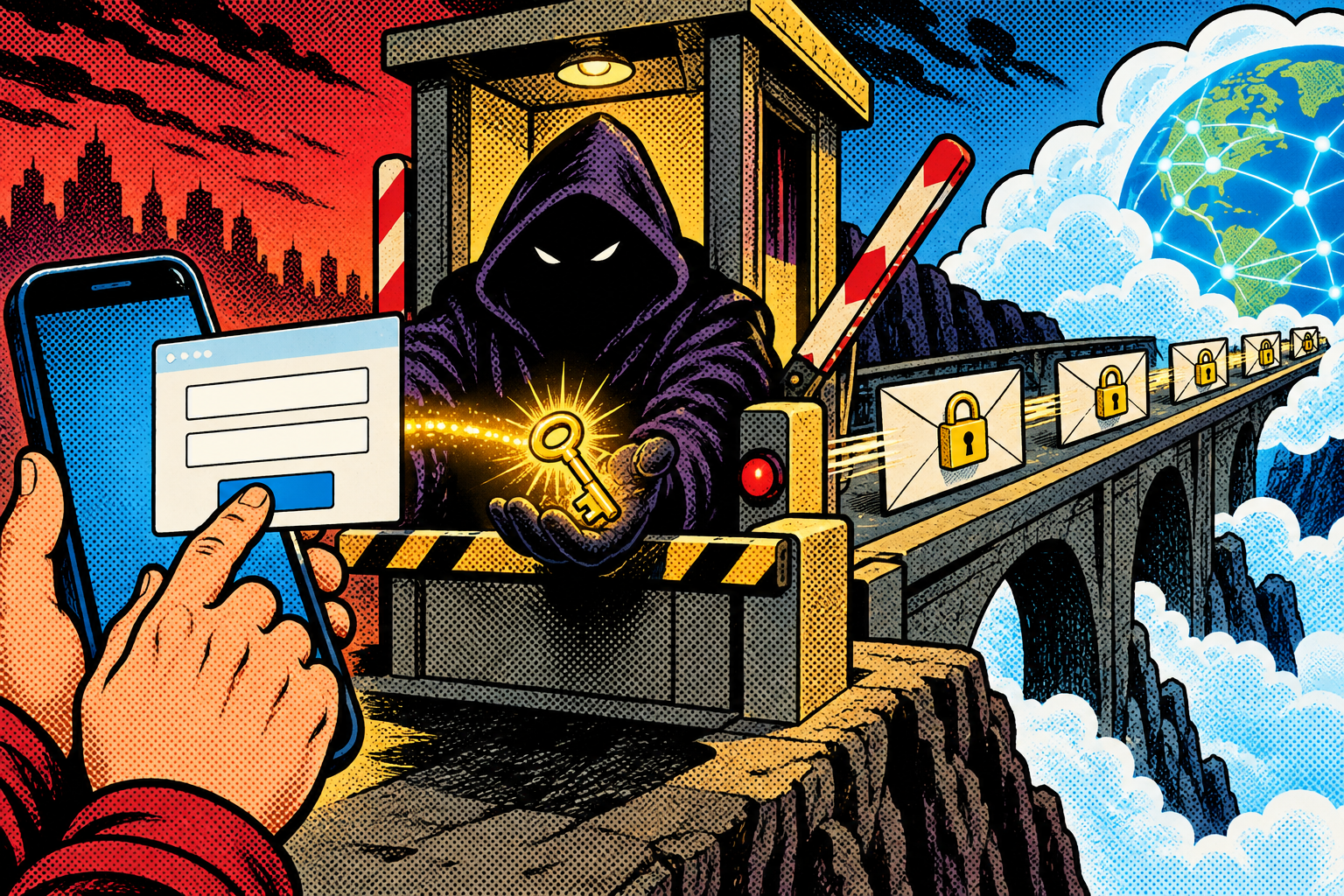
The quiet, nastier payoff is reuse. Everything you hand the portal gets written to a file on their device, and because most people lean on the same handful of passwords everywhere, one email-and-password captured on cafe Wi-Fi becomes a key that gets tried against your mail, your bank, your social accounts, and your work login. The Evil Twin never needs to break into all of those itself. It only needs you to type one password you use elsewhere into one page you trusted for ten seconds, and the rest is just someone patiently trying that key in other locks.
Where you meet it in the real world
You meet it anywhere people expect free Wi-Fi and will not think twice about a familiar name: airports, hotels, cafes, conferences, shopping malls, train stations. For a criminal it is a cheap, low-effort way to scoop email, social, and banking logins out of a moving crowd, and because the hardware fits in a bag and leaves almost no trace behind, it is easy to deny and hard to pin on anyone in particular.
There is a targeted version too, and it is the one that shows up in professional work. Someone parks near a specific company, clones the corporate network’s name, and waits for employee laptops to reconnect to it on their own. The exact same attack is a routine, authorized step in penetration tests, used to show a client how quickly their staff will hand a password to a login box that merely looks right. Cheap, deniable, and effective against habits rather than hardware: that combination is most of the reason this attack simply refuses to die, decades after it was first described.
View from a victim
Say you are Sarah, working from a busy cafe called the Daily Grind on its free Wi-Fi, DailyGrind_Guest. You connect, a page asks for your email to get online, you type it, and you settle in with your coffee and your to-do list. Two tables over, someone has an Evil-M5Project running quietly in a jacket pocket. It cloned DailyGrind_Guest a few minutes before you arrived, and it has been gently deauthing the real access point the whole time you have been sitting there.
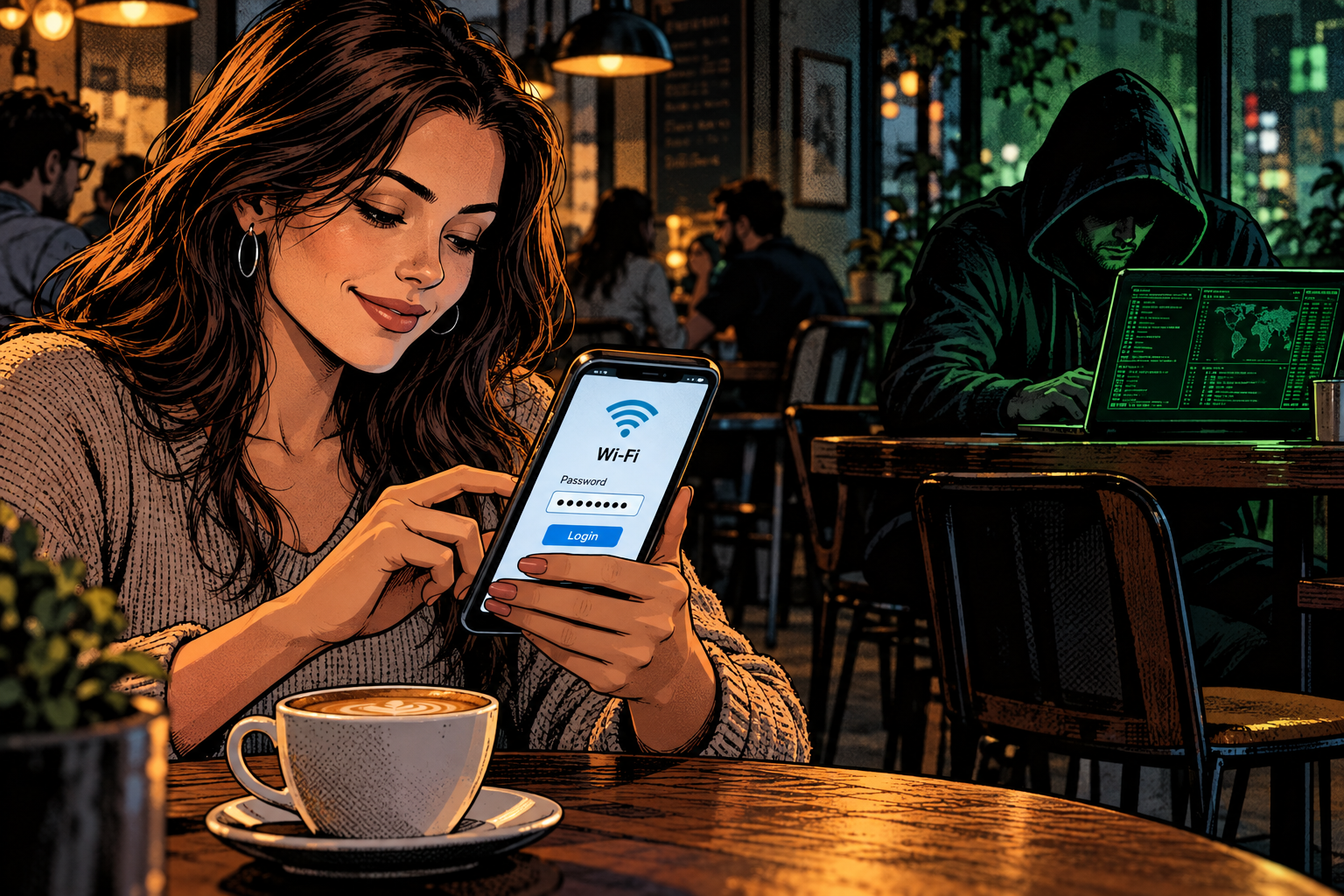
Your connection drops for a second, the way cafe Wi-Fi always seems to. Your phone, still hunting for DailyGrind_Guest, reconnects on its own, this time to the clone two tables away with the stronger signal. The login page comes back, identical to the one before. You read it as the Wi-Fi hiccuping, so you re-enter your email and the password you also happen to use for three other sites, and you go back to work. Those two lines are now in a file two tables away. Your browser never warned you, nothing looked wrong for a single second, and you finish your coffee and leave while a stranger quietly pockets a working password that opens four of your accounts.
Why it works
None of this is a clever exploit or a secret flaw buried in the Wi-Fi standard. It works because it leans on two perfectly ordinary habits that almost everyone shares. The first is human: you trust a name you recognise, because recognising names is how you move through the world and it almost always serves you well. The second is technical: your device trusts those old disconnect messages because nothing in the protocol ever checks them, a design decision from an era when nobody imagined the person sitting next to you might be hostile.
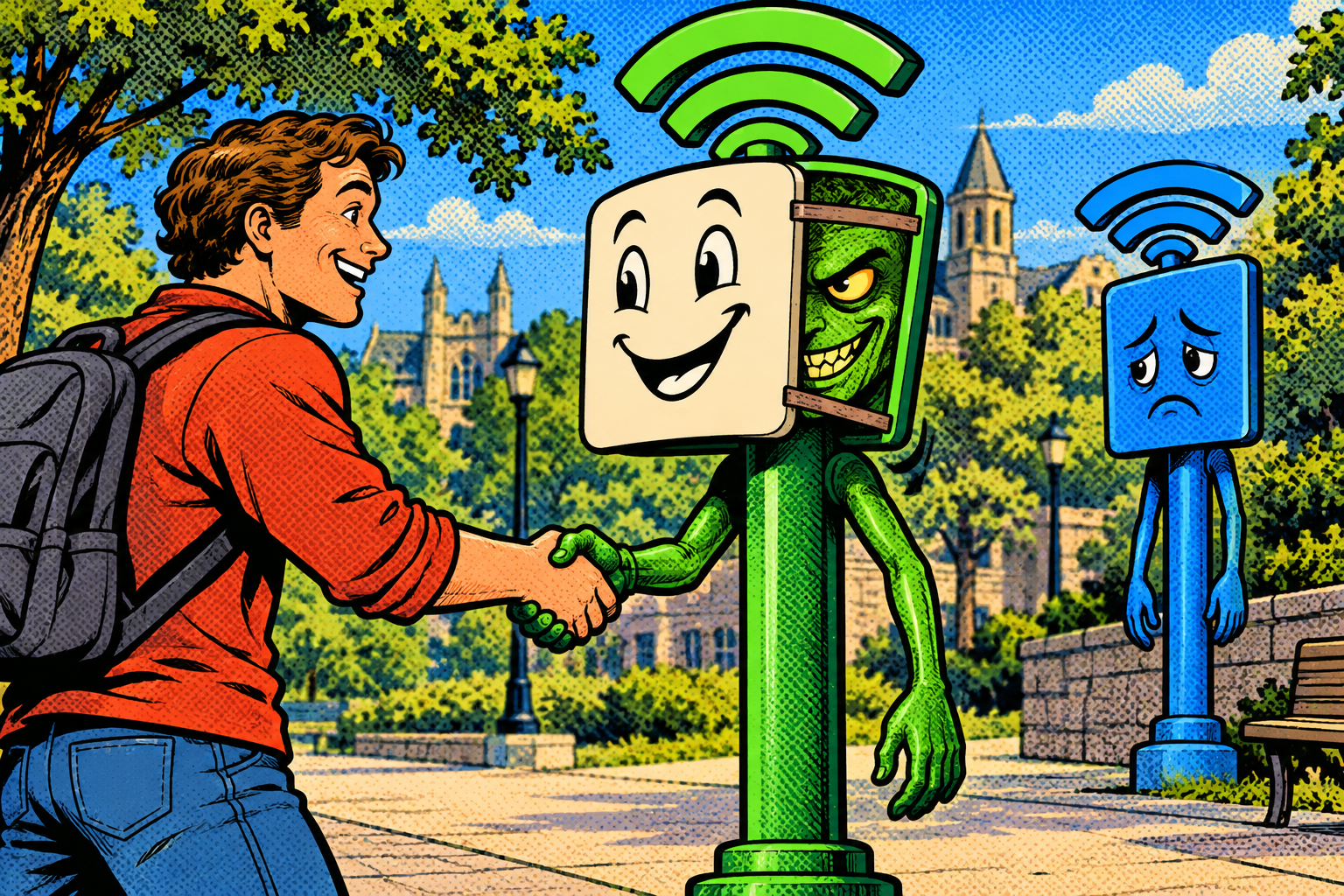
A borrowed name and one shove off the real network is enough to drop a stranger between you and the login page you trust, and the reason it keeps working is that neither habit feels like a mistake in the moment. Trusting a familiar network name is not stupid, and your phone reconnecting on its own is a convenience you rely on every single day. The attack just plants itself in the exact spot where those two reasonable behaviours meet, and waits.
How to protect yourself
The reassuring part is that because the attack targets habits rather than some deep cryptographic flaw, the defenses are just as low-tech, and most of the weight falls on a couple of small changes to how you behave on networks you cannot verify.

If you use public Wi-Fi
- Treat open public Wi-Fi as hostile by default. For anything that matters, your phone’s mobile data or a personal hotspot beats a free network you have no way to verify, and the convenience you give up is small next to a reused password walking out the door.
- Never type a real password into a Wi-Fi login page. A genuine captive portal almost never needs your email or your bank password to let you online. If one asks for it, that is the moment to stop, not the moment to assume the cafe got fancy.
- Watch the padlock. Stick to HTTPS sites, and never click through a « your connection is not private » warning on a network you do not fully trust, because that warning is very often the only sign that anything is wrong at all.
- A VPN helps, with a catch worth understanding. Once it connects it wraps your traffic in a sealed tunnel up to the VPN server, so a twin cannot read what you browse. But it only starts after you are already on the network and past any portal, so it does nothing for a password you type into a fake login before the tunnel is even up. It is one layer, not the whole answer.
- Turn off auto-join for public networks and make your phone forget the ones you will not use again, so it stops silently reconnecting on its own to whatever is shouting a familiar name the loudest.
- Turn on encrypted DNS (DNS-over-HTTPS, an option in most modern browsers and phones), and set it to strict mode if the option exists. A hostile network can block encrypted DNS and shove your device back onto the network’s own, so without strict mode it only makes a twin’s job a little harder rather than impossible.
- Keep your devices updated. Newer phones already push back: they will not silently auto-join an unknown open network, they flag « weak security, » and they treat a network whose security type suddenly changed as a different one, which quietly defuses several versions of this attack.
If you run a network
- Turn on WPA3, the latest Wi-Fi security standard, or at least Protected Management Frames (802.11w), on any gear that supports it. It signs those disconnect messages so forged deauths get ignored, which kills the forced-reconnect half of the attack outright. It will not help an open guest network and it cannot protect open public Wi-Fi, so it is a fix for networks you control, not the cafe down the street.
- For a company, use an enterprise login setup (WPA2 or WPA3-Enterprise with 802.1X) that makes the network prove its own identity to each laptop before the laptop agrees to trust it. The catch is that it only helps if the devices are actually configured to check that identity, the server certificate. If they are set to skip the check, a clone still sails through, which is exactly why this turns up as a finding in pentest after pentest.
- Watch for rogue access points. A wireless monitoring setup (a WIDS or WIPS) can spot a second access point broadcasting your network’s name and flag it before anyone’s credentials walk off.
Running it yourself with the Evil-M5Project
As part of my work I build Evil-M5Project, the firmware behind all of this, and I usually run it on an M5Cardputer, a little ESP32 pocket computer. The Evil Twin module exists to make the attack real in a controlled room, on people’s own devices and with their knowledge, so the lesson actually lands instead of staying a slide in a deck. Here is roughly how a demo goes.
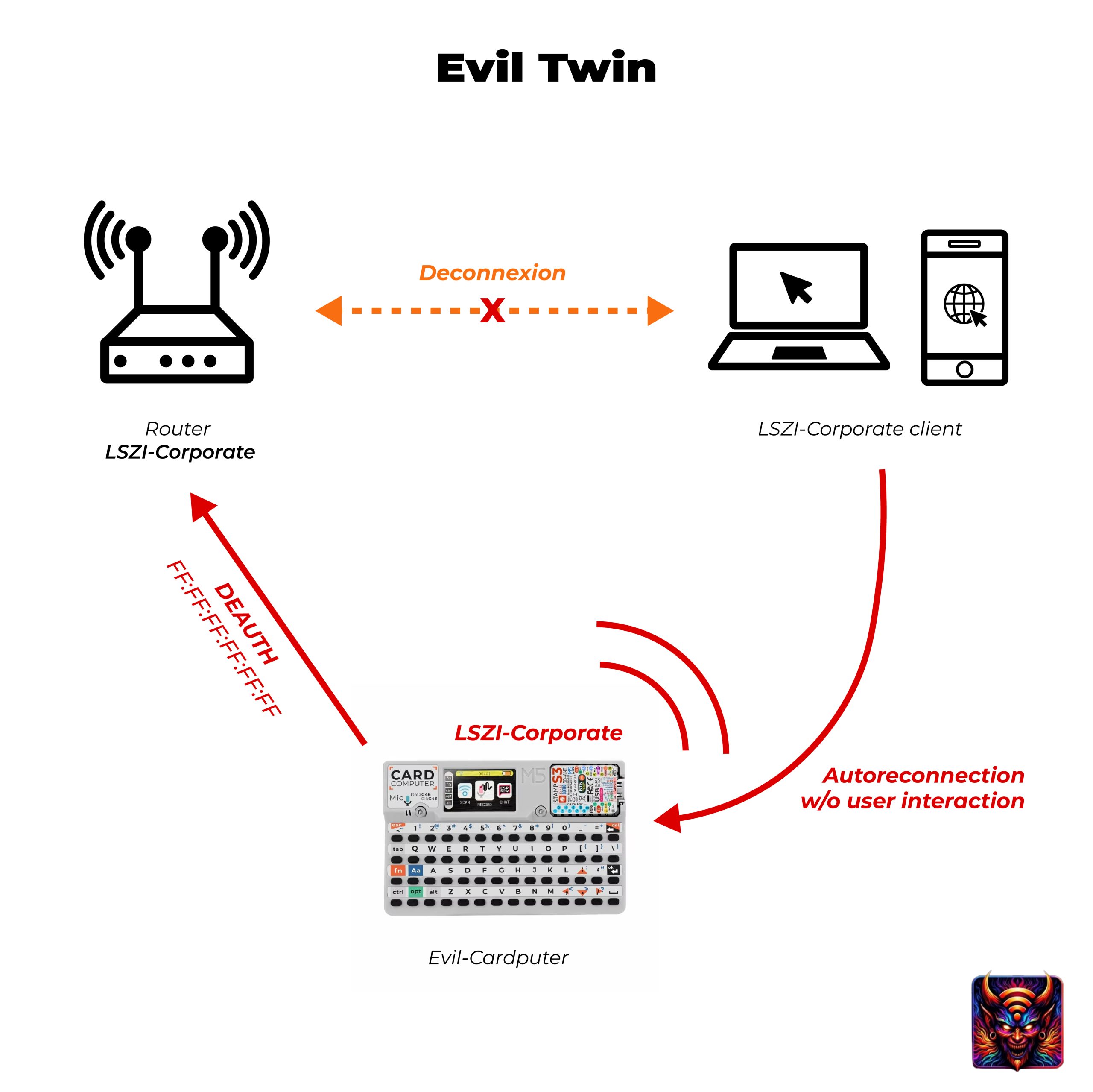
- Scan and pick a target, always using a network you own. The Clone & Details screen shows its name, its channel (which slice of the airwaves it sits on), its security type, and its BSSID (the unique hardware ID of that specific access point).
- Launch the Evil Twin. The Cardputer clones the name and starts a fake access point with a captive portal. It runs as a network and a client at the same time (AP plus STA), so it can host the clone while injecting deauth frames at the real access point.
- It parks on the real network’s channel, because the ESP32 has a single radio and can only sit on one channel at once, and it needs to be there both to land its deauth frames and to host the clone where the kicked-off device comes looking.
- It floods deauth frames at the real access point and shows live stats on screen: the deauth count and how many devices have joined the clone. A test device, pushed off the real network, reconnects to the twin and lands on the captive portal, and whatever is typed there is saved to
/evil/credentials.txton the SD card, readable on the Check Credential screen or from the Admin WebUI.
The limits matter, because it is not magic. Devices do not always jump to the twin: it depends on the phone’s operating system, whether the network was ever saved, and whether anyone actually touches the portal, and newer phones are increasingly wary of open clones. One ESP32 has a single radio, so it covers a small area and a handful of clients on one channel at a time, which makes it an awareness and testing tool rather than something that blankets a city block. And on WPA3 or Protected Management Frames networks the deauth push mostly stops working, which is not a weakness of the tool but the entire point: the fix already exists, and this is how you show someone, on their own phone, why it matters.
Evil-M5Project is for ethical and educational use only. Only clone, deauth, or run a portal against networks and devices you own or are explicitly authorized to test, and follow the laws where you are.
Firmware and docs: https://github.com/7h30th3r0n3/Evil-M5Project.
The weak point is human, not the Wi-Fi
None of this is a clever exploit or a secret flaw in Wi-Fi. It leans on two ordinary habits: you trust a name you recognise, and your device trusts those old disconnect messages that nothing checks. A borrowed name and one shove off the real network is enough to drop a stranger between you and the login page you trust. The upside, and it is a real one, is that the fixes are just as low-tech as the attack: do not trust open Wi-Fi, and never feed a real password to a page that popped up asking for one. Once you have watched it happen once, in a room, on your own phone, it mostly stops working on you, because the habit it preys on is finally one you are paying attention to. That is exactly why I keep building this.
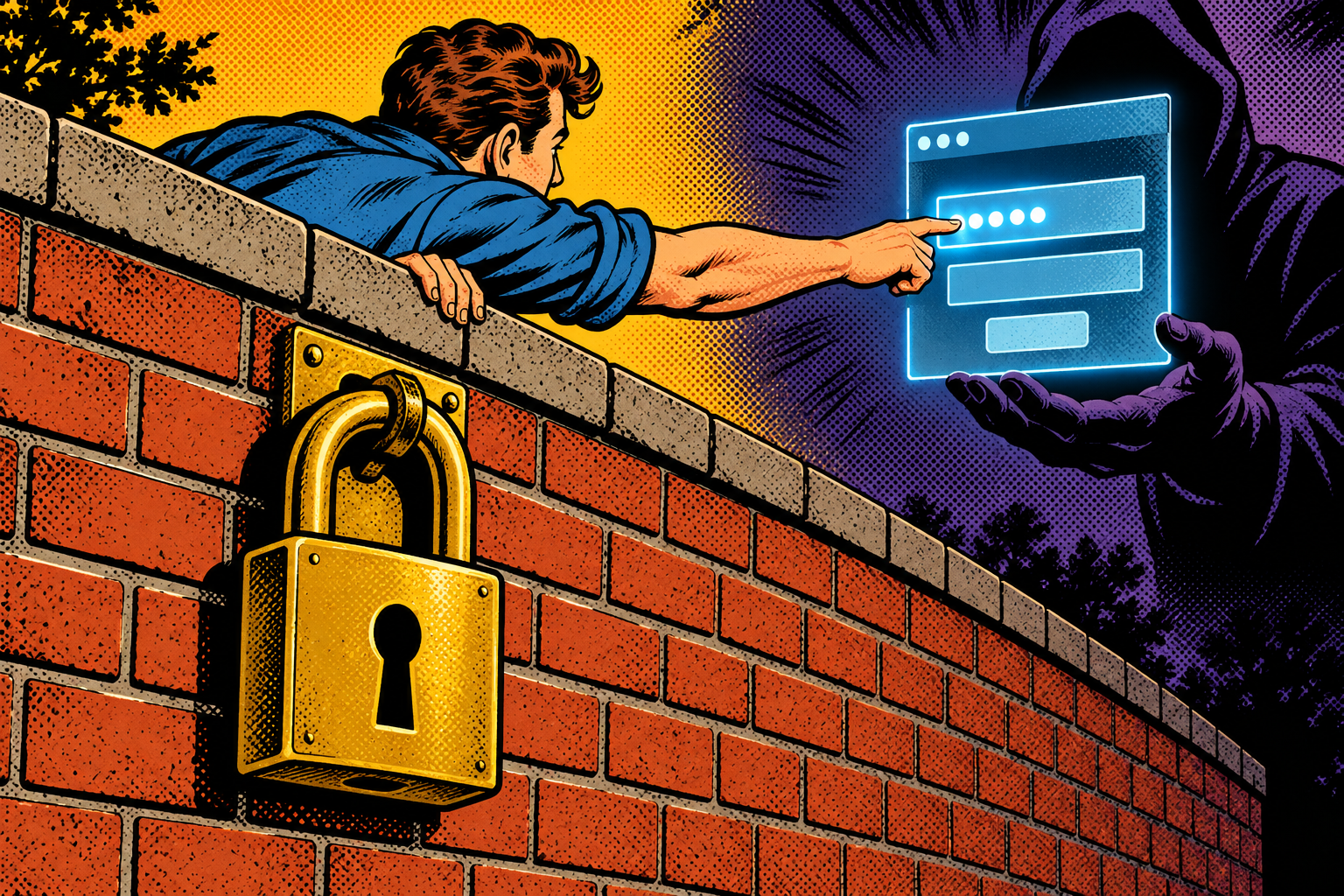
If you want the close cousin of this attack, where instead of copying one specific network the attacker’s box answers « yes, that is me » to whatever name your phone calls out for, I wrote about it in Does your Machine have a Good or Bad Karma?
Laisser un commentaire
Vous devez vous connecter pour publier un commentaire.